Participating Frequently
November 27, 2020
Question

track matte key - why is it moving

  • November 27, 2020
  • 3 replies
  • 3580 views

hi all,


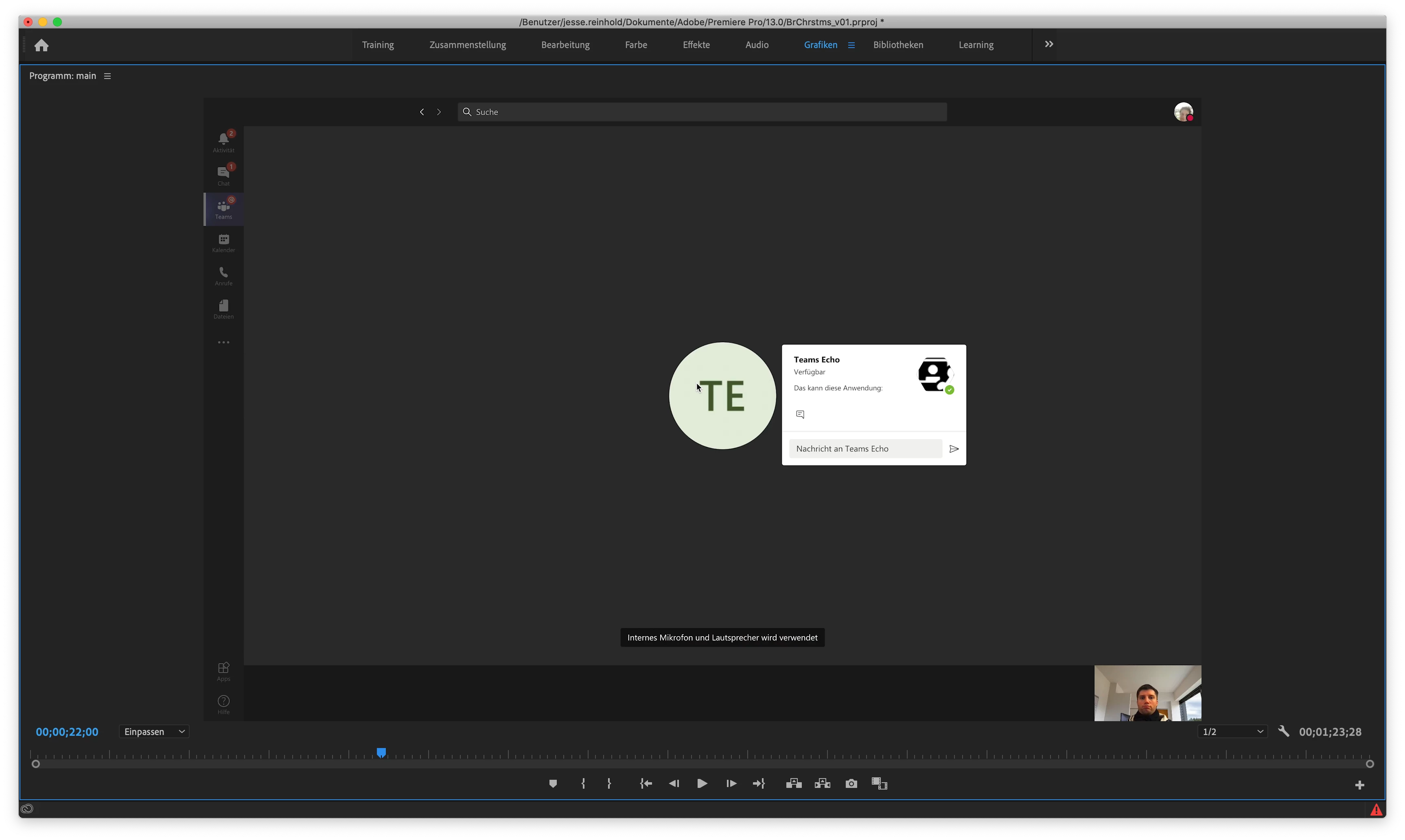
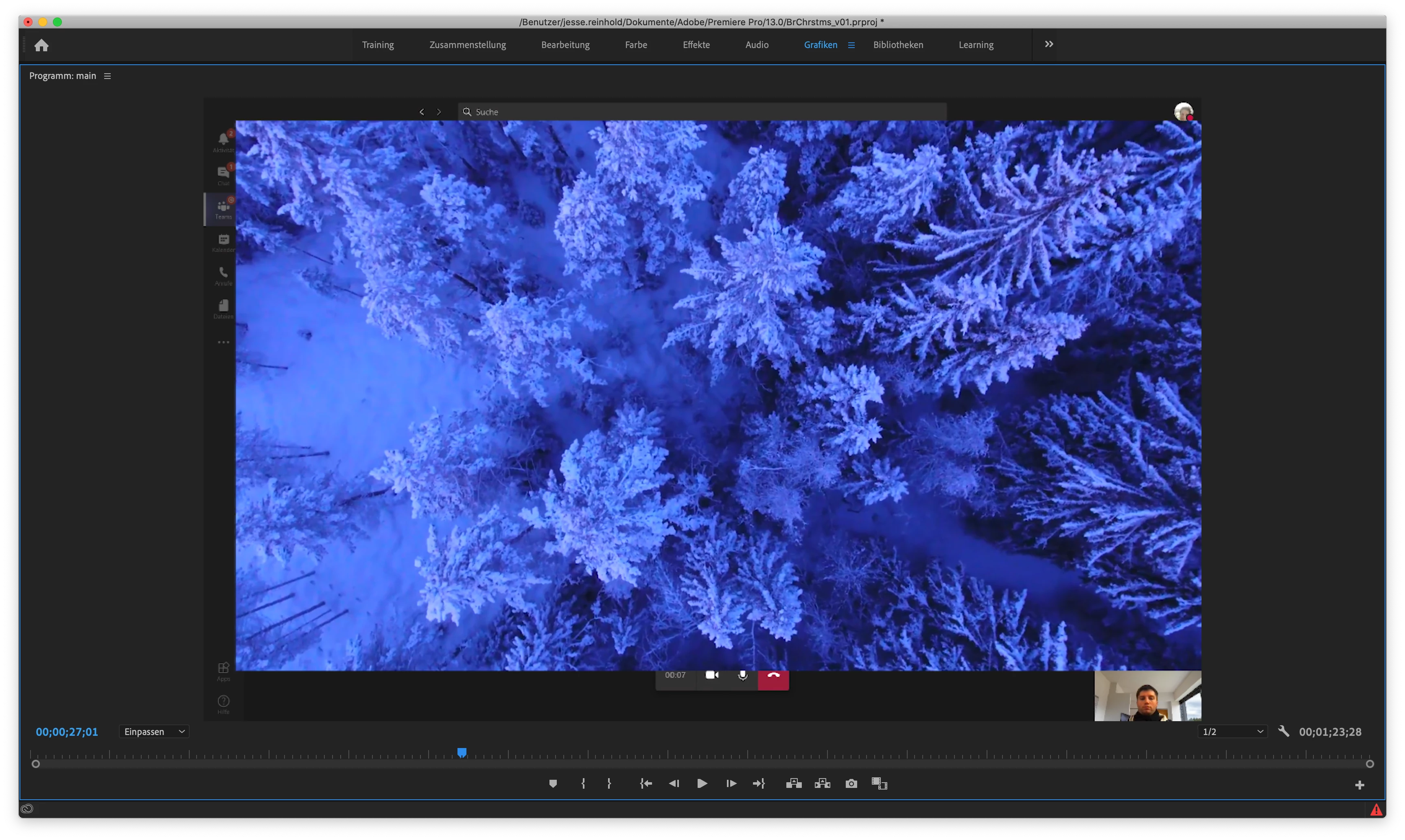
I would like to use track matte to clip a video in a project (I try to produce a "funny" teams-conference). therefore I

  • prepared a black and white mask in photoshop
  • droped a backgroundvideo (Video A) in the projekt
  • droped another video (Video B) which I wanted to clip
  • sized Video B to fullsize
  • droped the black/white picture in the project
  • used it as track matt filter on Video B


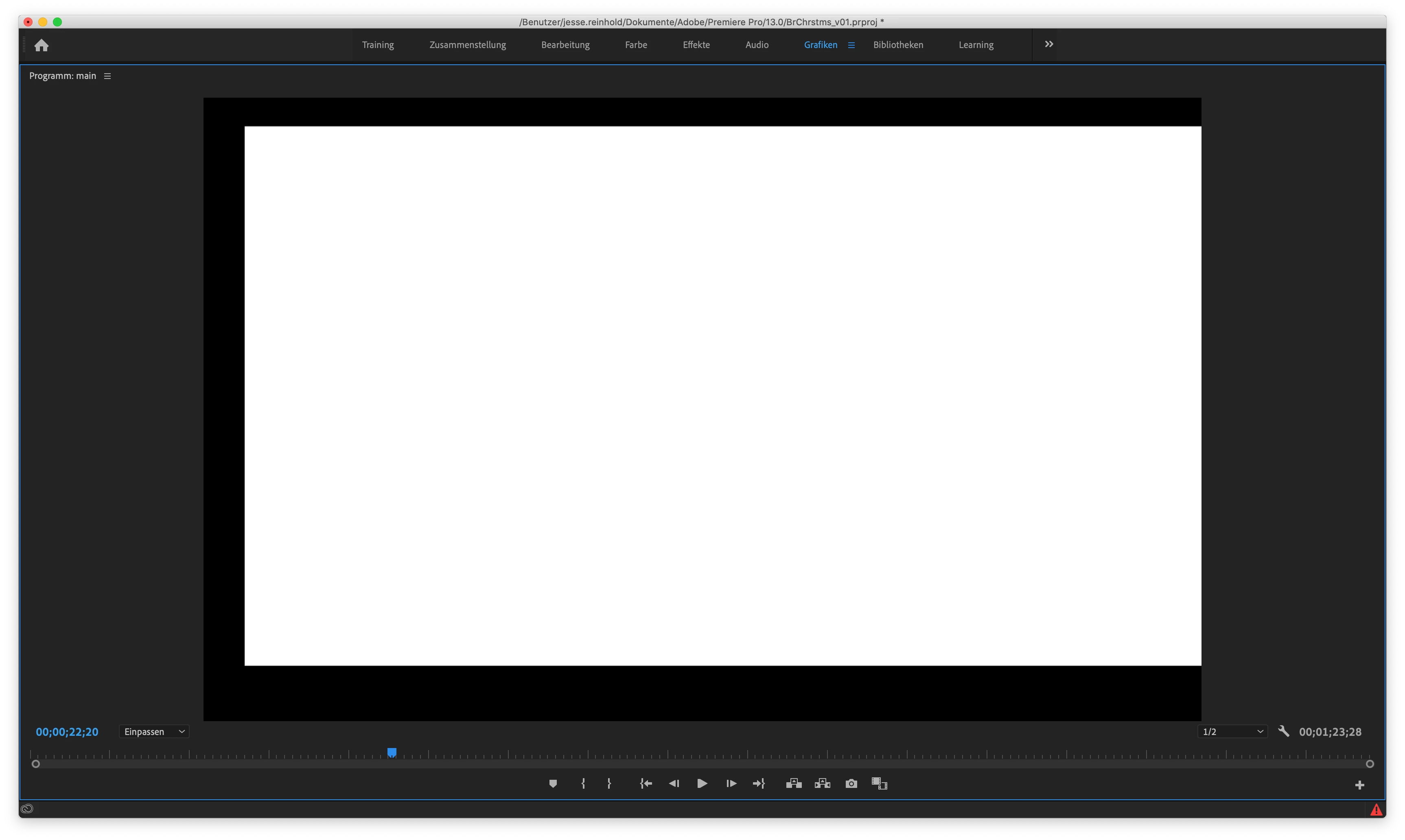
the position of the black/white mask is correct. but in the moment VideoB starts, the mask is growing abount 10% and the position isn't correct anymore. I'm getting crazy about that. Do you know why that happens.


would be very glad to get some hints


This topic has been closed for replies.

3 replies

Christian.Z
Community Expert
Community Expert
November 28, 2020

Is it possible that you have some scale keyframes by mistake?

Jesse5EDCAuthor
Participating Frequently
November 29, 2020

@R Neil Haugen I've checked that opazy mask now and your right. Its works and it is much easier then track matte. Thank you, BUT: if I scale or move the clipped Video, the mask is scaling and moving also. How can I prevent that? (I've got different types of Video that has to fit in that mask and I hope I can just exchange them against each other and than fit it in.)


@Christian.Z  I'm sure youre right it has something to do with scaling. But I guess I cannot work without scaling in that project.

Ann Bens
Community Expert
Community Expert
November 29, 2020

if I scale or move the clipped Video, the mask is scaling and moving also

That is solved by nesting the  clip and then adding the track matte

But if you use the Ess Graphics instead matte and video act independently in the Effects Control.

Use the shape tool for your matte.


R Neil Haugen
Legend
November 28, 2020

Especially starting out, I think simply working with an opacity mask from the "intrinsic" (included) effects in the Effects Contol panel would be easier and quicker. Just set it up as I listed above.


Neil

Everyone's mileage always varies ...
R Neil Haugen
Legend
November 27, 2020

It would be actually useful to see your timeline to see the track stack, and to see your settings for the track matte effect in the ECP.


So is your mask on V3, and used in the Track Matte Effect settings for input into the the TM effect on the clip on V2?


Personally, I would simply have used an opacity mask on the clip on V2. Sized & placed for my needs. And skipped the TM effect for this instance.


And note, I use the TM effect quite a lot overall, but it's not necessary for this as far as I can tell.


Neil

Everyone's mileage always varies ...
Jesse5EDCAuthor
Participating Frequently
November 28, 2020

thanks for your feedback Neil. Here's my screenshot of the project, unfortunately in german (i can't change that).

  • on V3 is Video A
  • on V4 is Video B
  • on V5 is black/white

the tm is on V4 and linked to v5. If I change the order I cannot link V5 to V4.


I'm looking forward to check out the opazy mask today evening. I'm a beginner and don't know that tool.