Answered
Track Matte problem
Hello
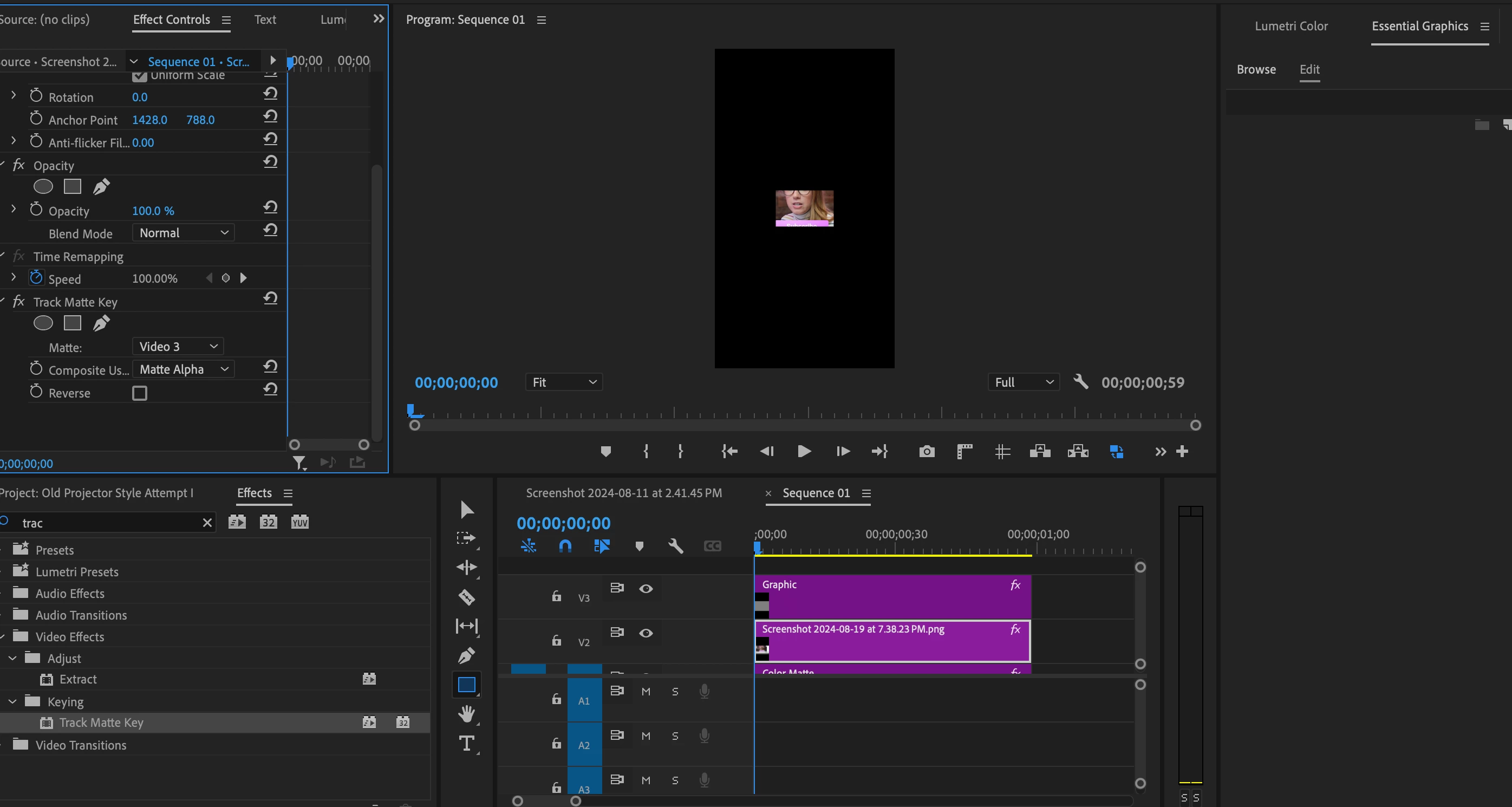
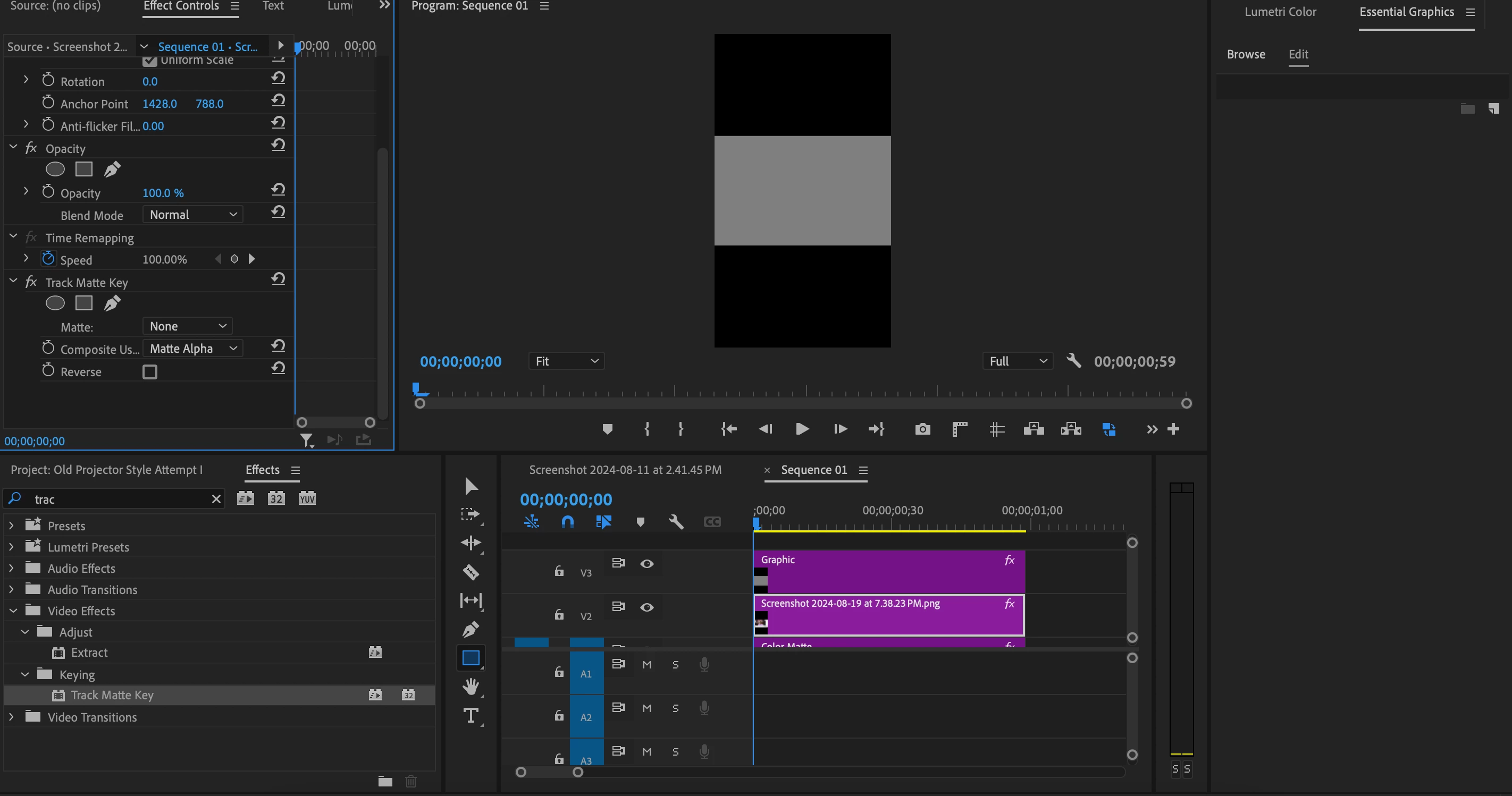
I'm trying to Track matte a layer but it seems cropped and scaled down. Shouldn't it assume the shape of the object?
Attaching two screenshots.
Please help
Thanks

Hello
I'm trying to Track matte a layer but it seems cropped and scaled down. Shouldn't it assume the shape of the object?
Attaching two screenshots.
Please help
Thanks
The pixel sizes of the photo may need to match the pixel sizes of the sequence for the track matte to work properly.
You may need to nest the photo if the photo doesn't match the main sequence.
Already have an account? Login
Enter your E-mail address. We'll send you an e-mail with instructions to reset your password.
 AdChoices