
adorel60778506
Known Participant
July 20, 2017
Question

Trying to add text but "Sorry, an abnormal condition..." pops.

  • July 20, 2017
  • 1 reply
  • 2017 views

My main purpose is to add subtitle into encore. After trying several srt converted to encore.txt format and nothing works, I resorted to manually type it in the subtitle track. Then this happens:
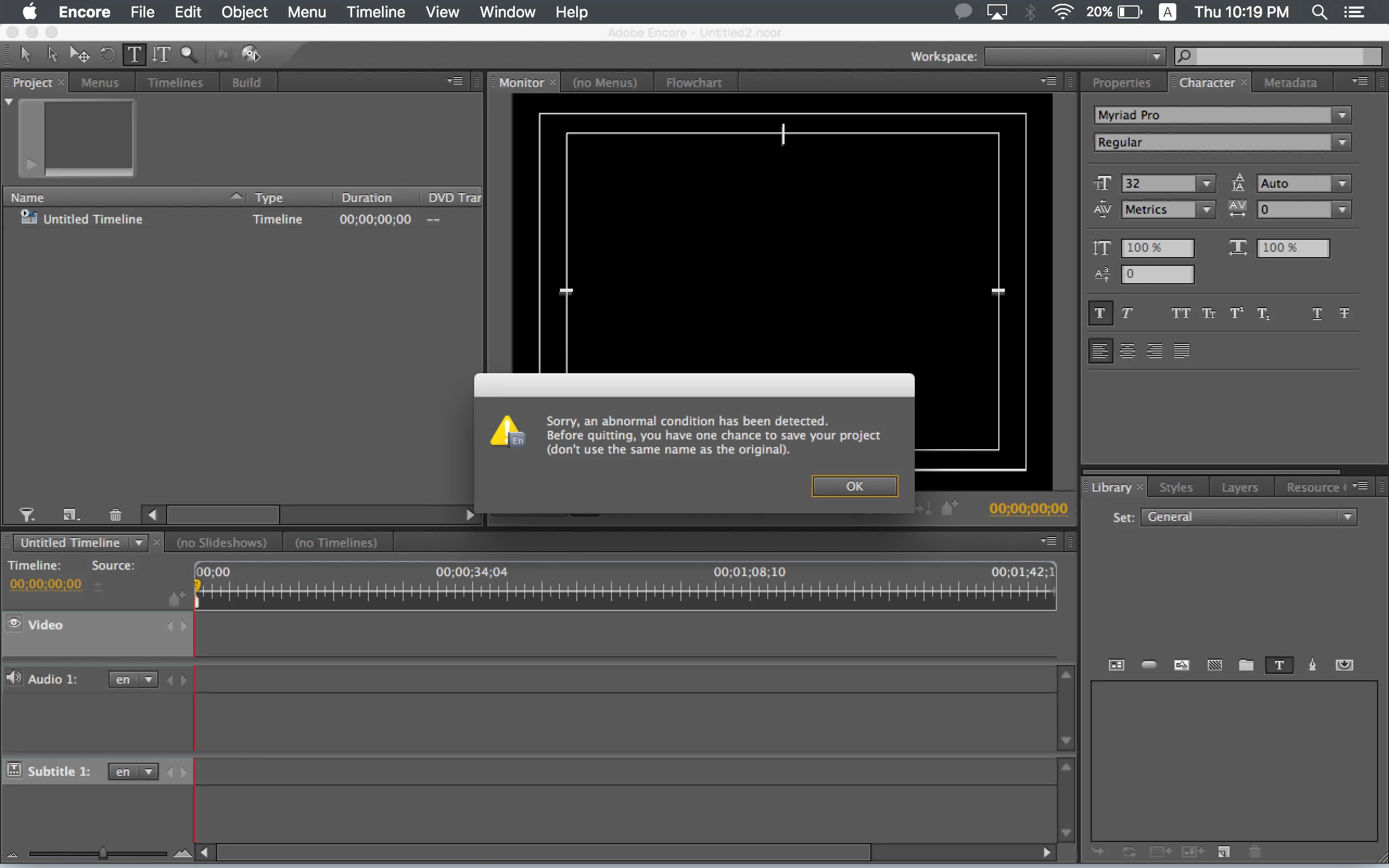
The 'title' cursor is basically red and don't allow me to click anything.

If anyone's thinking that 'there's no video, that's why it is not working', I've tried adding videos but it doesn't make any difference to this error.

What's going on?

Currently using CS5 Encore on MacOS 10.12.4.

This topic has been closed for replies.

1 reply

John T Smith
Community Expert
Community Expert
July 20, 2017

I don't have a link (I'm on Windows, not Mac) but I have seen it mentioned that an OLD version of Java must be installed to get an old program (CS6 and earlier) working with your new operating system

adorel60778506
Known Participant
July 20, 2017

I have photoshop cs5 and it's working fine so I believe the appropriate java is installed. But I'd like to confirm it. How do I check?

Stan Jones
Community Expert
Community Expert
July 20, 2017

Yes I managed to burn DVDs from this machine before but not with subtitle.

Do you (or anyone else here?) think you could do a few lines of sample subtitle then share the encore file with me? I just want to know if that way could work. But the problem is I am using encore cs5.

If it doesn't work, I will try reinstalling the software.


I'm on PC, and Encore files are very unforgiving even when moved and opened on the same machine. And I am convinced (since you see the red cursor etc) that there is something wrong with the entry itself.

But if your error has anything to do with the input method, I don't understand what the problem was with the imports. We can also work on that issue.

I'll wait for your reply to my second message re fonts.