
Trying to Rescale Text Also Repositions It No Matter Where I Set the Anchor
Hello! I'm pretty new to Premiere Pro, and I've been trying to make a video presentation. It uses a lot of text, which I'd like to add effects to, but it keeps giving me a problem. This might be a silly question with a simple answer, but I haven't been able to find it!
Here's the issue: whenever I try to scale text in Premiere Pro, it acts like the anchor is in the middle of the screen and repositions the text accordingly. I've tried moving the anchor two ways. When I click on the text itself, I put the anchor in the middle of the text, but it keeps doing the same thing.
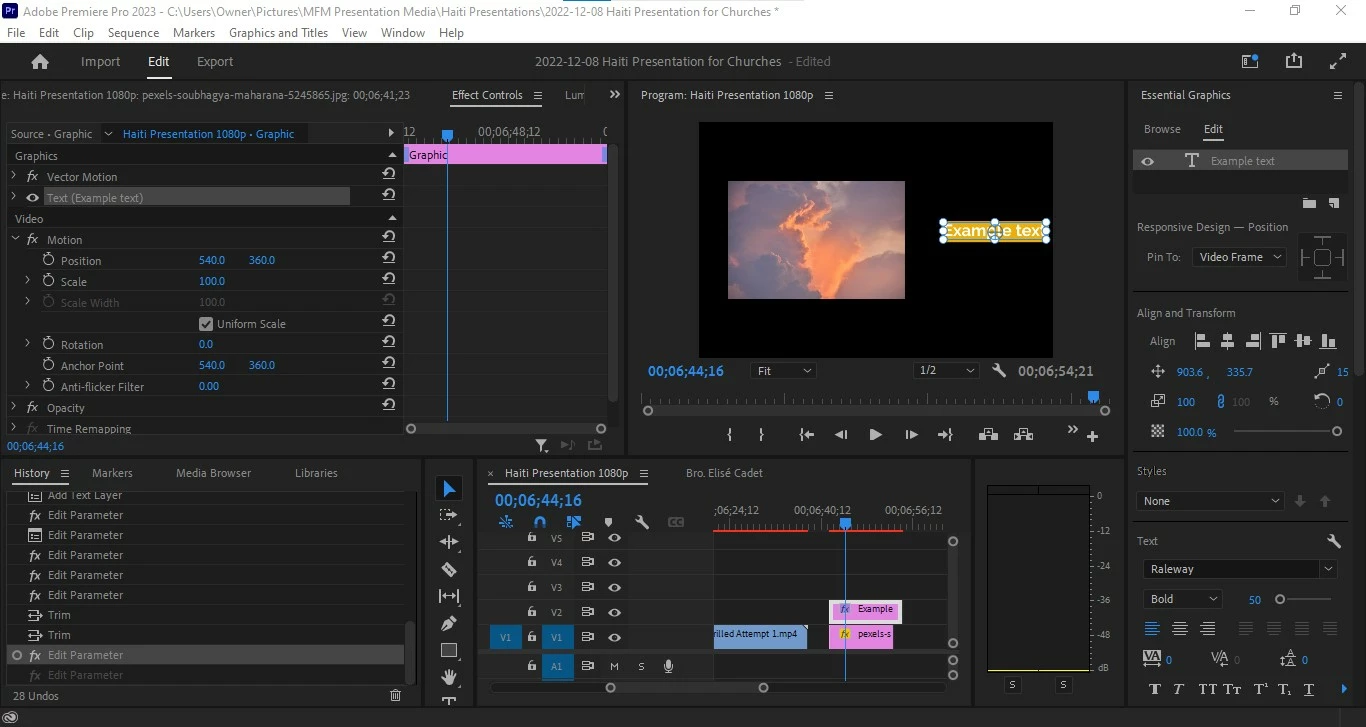
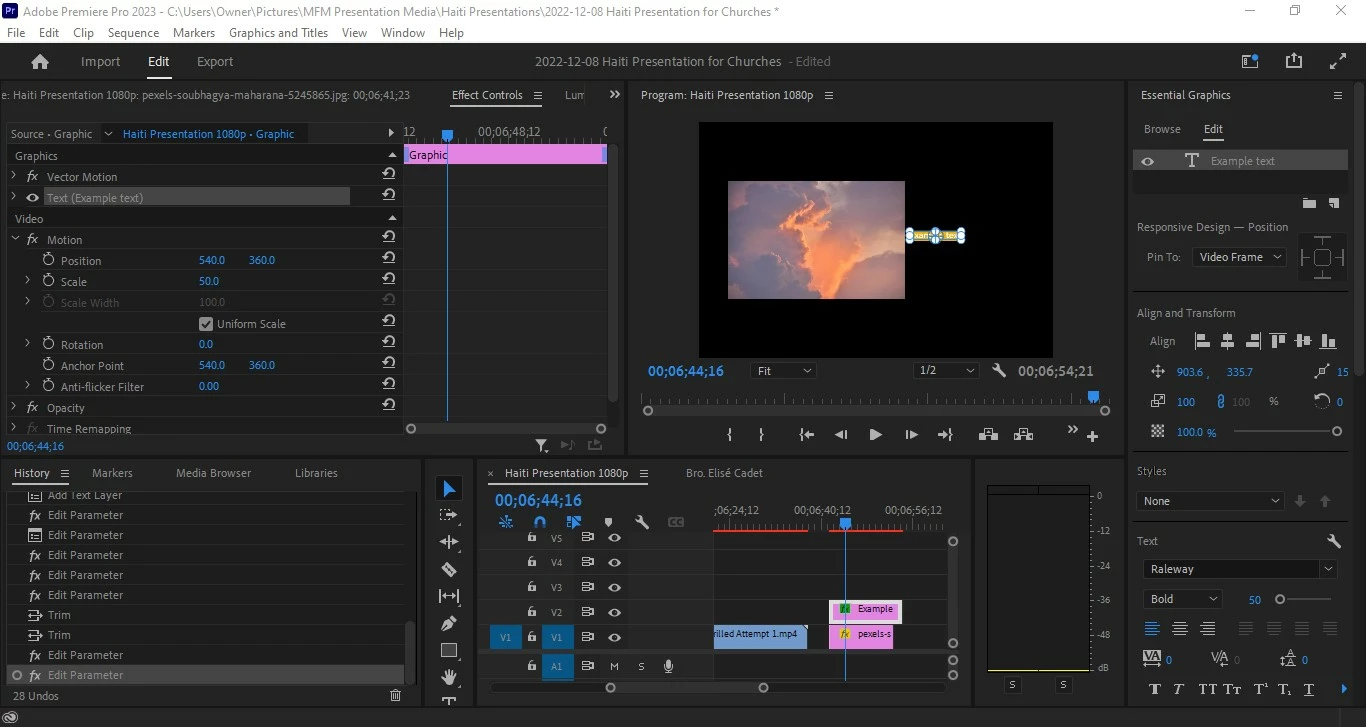
When I double-click in the program screen with the text layer selected, I saw that the anchor was in the middle of the screen. I tried putting it in the middle of the text, but still the same issue.
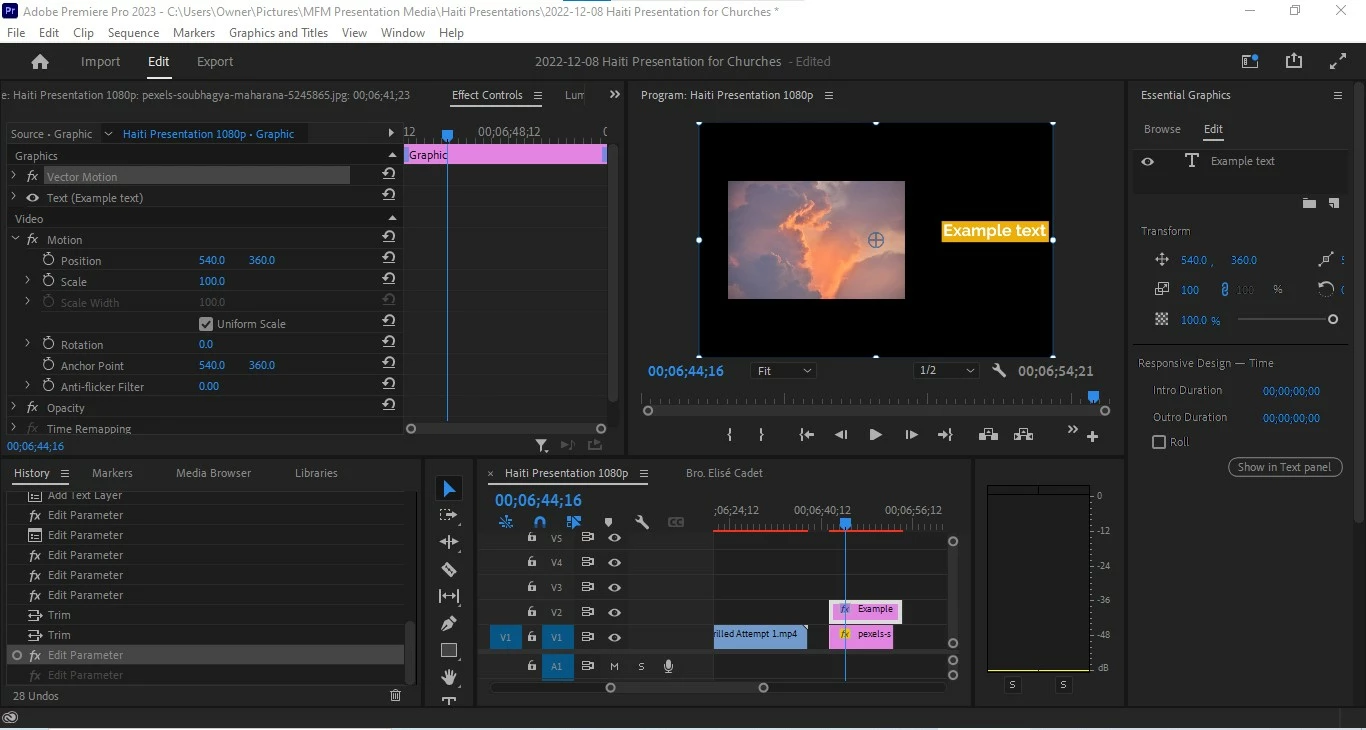
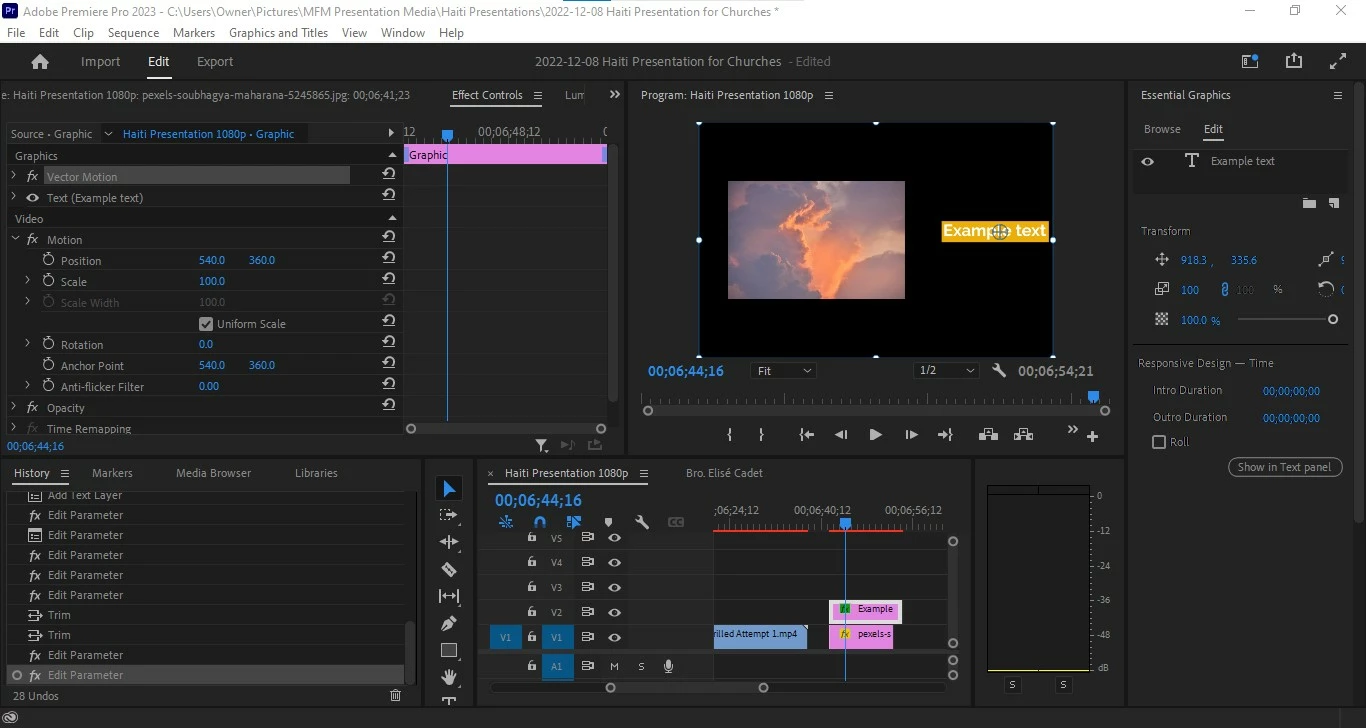
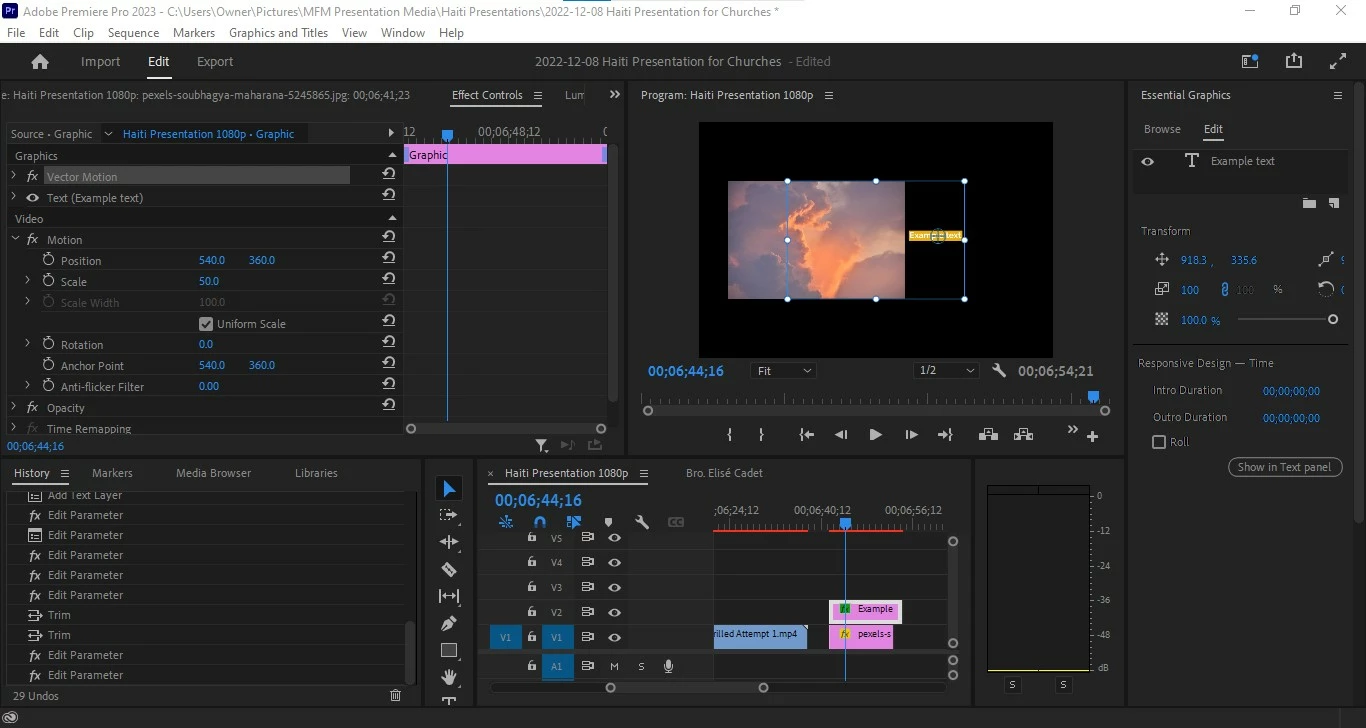
I do not have this issue with images or videos, just text.
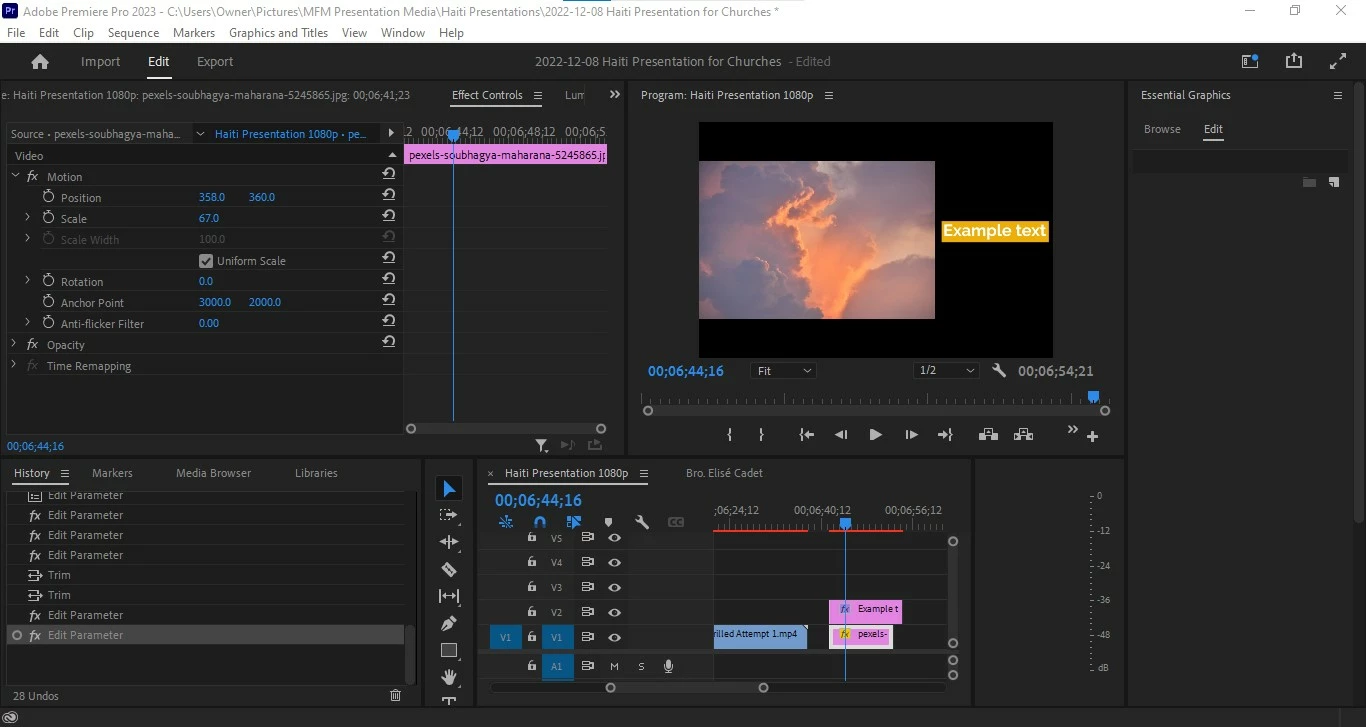
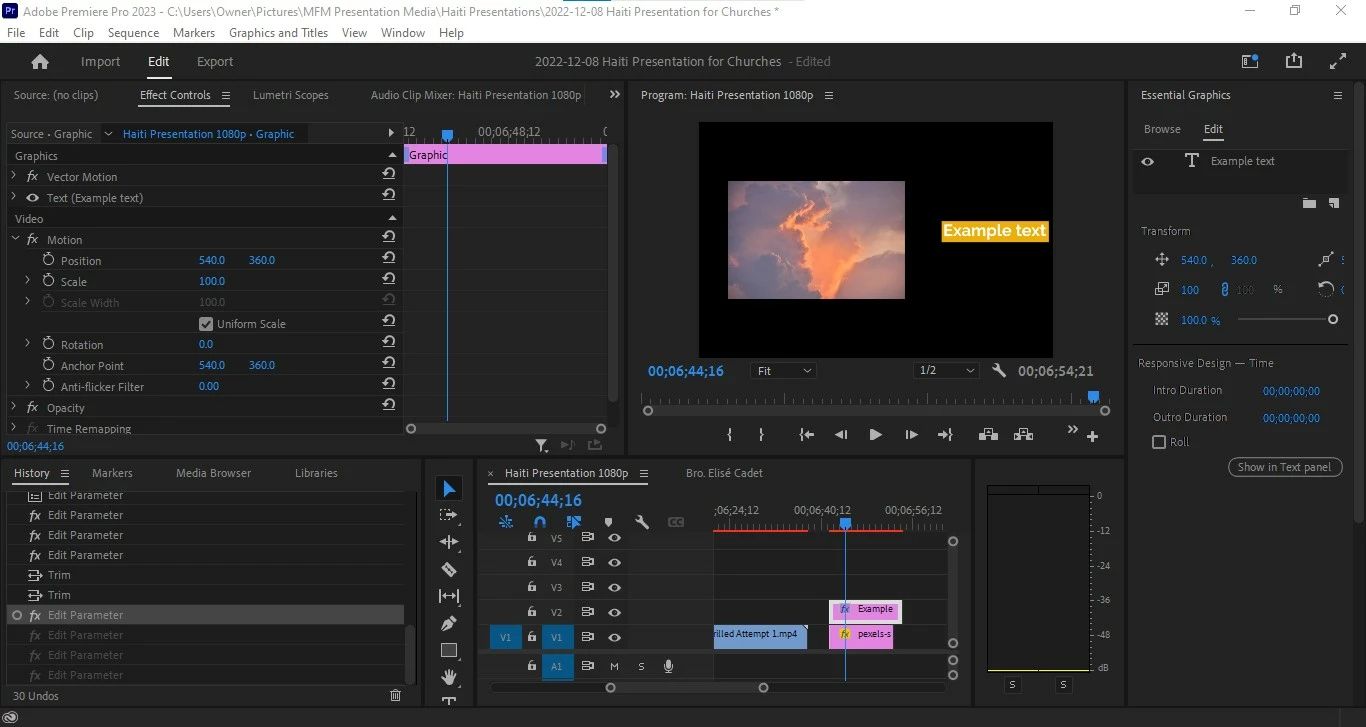
Does anybody have any idea what the issue is? I appreciate your help in advance, thanks so much.
 AdChoices