Answered
Ultra key is removing skin! How do I fix this?
I'm a tad confused as when there is not a background, everything is perfectly fine but as soon as I add one, the skin disappears!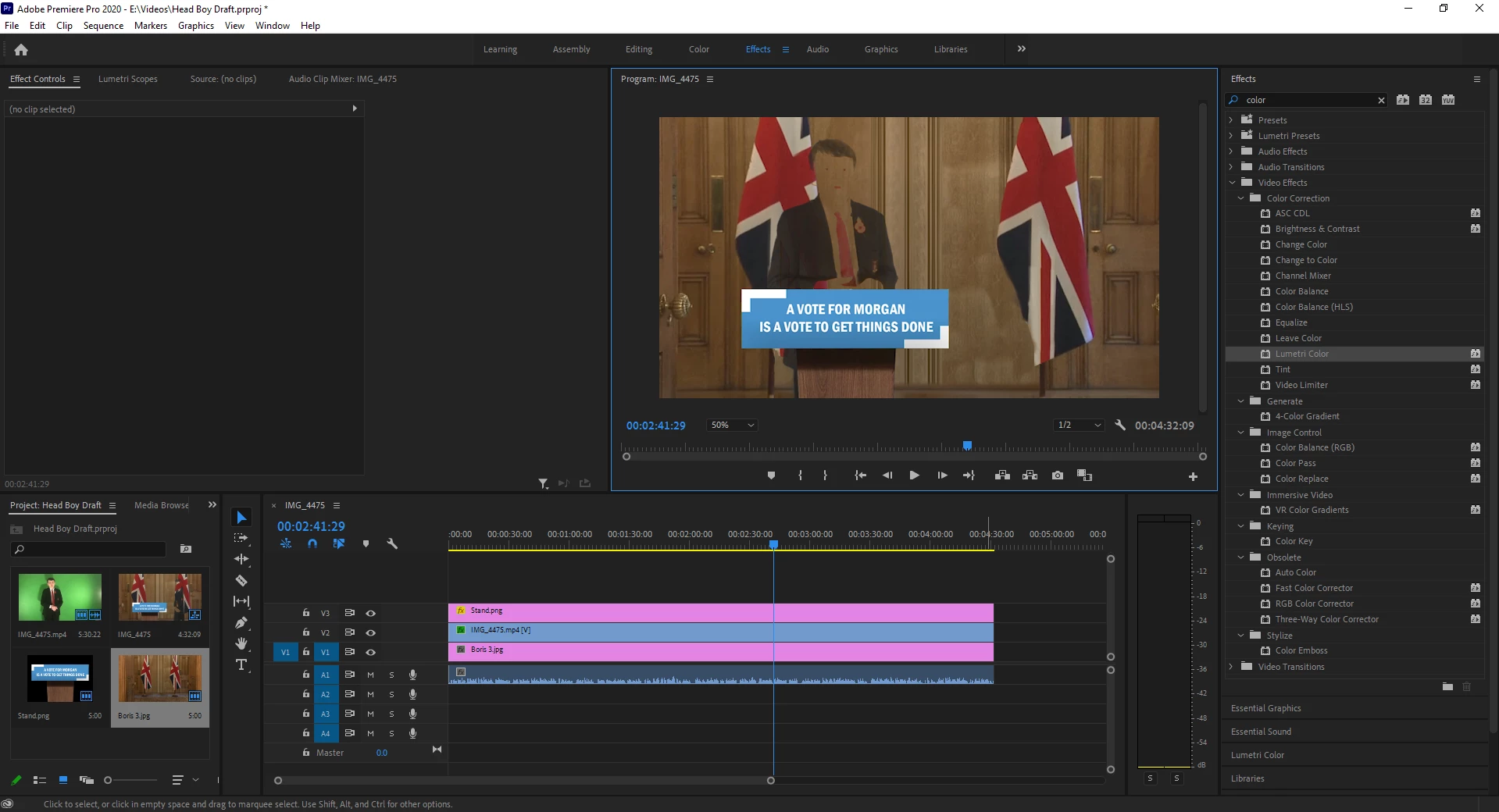

I'm a tad confused as when there is not a background, everything is perfectly fine but as soon as I add one, the skin disappears!
A couple of other things to try, turn off 'Composite in Linear Color' in the sequence setting and alter the opacity blend mode to Normal.
Already have an account? Login
Enter your E-mail address. We'll send you an e-mail with instructions to reset your password.
 AdChoices