


yash-lucid
Inspiring
October 24, 2024
Answered

Unable to edit Caption properties with new 2025 Premiere - unless using pointless workarounds

  • October 24, 2024
  • 1 reply
  • 2761 views

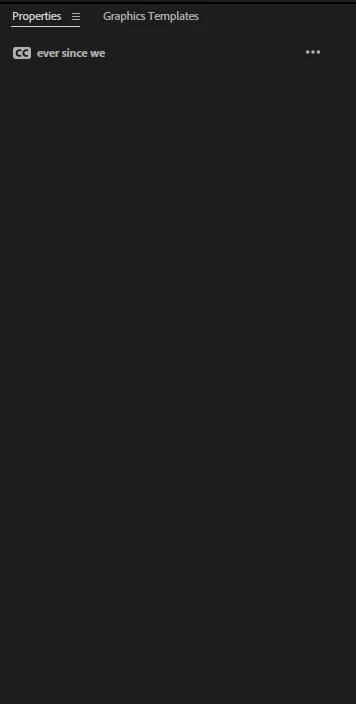
Essential graphics were removed yes I am aware and a new properties panel was introduced but captions' font/size etc cannot be edited unless I save a copy of the file and open it up.


Why?


This should be a bug but I don't have the time for the long winded questionnaire when it's rather obvious.

UPDATE: After reopening the saved as Copy file - I need to edit captions again, but it's disabled again like below, the workaround is to now Save as Copy again. This can't be right.


Correct answer yash-lucid

Try closing the Captions window, then reopening it from the Window menu

1 reply

Adobe Employee
October 24, 2024

@yash-lucid Yes, that does look like a bug and thanks for reporting it. Please try resetting the preferences if you are willing:
1. Close Premiere Pro

2. Open Premiere and hold down alt/opt or shift key

3. Select checkbox to delete prefs

yash-lucid
Inspiring
October 24, 2024

Thanks for validating my post.
I found another workaround, to close and reopen the Properties panel - so I'll do that for now since I don't want to lose my preferences by resetting them, but will try that if the issue persists.

Participant
November 26, 2024

Thanks, I had the same issue.