Participant
June 20, 2022
Question

Unbearably slow playback & export on a very good laptop. - Why is this such a common problem ?!

  • June 20, 2022
  • 4 replies
  • 1332 views

Hi there, 

I've recentely had to do a fresh reset of my laptop - ROG Zephyrus G15, after which the premiere pro workflow has become unbearable. 
Specs:

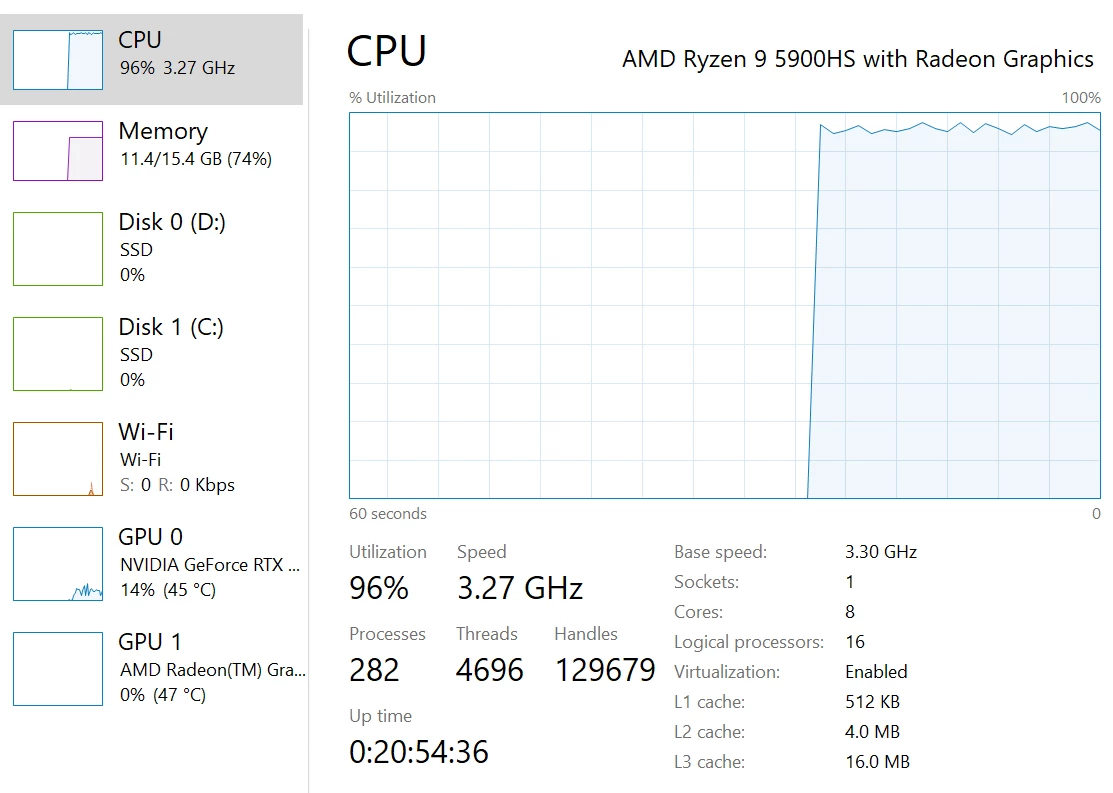
AMD Ryzen 9 5900HS

NVIDIA RTX 3060 6GB

15GB RAM

SAMSUNG NVMe SSD 980 PRO 1TB (to which the adobe cache goes to)
GENERIC NVMe SSD (to which window is installed to and all the programs including adobe)


I do 1 min timelapse videos of my 3D modelling screen recording (usually condense 4h into 1 min). I don't add effects or anything, just basic scaling & some movement of the mp4 clip. Prior to th is reset, these 1 minute videos would get rendered in 1:15 min - 1:30 min, now the standard is 15+ minutes.

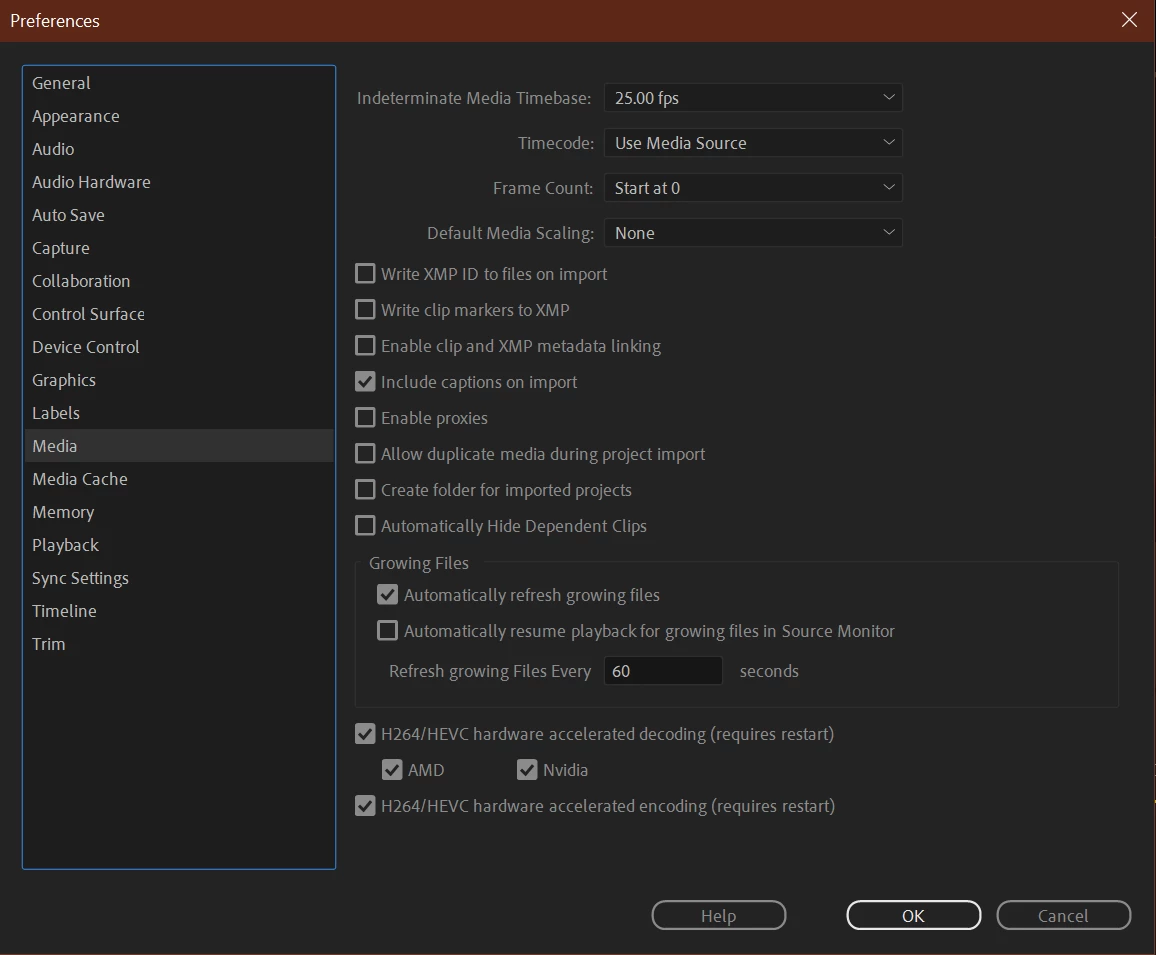
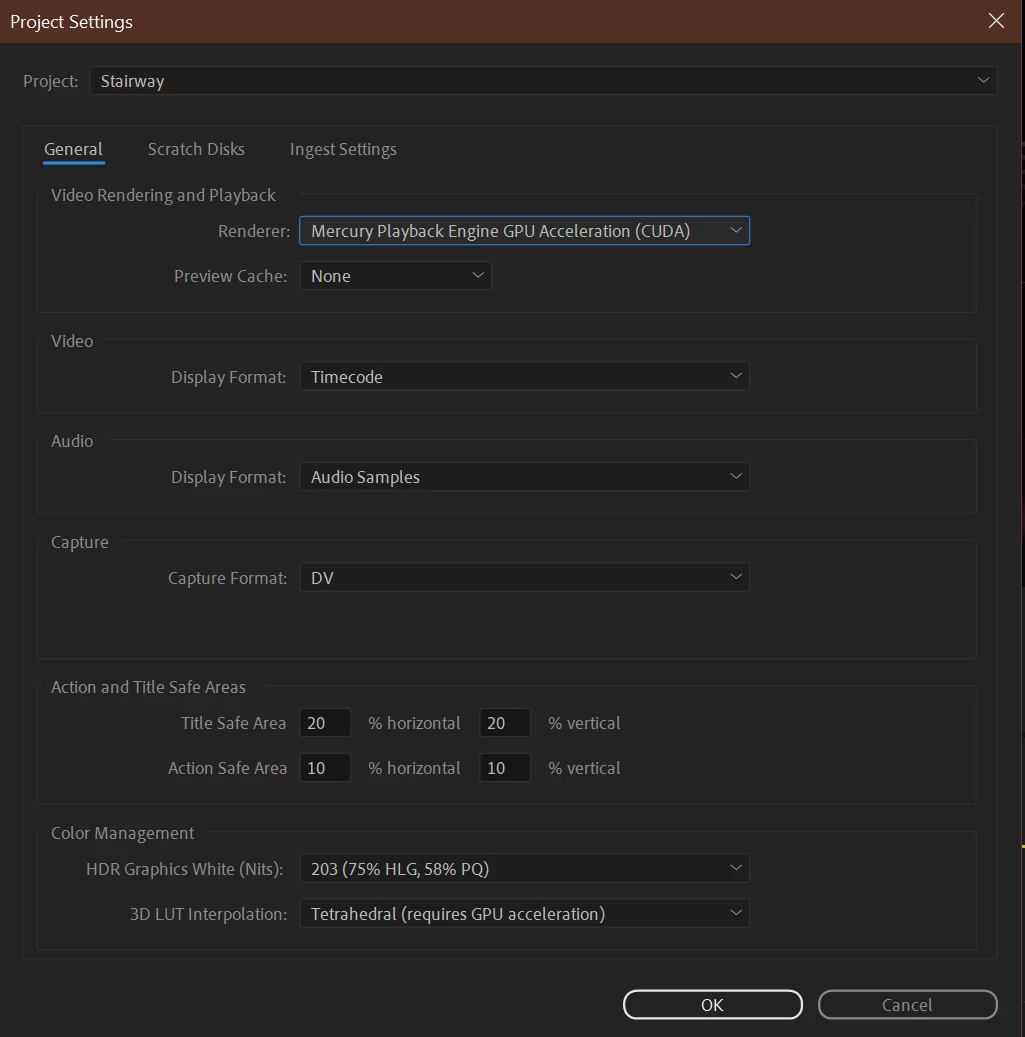
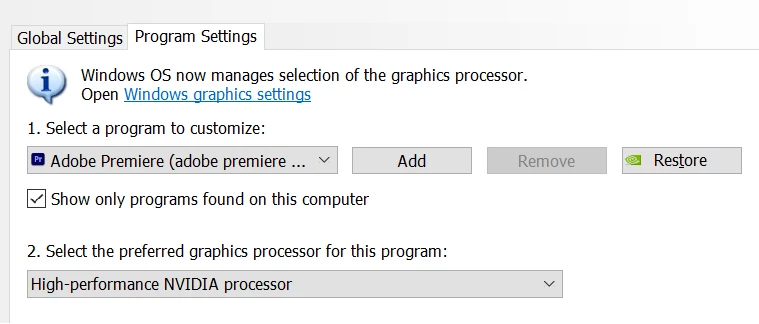
I've followed all the information I could possibly find on how to speed up premiere pro again, and yet absolutely nothing has helped at all. Below are the screenshots of my currents settings.

Premiere Pro Preferences:
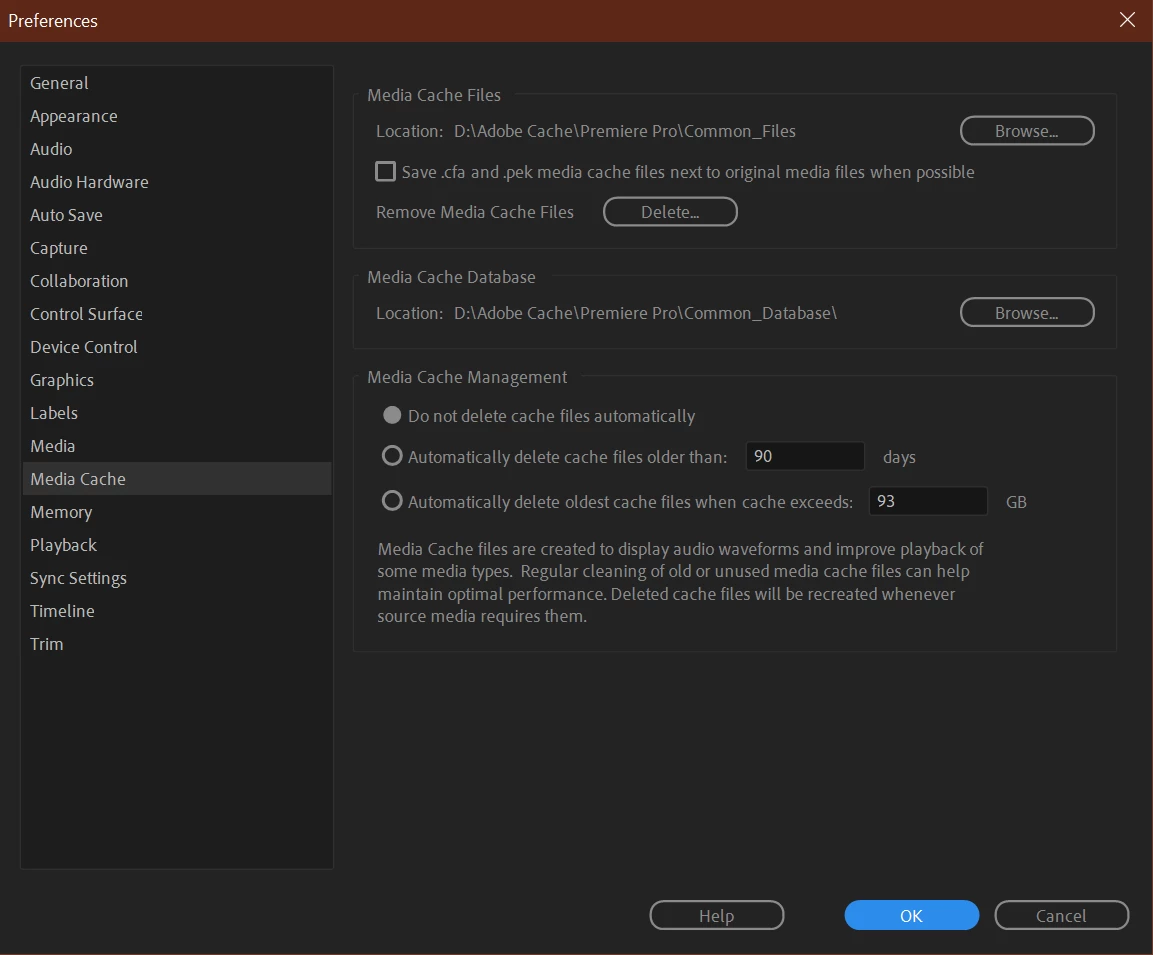
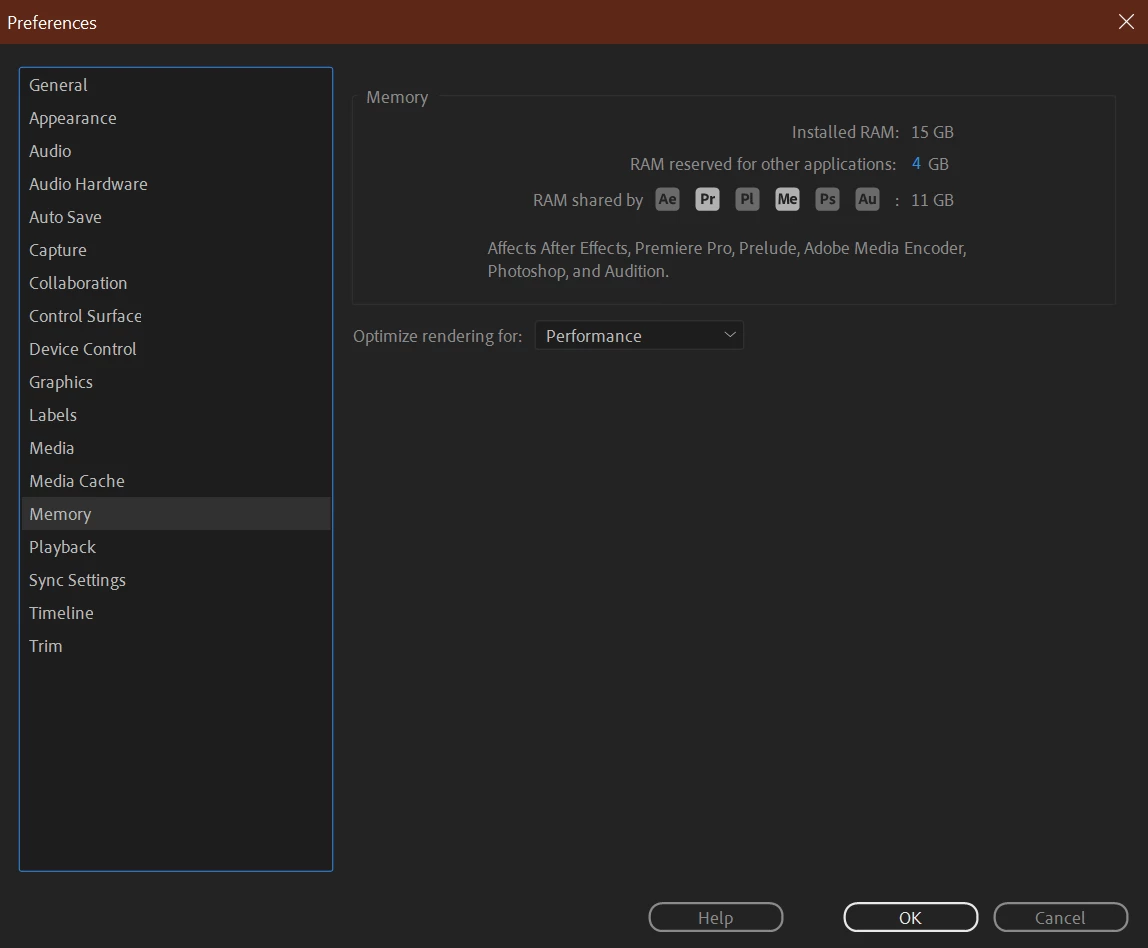

(I've also tried to uncheck AMD and just leave it on Nvidia - made no difference) - and Yes, i do clear the the media cache files everytime I edit a new timelapse.

Sequence and Project Settings:
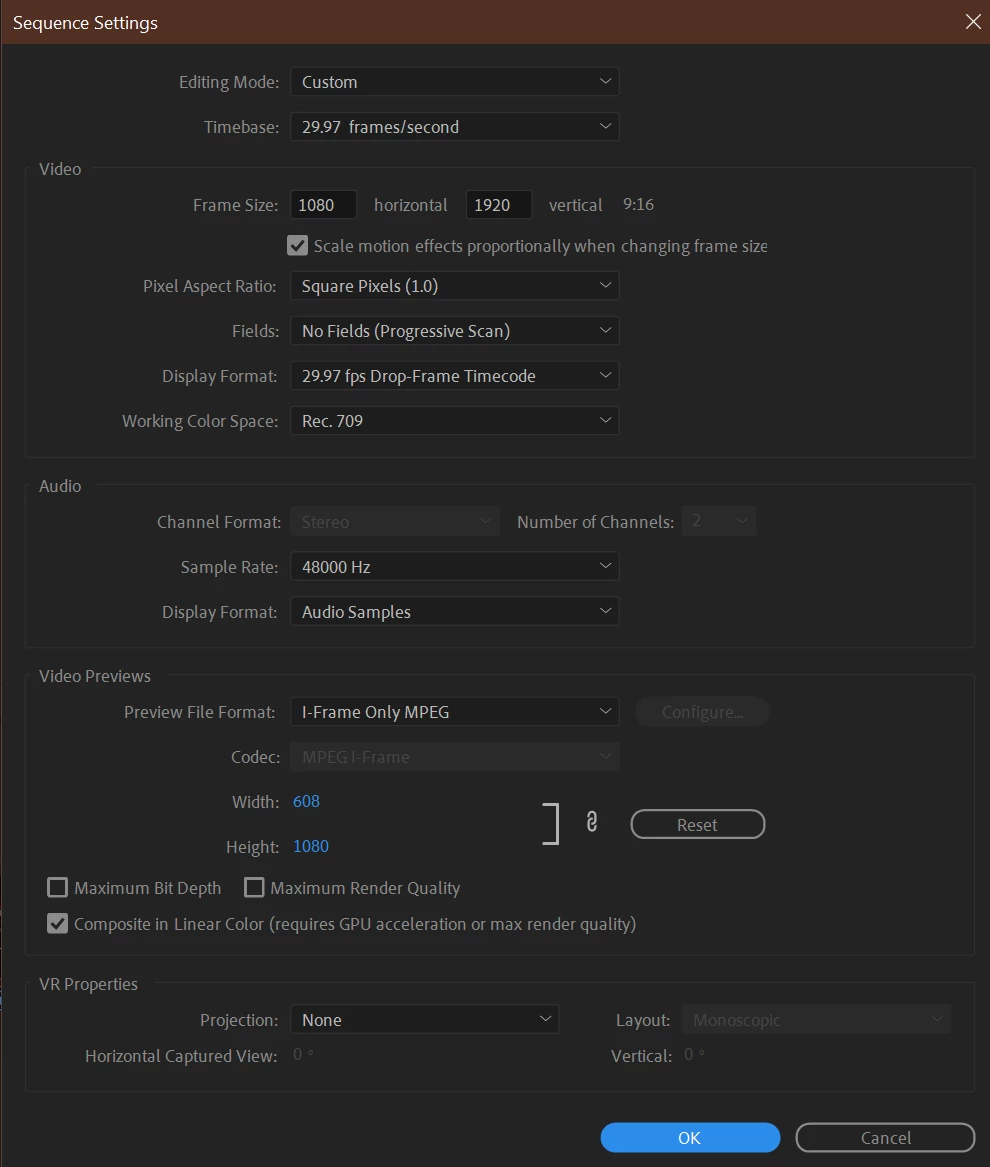
 

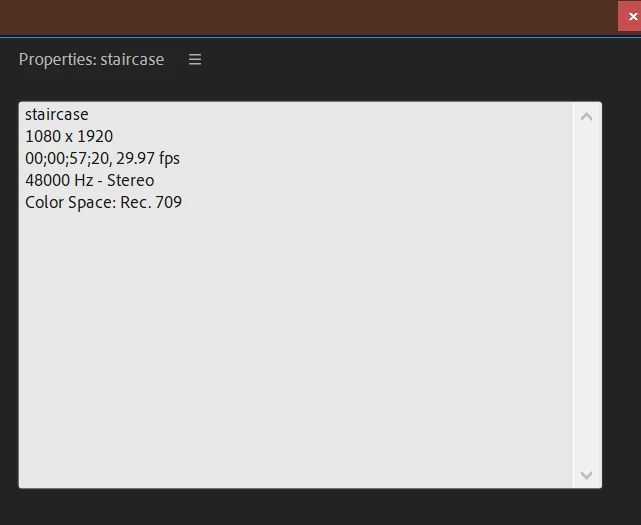
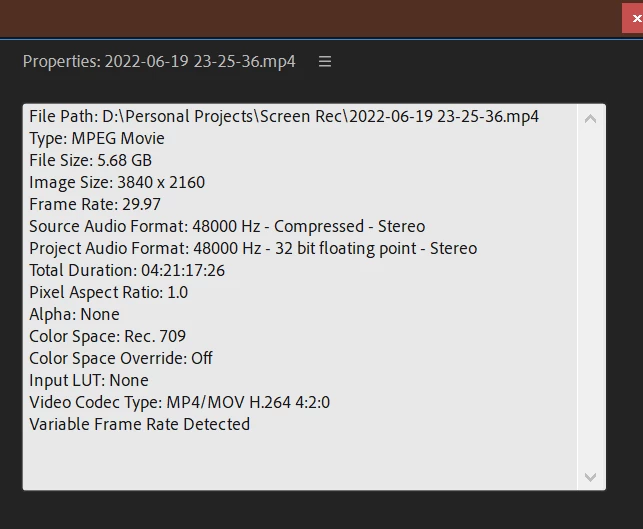
Media Properties:
 

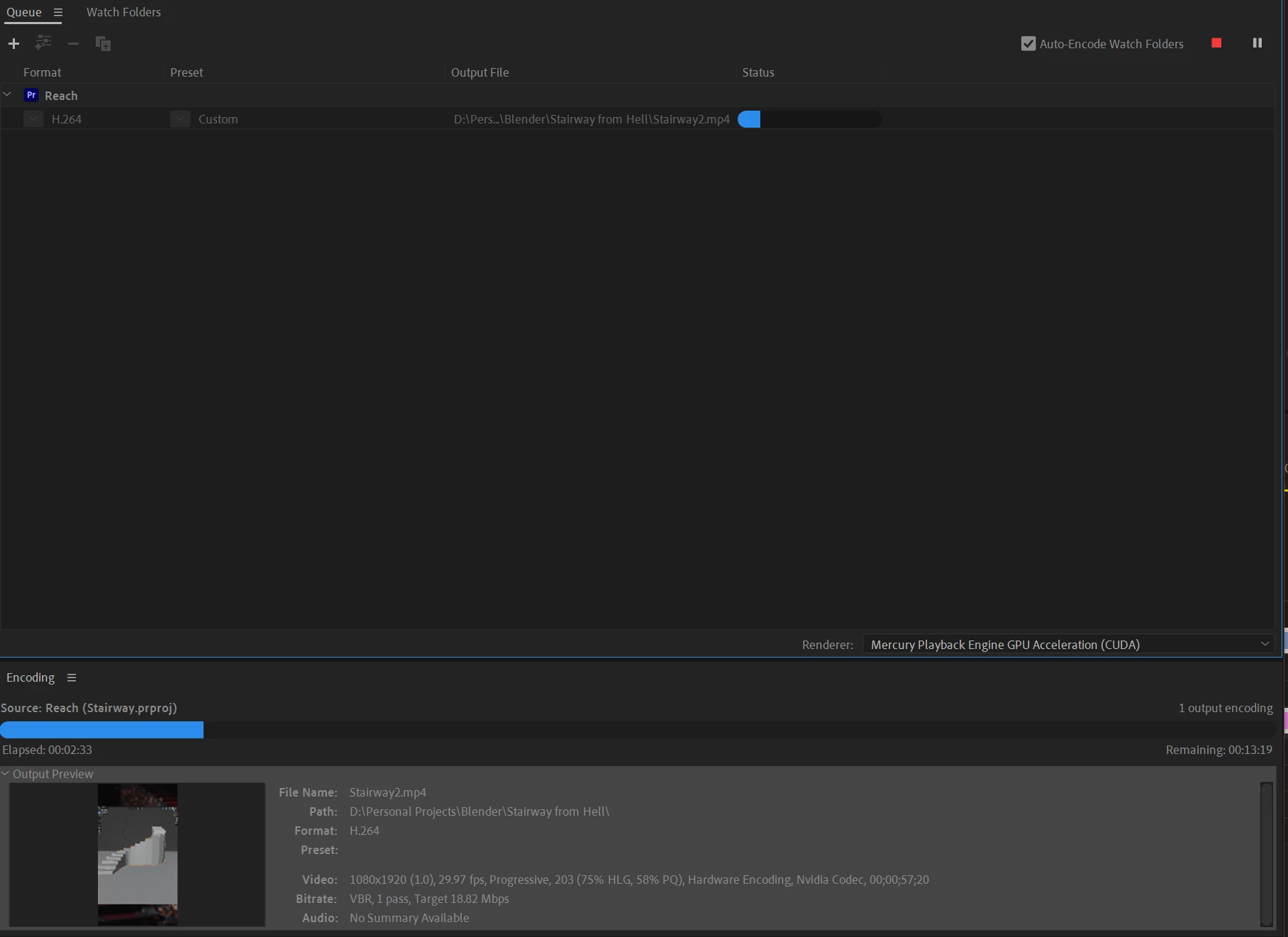
Exporting:
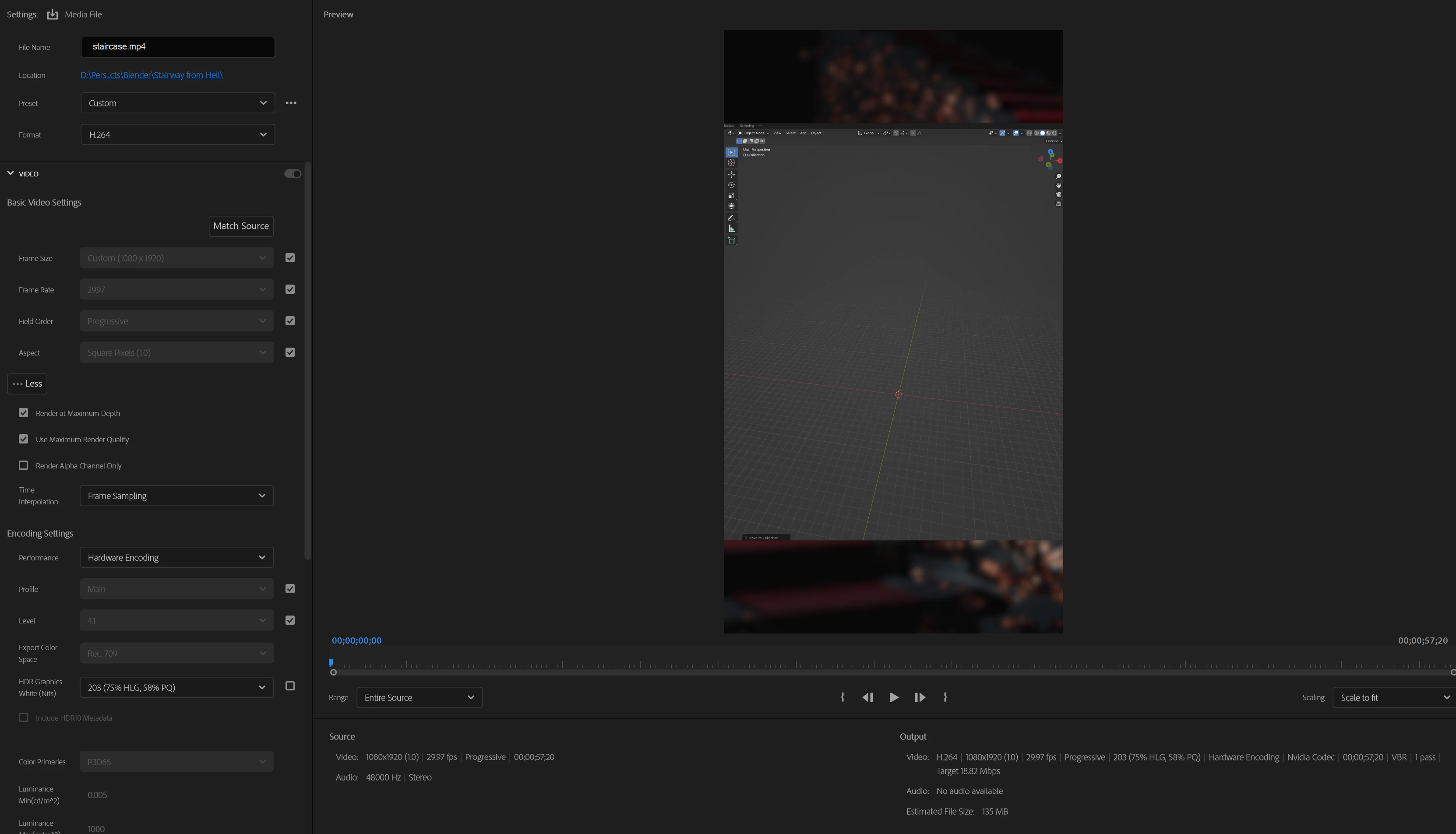
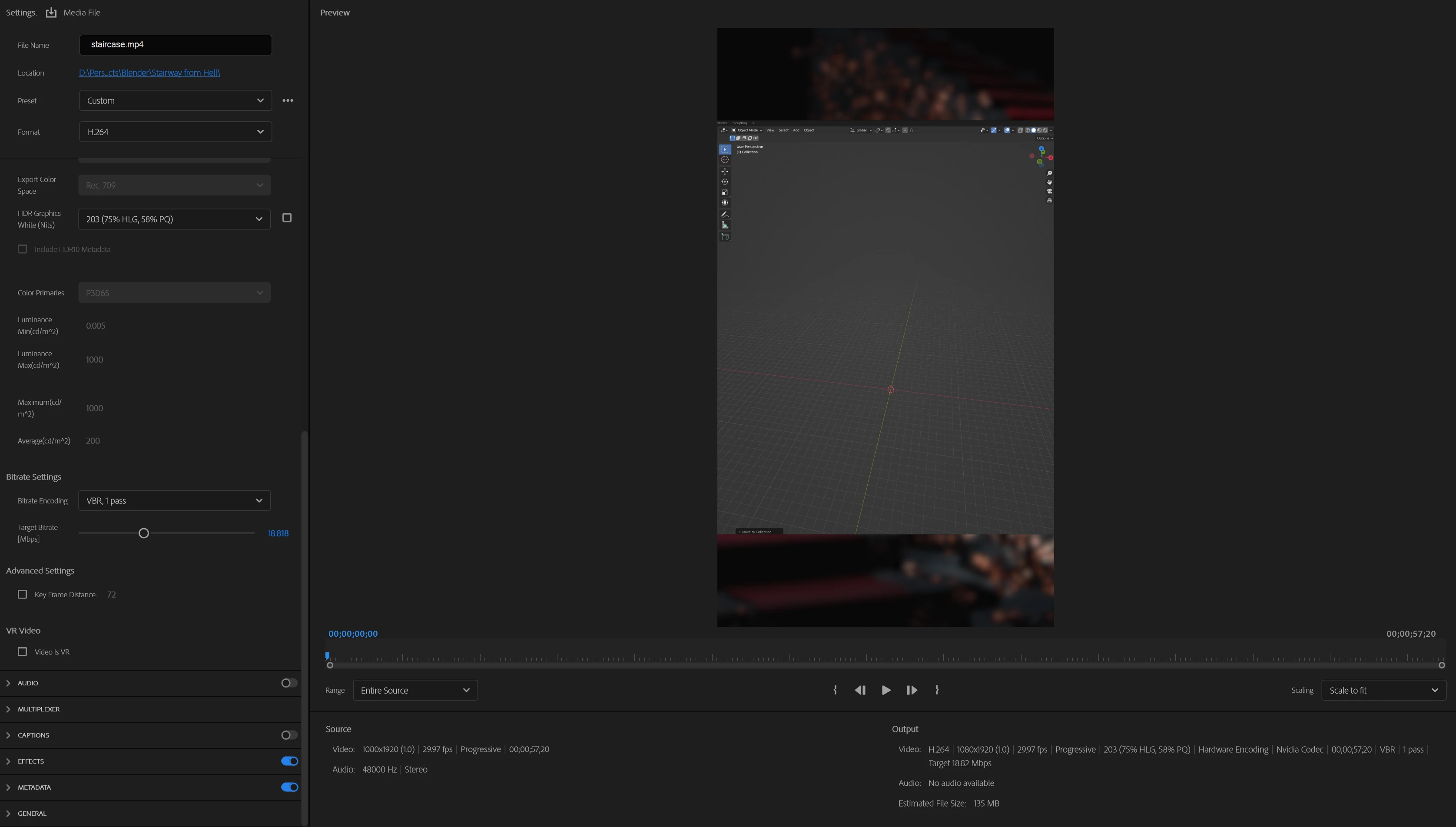
I used to even jack up the target bit rate to '50' on these settings - for no other reason than 'it already renders so fast, I may aswell add the best possible finish' 


Additional System Info:
 

FINAL NOTE:


Just as a final note PLEASE DON'T TELL ME THAT THESE ARE NORMAL RENDERING TIMES BECAUSE OF THIS OR THAT etc... I've been using this machine for just over a year, and it is simply not true. As i've mentioned before, these renders went from just over a minute and a half to 15+ minutes. 

Looking forward to any type of solution 😕😕 I'm so sick of these 5+ second delays on timeline playback & huge rendering times for a 1 min video... 

PS: I'm fairly certain that the problem is with Premiere Pro or maybe even Nvidia perhaps, doubt it's the hardware because I use my RTX 3060 to work in Blender without a problem while recording on my AMD GPU with OBS and playing YouTube videos on the side etc... So pretty sure my hardware is fine.

This topic has been closed for replies.

4 replies

MyerPj
Community Expert
Community Expert
June 22, 2022

Doesn't work like it used to, as in 'good, the problem is gone'?

Oleg5C82Author
Participant
July 18, 2022

no, 'Doesn't work like it used to', as in it's performing terribly compared to before.

I've aded 32GB of ram, so now it sits at 40GB RAM instead of 16GB RAM and it made ZERO difference unfortunately 😞 and not a single person has a solution ..... The program is unusable!

Ann Bens
Community Expert
Community Expert
June 20, 2022

Turn off max render and max depth and hardware encoding.

See how that goes.


Oleg5C82Author
Participant
June 20, 2022

Hi Ann, appreciate the suggestion, but I'm trying to understand / fix the problem of why this drastic perfomance change is happening with the exact same settings as I've always used. It doesn't make sense to me as to why my render times are 10 times higher for no apparent reason.

Ann Bens
Community Expert
Community Expert
June 20, 2022

Something must have changed. Fresh reset? What does that exactly mean.

Inspiring
June 20, 2022

On my computer Premiere Pro uses the same amount of GPU and CPU resources at full resolution and 1/4 resolution as seen in the video link below. 

MyerPj
Community Expert
Community Expert
June 20, 2022

I see it's variable frame rate video, which PP doesn't do well with. You might run the video thru Shutter Encoder and get a high-quality constant frame rate video, like perhaps ProRes proxy.


https://www.shutterencoder.com/en/

Oleg5C82Author
Participant
June 20, 2022

Hey MyerPj, I'll give it a try and see if it improves the performance a little! but as mentioned before, my workflow has always been the same, i'm trying to understand why this massive difference is happening with the same settings i've always used 😞 

Legend
July 18, 2022

The problem with variable rate footage in Premiere is that it causes intermittent and unpredictable problems...  may work fine for a while... and then it doesn't...  You can also use handbrake or editready to fix the problem...