
Question
VFR and "Preserve Audio Sync"
Okay... what am I doing wrong?
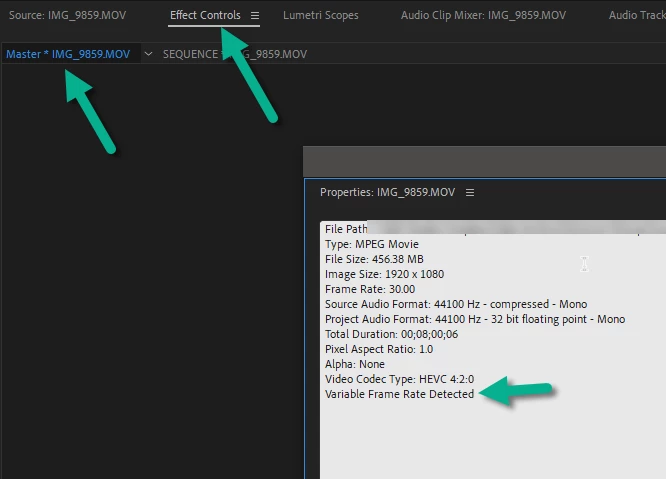
A bunch of footage (shot from an iPhone, I believe) was dumped on me, and it's all variable frame rate. It's completely uneditable in Premiere, because the audio and video are immediately out of sync. I've studied the VFR FAQ repeatedly, and I must be doing something wrong, because after selecting one of the offending clips, opening it in the source monitor, then clicking the Effect Controls panel, there is no "MPEG Source Settings" effect (which is where, according to the FAQ, the Preserve Audio Sync option is supposed to be. When the clip is selected, the Master effect control panel is completely empty. The one for the sequence has the usual stuff in it, but not the MPEG Source Settings thing.
Help?
 AdChoices