
Participant
April 9, 2021
Question

Video Blurry When Exported

  • April 9, 2021
  • 2 replies
  • 387 views

I have recently gotten a new Camera (Canon SL3) and use it to record my facecam while I also record audio and such on my desktop. Prior to uploading into Premier pro my camera quality looks like this 
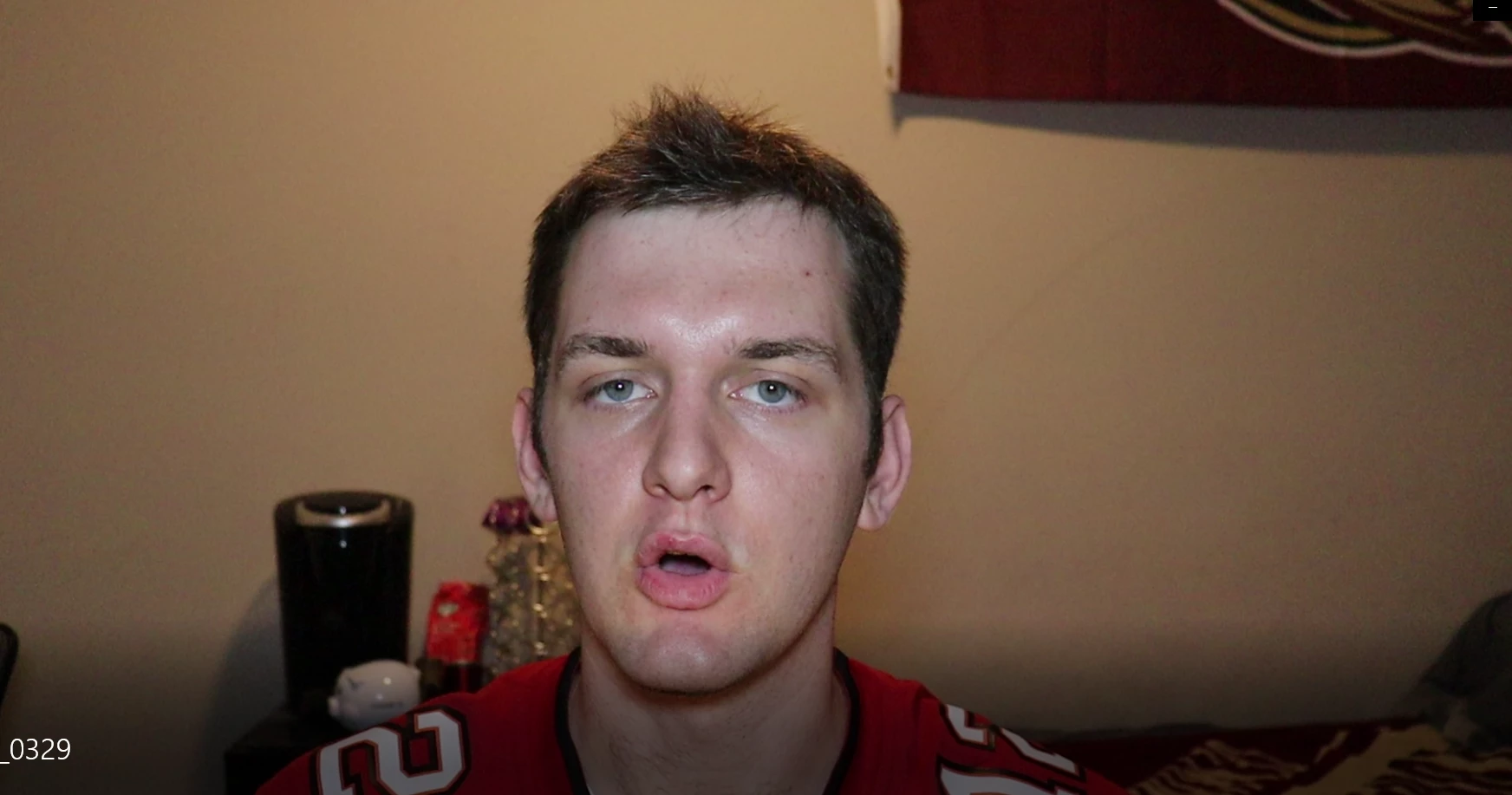
But after exporting it looks like the linked YouTube video's intro quality, very grainy and low quality. Despite being filmed, edited, and exported in 1080p. Any tips???


This topic has been closed for replies.

2 replies

Ann Bens
Community Expert
Community Expert
April 14, 2021

Looks fine to me.

You need to give YT some time.

Community Expert
April 14, 2021

can you please share your sequence settings? and your export settings?

are you on software only rendering or GPU acceleration? check from project settings...


Noah5FC5Author
Participant
April 16, 2021

Here are my project settings:

Here are my export settings:


Ann Bens
Community Expert
Community Expert
April 16, 2021

Turn off max render and max depth.

Try Match Source -Adaptive high bitrate.