Participant
October 10, 2018
Answered

Video color changes after posting to Instagram

  • October 10, 2018
  • 8 replies
  • 117779 views

Hello,

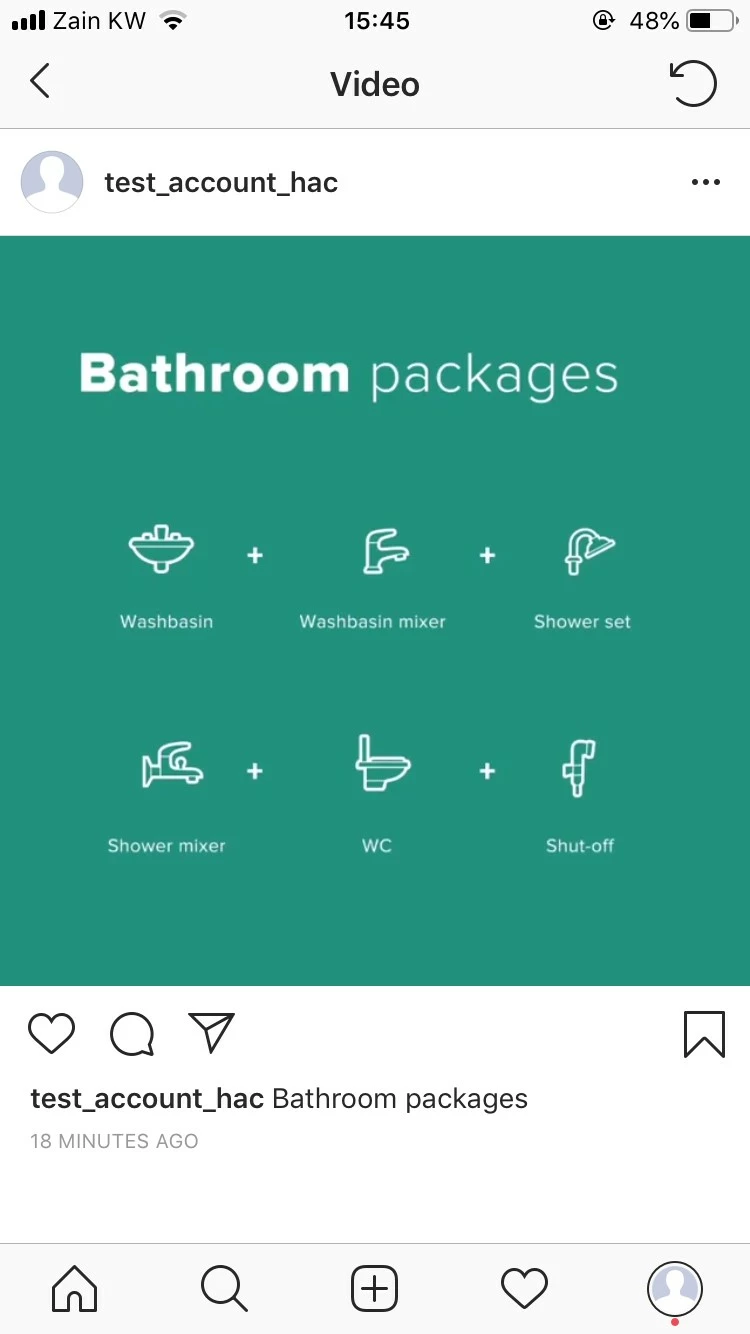
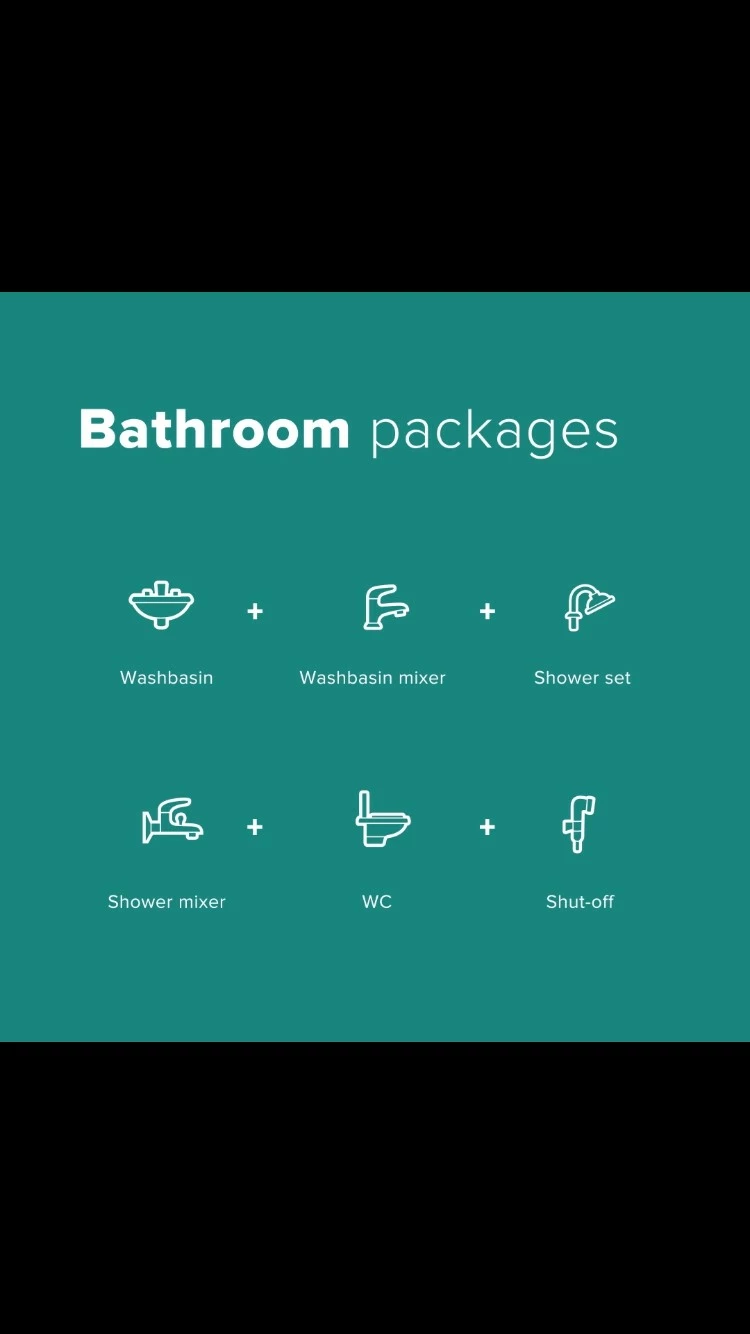
I was trying to upload a video created on Adobe to Instagram and i noticed that the color was changing noticeably. Can anyone suggest how to sort this issue out?

Thanks.
This topic has been closed for replies.
Correct answer iq_artwork

I think here is the answer, 
https://www.youtube.com/watch?v=m6PcsKRmXS8

8 replies

iq_artworkCorrect answer
Participant
June 6, 2023

I think here is the answer, 
https://www.youtube.com/watch?v=m6PcsKRmXS8

Adobe Employee
May 11, 2023

Facing same issue.. Anybody able to figure out reason for this?

jwoll81
Known Participant
July 18, 2019

I've noticed this as well. What is strange is that whenever you upload a video, it's uploaded on instagram and playback is fine. It's when you upload a second image/video, then go back to the original one the color shifts. I look back at previous videos a few months ago and this did not happen. This seems recent, beyond the color shift is a major shift in quality as well - there is some type of compression happening to the content within Instagram. I'm not sure the work around, curious to see if anyone else starts to notice this issue.

Participant
August 14, 2019

Gotten to me as well... The plain background of an animation gets all screwed up as soon as the video starts playing, and mind that this is in both the feed and the story so nothing at all seems to be right

Participant
July 11, 2019

having a similar problem- the color darkens/desaturates but only on playback. Any idea why this might be happening?

I've read that insta supports mp4 and mov files but i haven't been able to upload mov from an iPhone, or from any program that will give me carousel capabilities.

trying to create a seamless video carousel, below is a test.

photos are of the seam in the post preview, and then the seam after they've been posted

These are exported from ae as quicktime mov then converted in media encoder to mp4. color difference happens at 4k as well as 600dpi and with pro res codec and animation codec. Mb is always 5mb or lower.

Ilana Saltzman
Participant
May 22, 2019

Hello! I just found this thread because the same thing is happening to me! Now that I see the pictures of your issue, I am starting to believe Instagram has trouble displaying certain greens. my video has green and white stripes. The green stripes are supposed to be more teal. When played on Instagram the green turns bright green! Lmk if you figured a solution out. This problem has never happened to me before so i really think Instagram has trouble with greens.

Legend
May 22, 2019

It could be Instagram, it could be the browser, it could be the operating system, it could be the screen.

That's why you can only judge the image under the proper viewing conditions.  You can't judge it once it's online.  There's just too many variables that will alter the appearance.

R Neil Haugen
Legend
October 10, 2018

Color is dependent on devices using a color standard and having all devices calibrated to that standard. I don't think there's any way to have an actual standard across apps & devices. None exist that I am aware of.

Ergo ... you can't have an exact thing in PrPro and have it appear on any other screen exactly the same. No one can. You've never seen any broadcast material exactly like it was seen in the editing suite either!

It's Life in the Fast Lane ... sigh.

Neil

Everyone's mileage always varies ...
Ann Bens
Community Expert
Community Expert
October 10, 2018

If you import the file back into Pr and it looks good then its an Instagram issue.

Legend
October 10, 2018

The first step is to set up the proper viewing conditions.  You need one of the following.

1. A dedicated I/O device (AJA Kona, Blackmagic Intensity, etc.) feeding the best quality calibrated display you can afford.

2. An export of the video played from hardware to the best quality calibrated display you can afford.

How it looks on that calibrated display is all that you can control.  How it looks anywhere else is beyond your control.