
Participant
December 20, 2020
Question

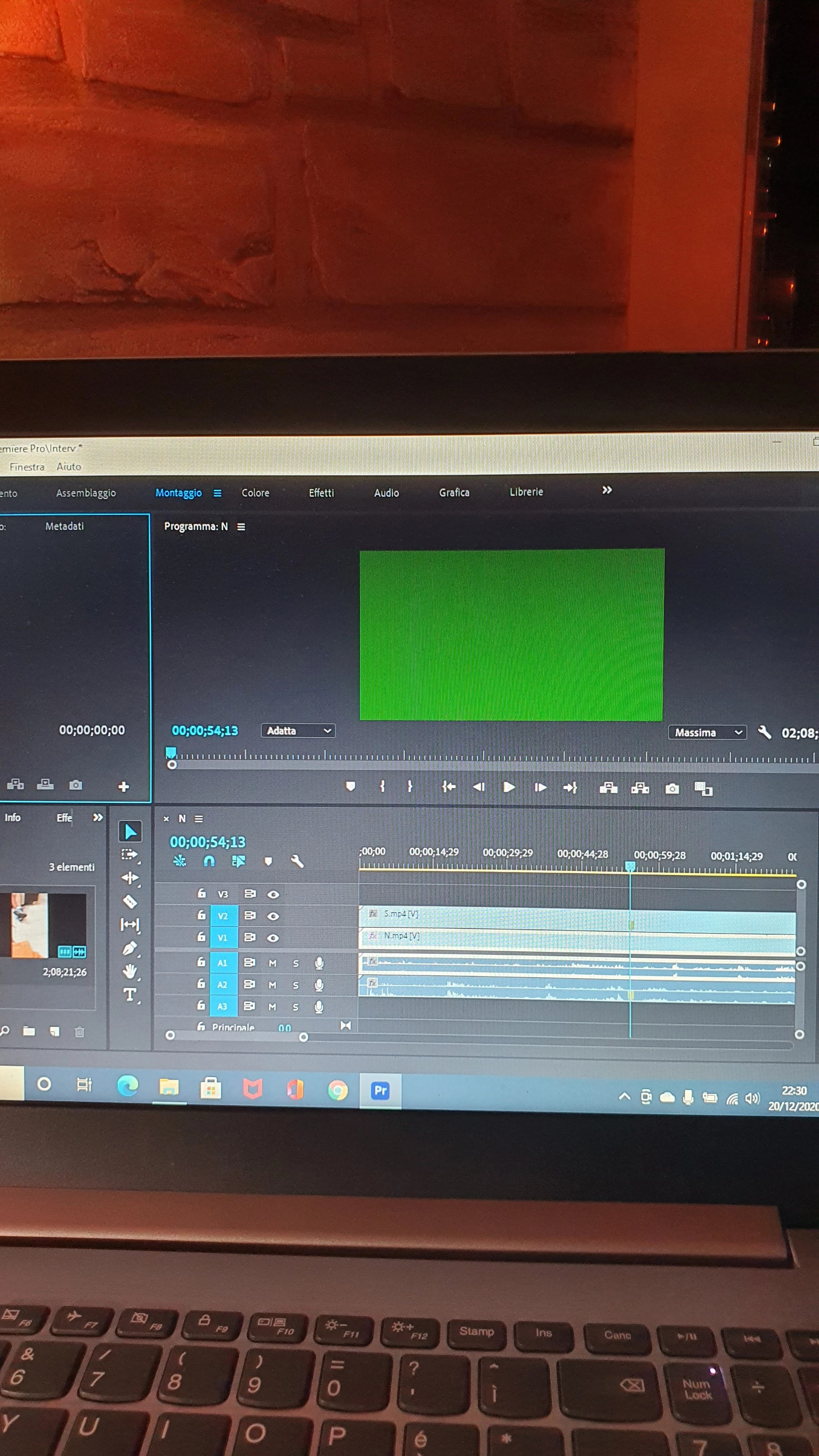
Video completely green!

  • December 20, 2020
  • 3 replies
  • 173 views

Hi, I installed Premier Pro yesterday and now I'm trying it.

But all videos become green: in the panel that should let me see the video, there's only a green block. I didn't use effects or anything.

The file is .mp4 1280×720, but I have this problems with every file 
This topic has been closed for replies.

3 replies

Legend
December 21, 2020

and I've seen posts describing issues with systems with 2 graphics cards.  Maybe try and disable one of them.  Probably need to dig in to system bios to do that.

John T Smith
Community Expert
Community Expert
December 20, 2020

Do not count on Windows to be fully up to date when it comes to device drivers
Go to the vendor site to be sure you have an updated driver for your graphic adapter
•ATI Driver https://www.amd.com/en/support
There are also intermittent reports that the newest driver is not always the best driver due to driver bugs or compatibility issues, so you MAY need to try an earlier driver version

Ann Bens
Community Expert
Community Expert
December 20, 2020

Green means there is an issue with your gpu.

Post computer specs

Post screenshot clip in Mediainfo in treeview.

Participant
December 20, 2020

I have a AMD Radeon(TM) 530 and a Intel(R) HD Graphics 620