

Video cropped upon importing
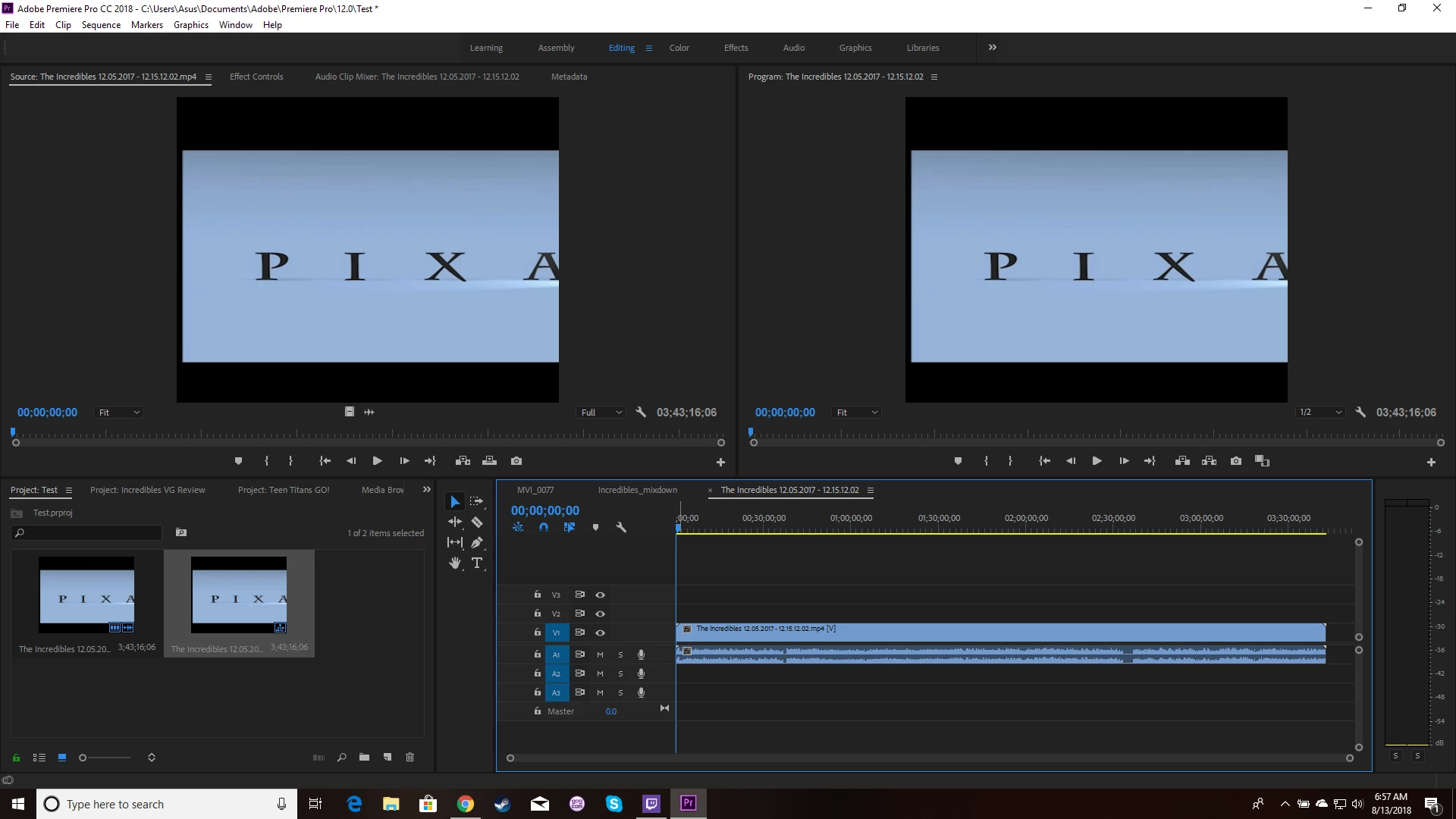
I have some gameplay footage I recorded for a video game review, but the right side is getting cut off when I import it into Premiere. It looks fine in any media player I play it on, but when I import it, it is clearly cropped. I have tried interpreting the footage, creating a new sequence and manual adjusting an existing sequence's aspect ratio. All that does is stretch or squeeze the seemingly improperly imported footage. There is one recorded clip that imports correctly, though I cannot tell exactly what is different about it. Premiere seems to think it has the same properties as the other clips, but it is clearly taller and thinner than the others. Not sure how that happened. Anyway, I would like to find a way to get these clips to import fully into Premiere so I don't have to rerecord everything. And yes, I'm pretty new with Premiere, so while I have tried a lot of suggestions I found online, I may have missed something obvious.
Video playing in VLC Media Player:
.png)
Video imported in Premiere Pro:
That one weird file that recorded differently somehow (The fourth from the left):
.png)
 AdChoices