

Question
Video gets "glitchy" when I use the crop tool on MacBook Pro
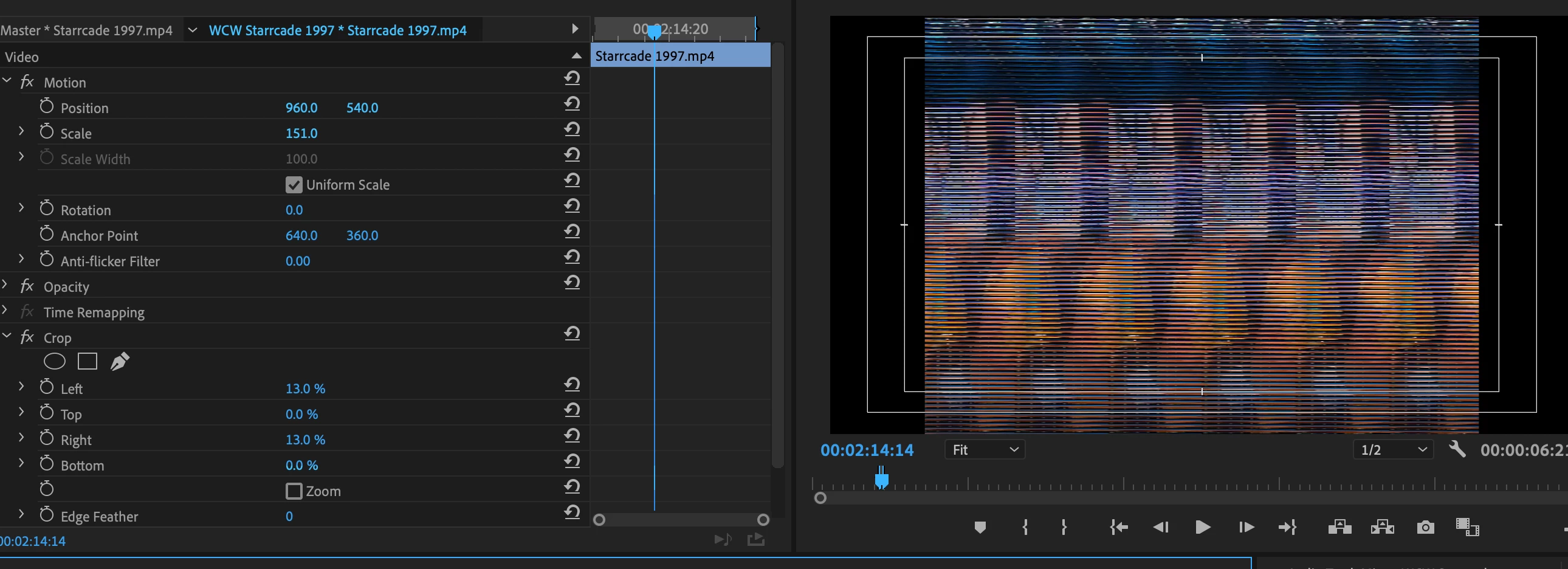
Editing footage on Premiere CC on a new MacBook Pro ... when I try cropping footage on the left and right sides, my video does this weird glitch effect that you see here. Rendering in playback doesn't fix it and it looks like this when it's exported as well. This only seems to affect footage when both left and right sides are cropped; it doesn't get glitchy when it's just one of those two sides, nor does anything happen when I crop the top and/or bottom sides. I've never encountered this problem before, any advice? Thank you!
Title edited by mod


 AdChoices