
Video Ghosting/Double Image blur when attempting to export
Hello, first time posting. In need of assistance! Been editing for a few years now & recently ran into an issue I have no idea how to solve. I've searched for an answer to this issue with no luck. Please bare with me as I attempt to explain:
I'm currently attempting to export a JPEG sequence, however this issue exists no matter how I attempt to export (H.264, AVI, etc.). I've made stills of several videos I've shot. All videos were shot in either 100 FPS or 120 FPS, XAVCS HD. I shoot/edit sports & frequently will slow video down, so this is the reason for shooting this way.
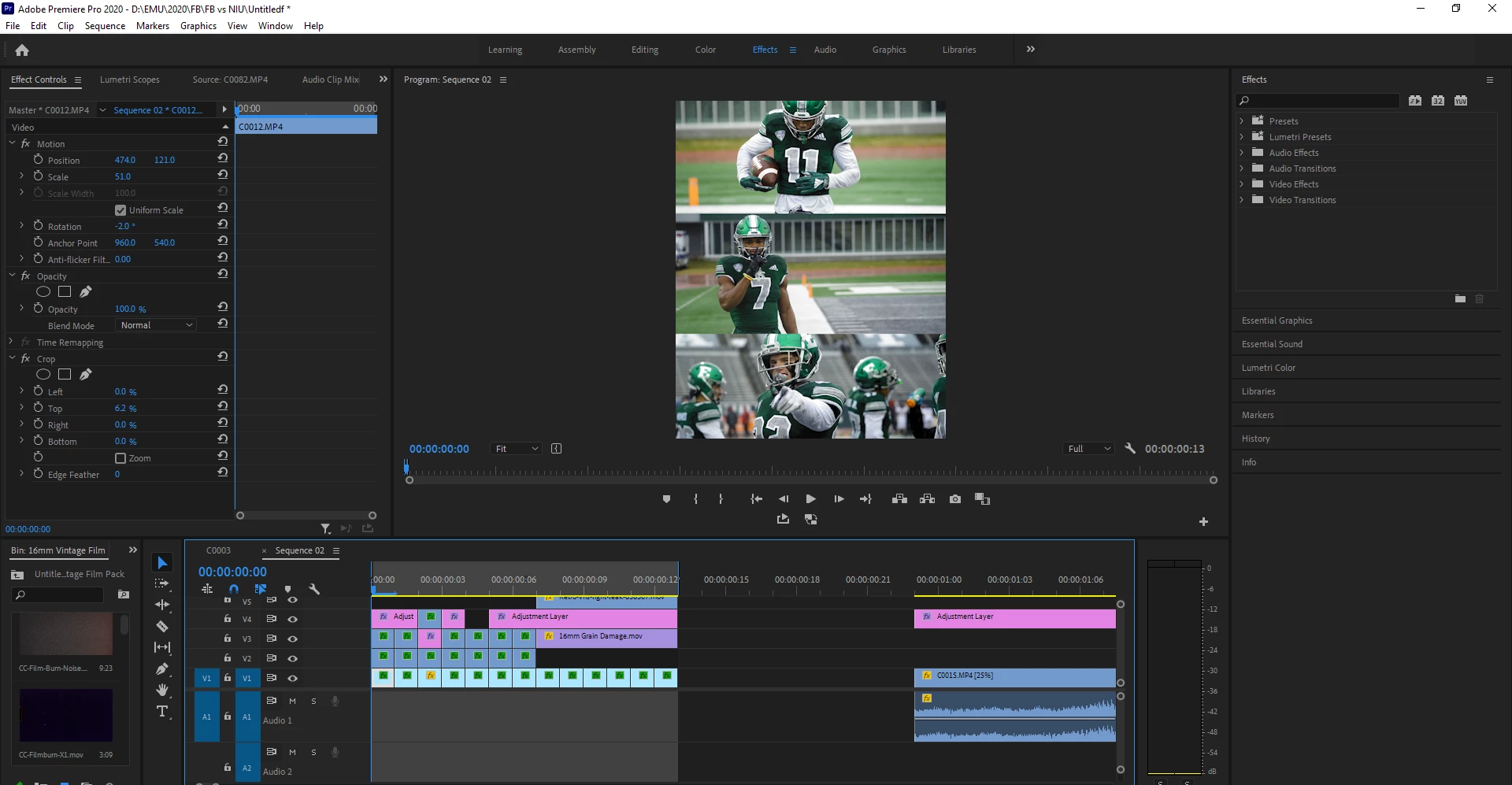
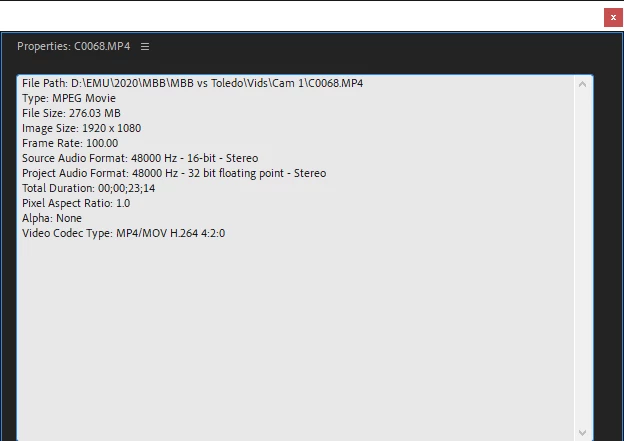
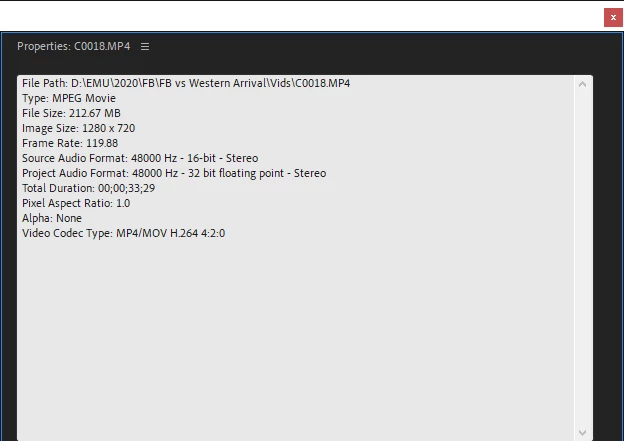
I created a new custom sequence 864x1080 at 23.976 FPS.
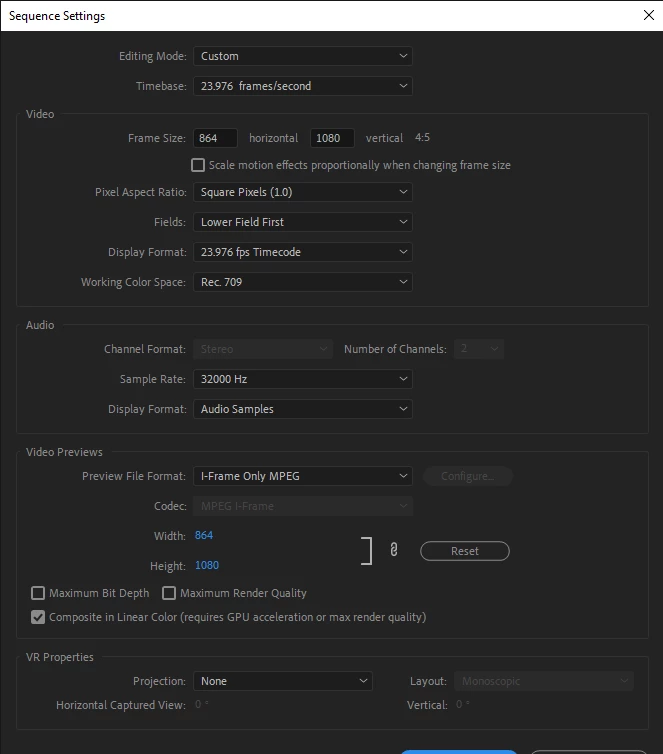
Playback on the timeline is perfectly fine, however when attempting to export I experience a strange ghosting/double image blur issue. Frame sampling is on, frame blending is off.
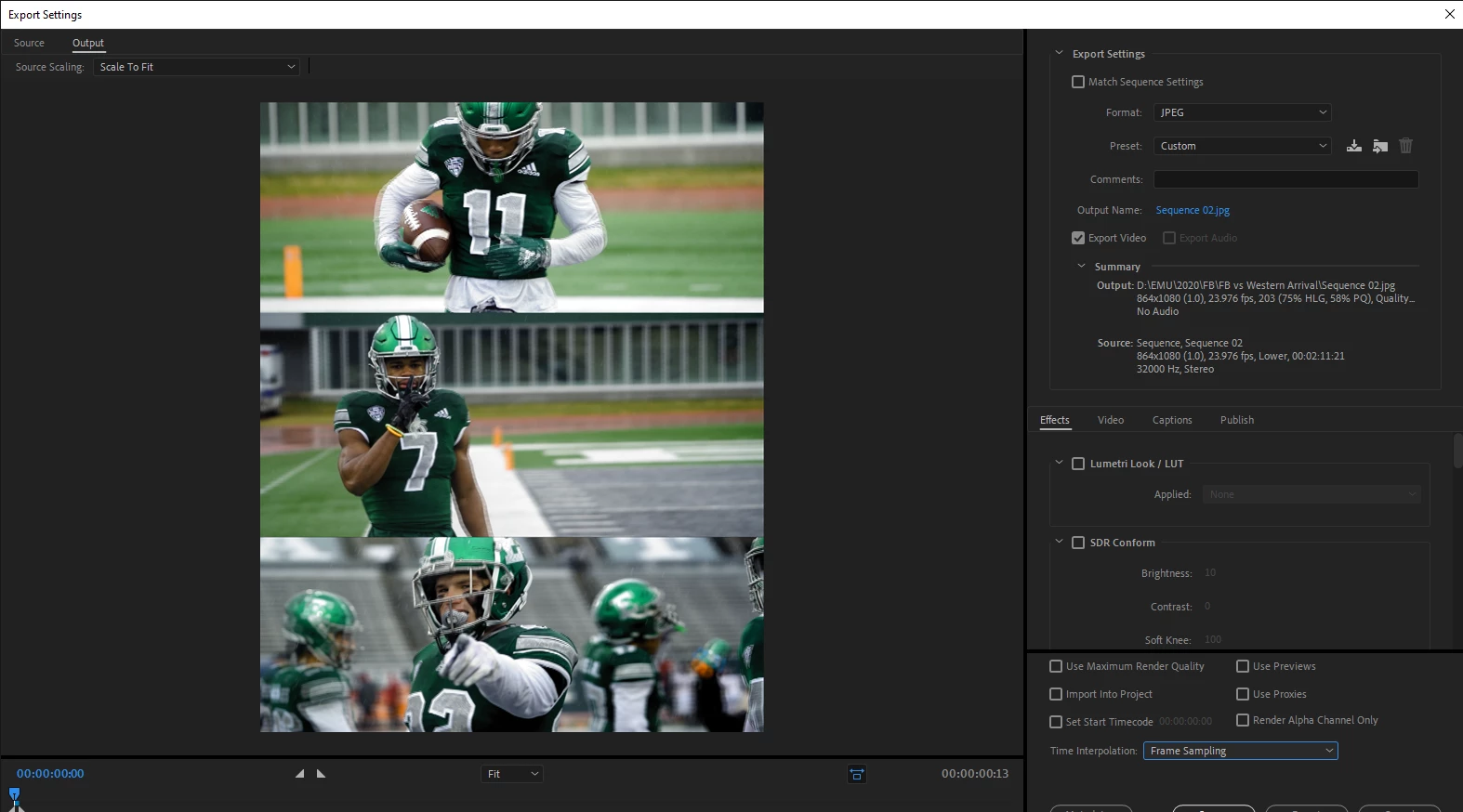
I've noticed that if the sequence is 100 FPS they render fine, however I haven't found a way to set a custom sequence at 100 FPS. I'm trying to understand what is happening, & what the correct workflow is in order to avoid this happening in the future. I've run into this same issue before during a game day, constructing a recap video, & then creating multiple sequences at different sizes to export the video for various social media reasons. IIRC, I found that if I rendered at 60 FPS this was the only way to resolve the ghost/blur issue, however the issue wasn't resolved completely. There was still some slight lagging happening.
Any help with understanding what is going on/how to resolve would be greatly appreciated! Hopefuly I explained the issue well enough.
- Ricky
 AdChoices