
Video is shown grey instead of white
Hi everyone,
I know, this topic has been discussed several times over the past years. But I haven't reached a propper solution so far.
I'm working with the latest Premiere CC (2018) on an iMac (MAC OS Sierra).
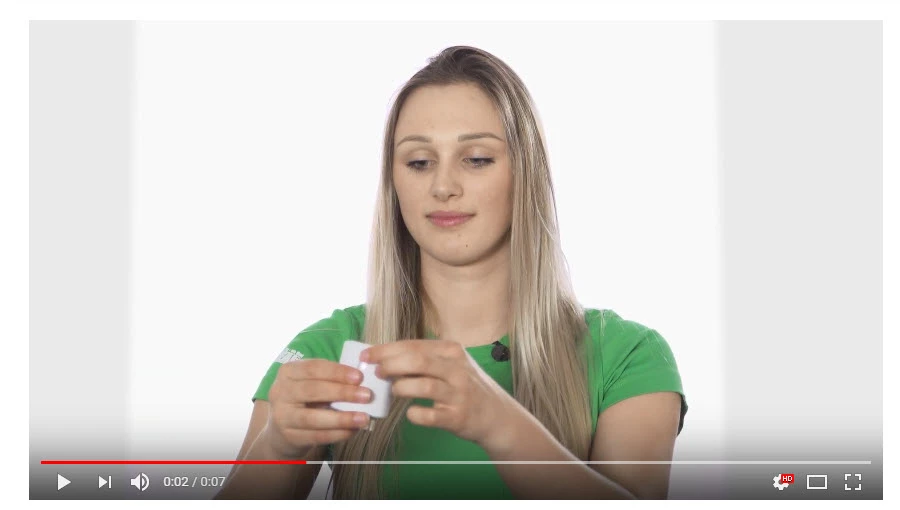
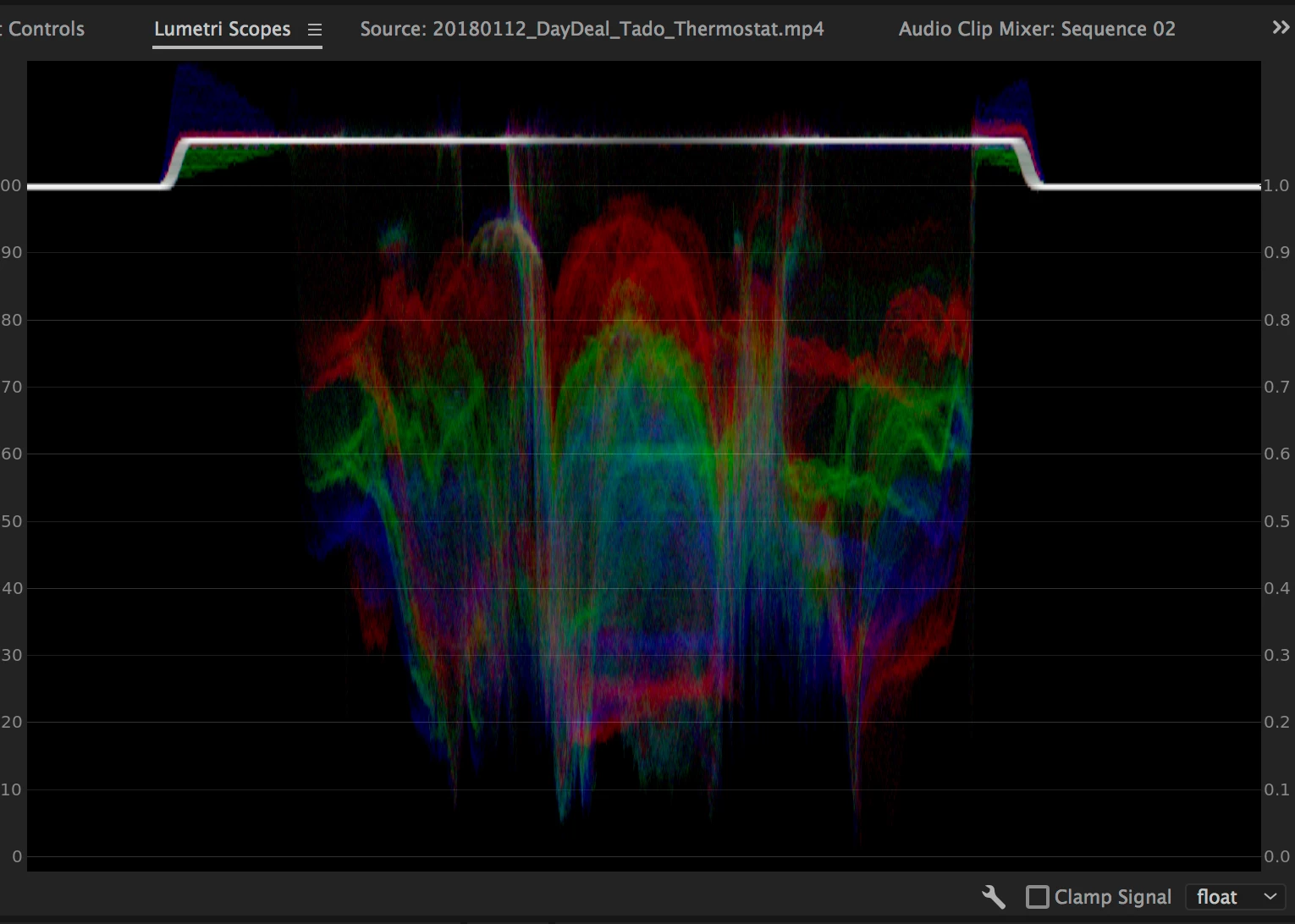
When it comes to uploading my videos to YouTube and Facebook, pretty much all of my videos do have like a greyish layover. And even worse, masks are revealed in said players completely in grey - really nasty. Now, until last week my solution was pretty easy: just select the option enhancements on YouTube and hit save. That's it. The video was white... but not anymore.
Btw: this bug only occurs on PCs not on MAC nor on smart devices. Setting the graphic card settings from 15-235 to 0-255 does the trick on the PCs, but that can't be the solution, can it? Actually, when I import the video in After Effects on a PC and export it again, the mask is invisible at last, but just at the cost that the complete white background turns grey. On every browser - of course still just PC.
Is there anyone out there struggling with the same issue or anyone who knows a fix for that?
Thanks so much in advance!
See example: https://www.youtube.com/watch?v=khB5dqGCYXQ
On my MAC:
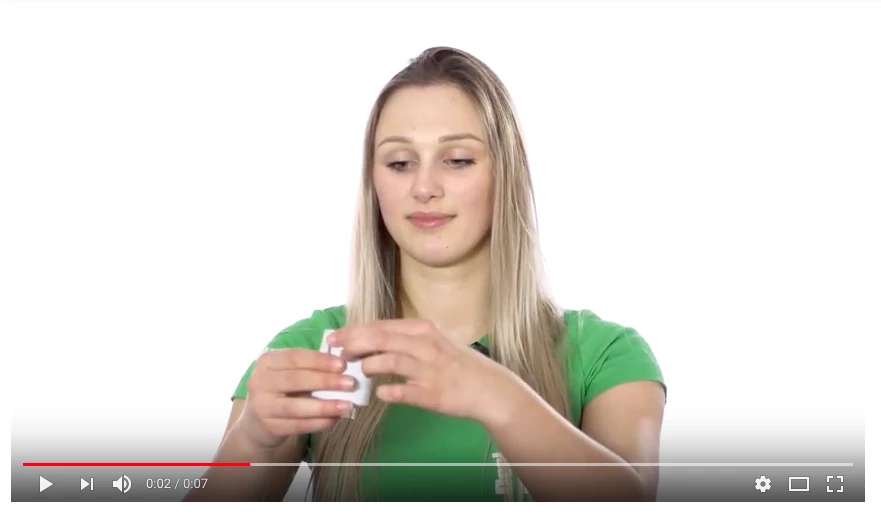
On a PC with graphic card set to 15-235:


 AdChoices