
Video not compatible with Quicktime & Premiere Pro CC 2020 on Mac
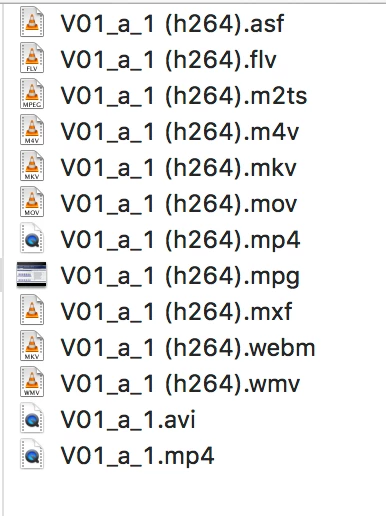
Hello. I am fairly new to Premiere Pro and have encountered a major problem. I'm supposed to make some training videos on my Mac from screen recordings that my boss did in .mov files - without audio tracks - on a Windows device. Originally the videos didn't display properly and I thought this was because of the lack of support for .mov files by apple. So, we downloaded a converter program (Movavi 20 Premium) and I converted the first video to an .mp4 format. However, the videos still won't display properly, no matter WHAT format (and I tried all 13 formats the program has to offer). All formats are ledgible in the VLC player and display properly, but only the .mp4 files can be opened in Quicktime. For the other formats, Quicktime says "converting" but then gives me the warning "Quicktime can't open". In Premiere, the .mp4 files look distorted, see below. Please help. I have tried many different help topics, turning off the accelerated GPU effects, adjusting playback, etc. etc.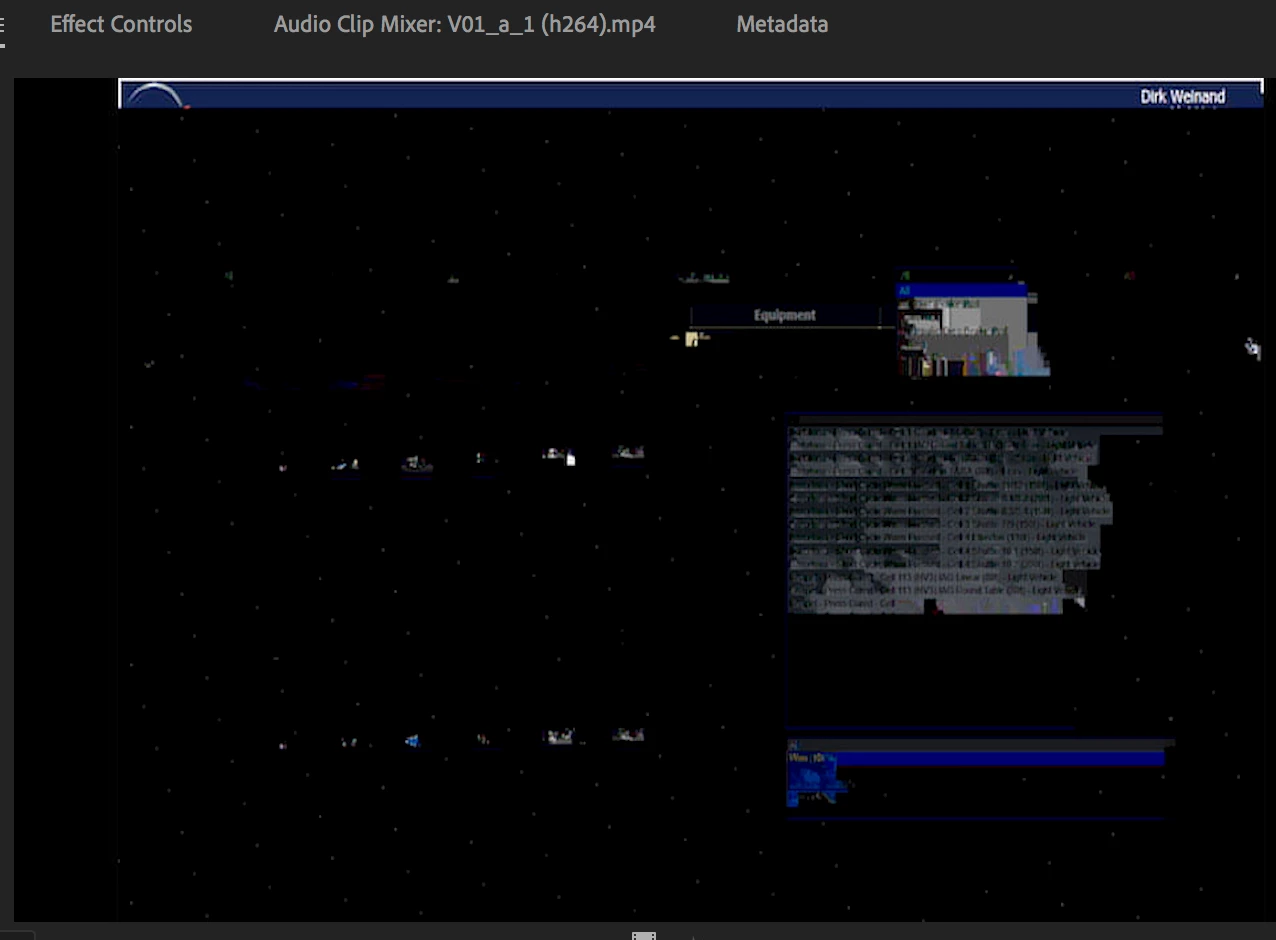
 AdChoices