This topic has been closed for replies.

1 reply

John T Smith
Community Expert
Community Expert
June 18, 2017

More information needed for someone to help... please click below and provide the requested information

-Troubleshooting https://forums.adobe.com/thread/2261475

-Premiere Pro Video Editing Information FAQ http://forums.adobe.com/message/4200840

-WITH Exactly which version of Premiere Pro

-WITH exactly what are the codec details of what you are editing?

-WITH what effects are you using with the video?

-WITH exactly what export settings did you use for your output?

-WITH the brand/model graphics adapter (ATI or nVidia or ???) and exact driver version

-Do not count on Windows to be fully up to date when it comes to device drivers

-Go to the vendor site to be sure you have an updated driver for your graphic adapter

•nVidia Driver Downloads http://www.nvidia.com/Download/index.aspx?lang=en-us

•ATI Driver Autodetect http://support.amd.com/en-us/download/auto-detect-tool

MeGaBaYtAuthor
Participant
June 19, 2017

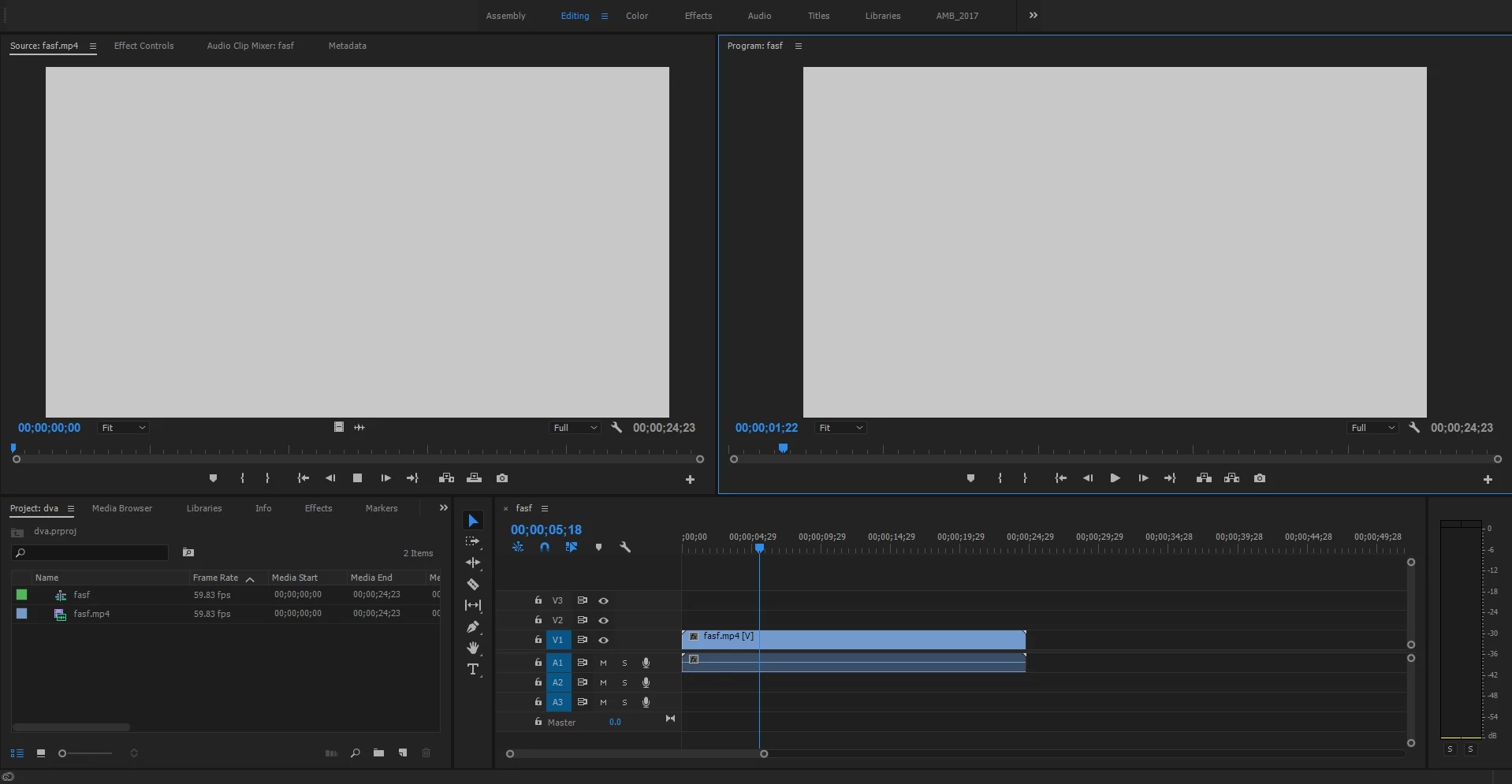
I have 2017.1.2 Adobe Premiere Pro CC 11.1.2 (22) Build

MP4 Codec (i used other codec and i had the same problem)

I have no effects on the clip what so ever it's just raw footage

I Have a GTX 1070 gaming z form MSI

intel I5-6600k , 16 GB ram

and i do have the latest version of the graphics cared driver 382.53

note : adobe Premiere Crashes When I close it after this happens

kulpreet singh
Inspiring
June 19, 2017

Hi MeGaBaYt,

Please switch the video renderer to Software Only Mode & check if that makes any difference.

Open your project, click on File > Project settings > General and change video renderer to 'Software Only Mode' and delete previews.

Thanks,

Kulpreet Singh