
Video Playback Sizing
Hi All,
I know very similar questions have been asked before but after trawling the forum I'm still struggling so here goes:
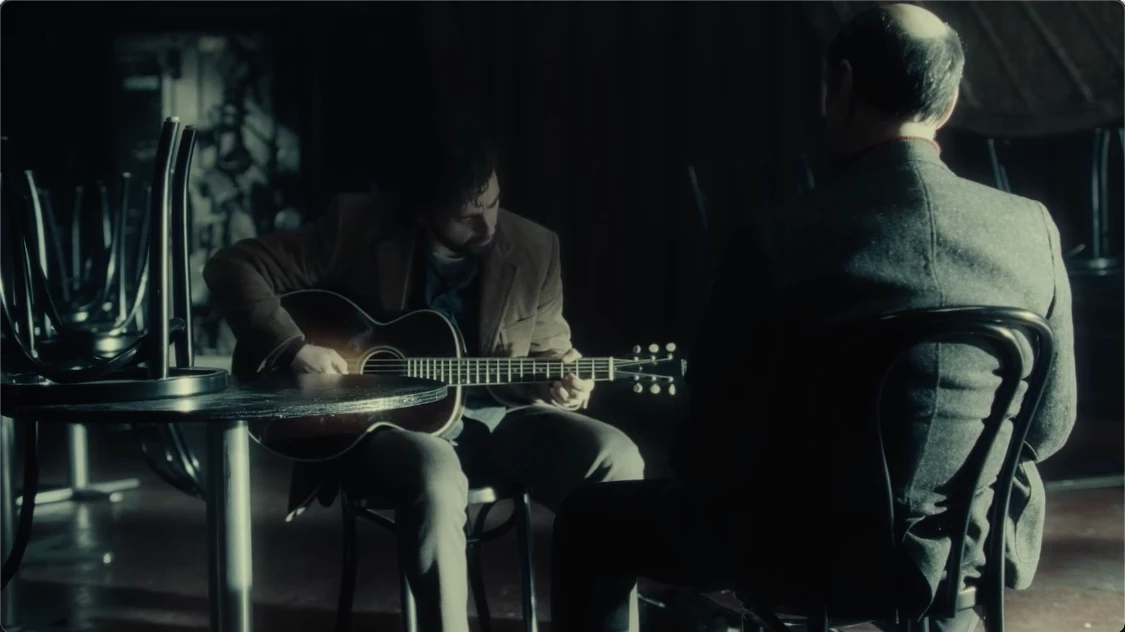
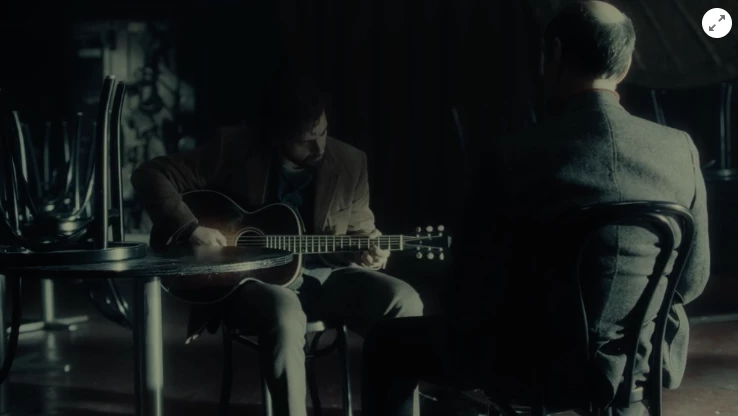
This is the FIRST TIME IVE EVER USED PREMIER PRO. Complete novice. I've made a video essay using lots of clips from different films. The first clip I added to the sequence I hit 'Set to Frame Size'. Subsequently, each clip added to my sequence I have hit 'Scale to Frame Size' then I also 'Auto reframed' the whole sequence when finished. When I output the video file it plays TOTALLY FINE in Quicktime, as you can see from this screen shot:
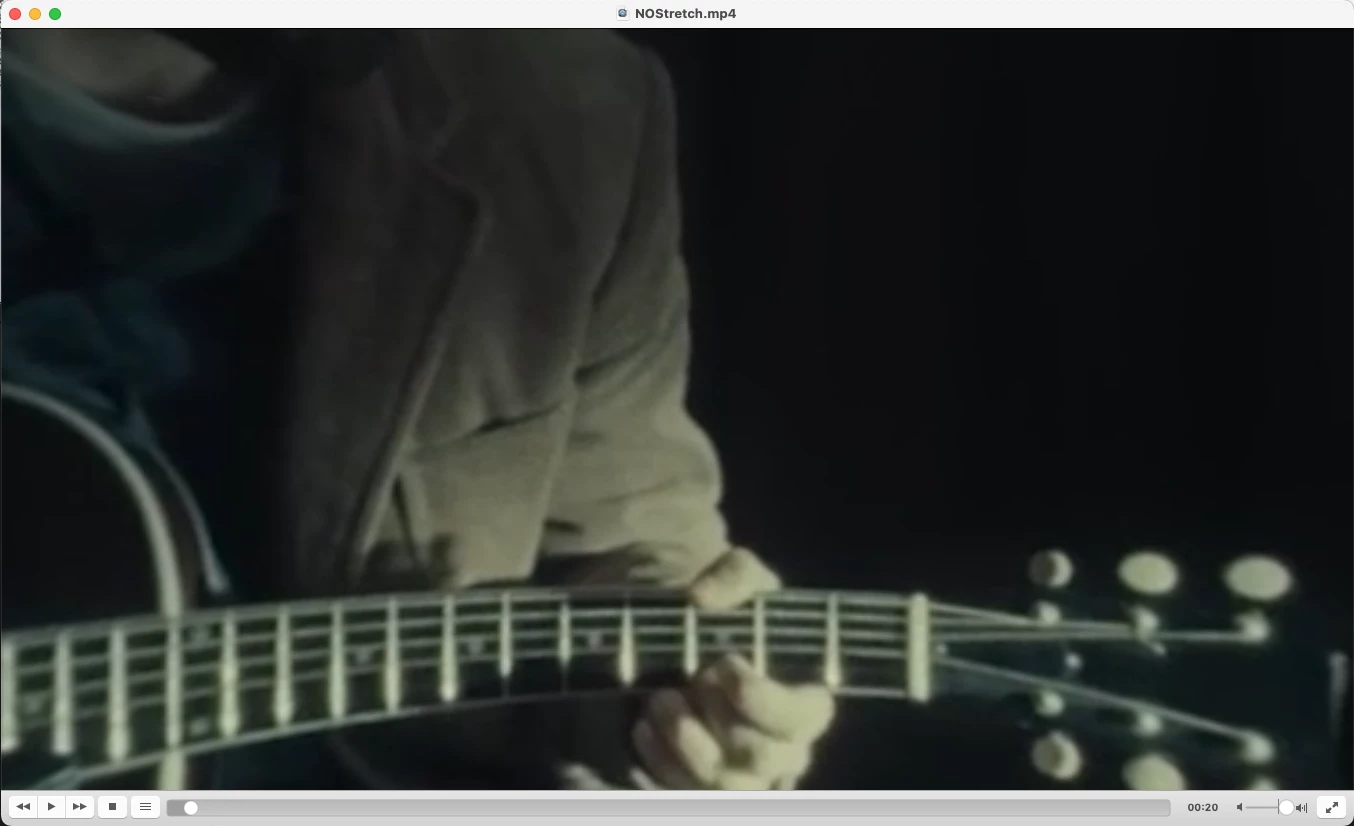
BUT, when I play it back in VLC, or upload it to Vimeo or YouTube (same result on both platforms) it looks mega zoomed in and distorted like this:
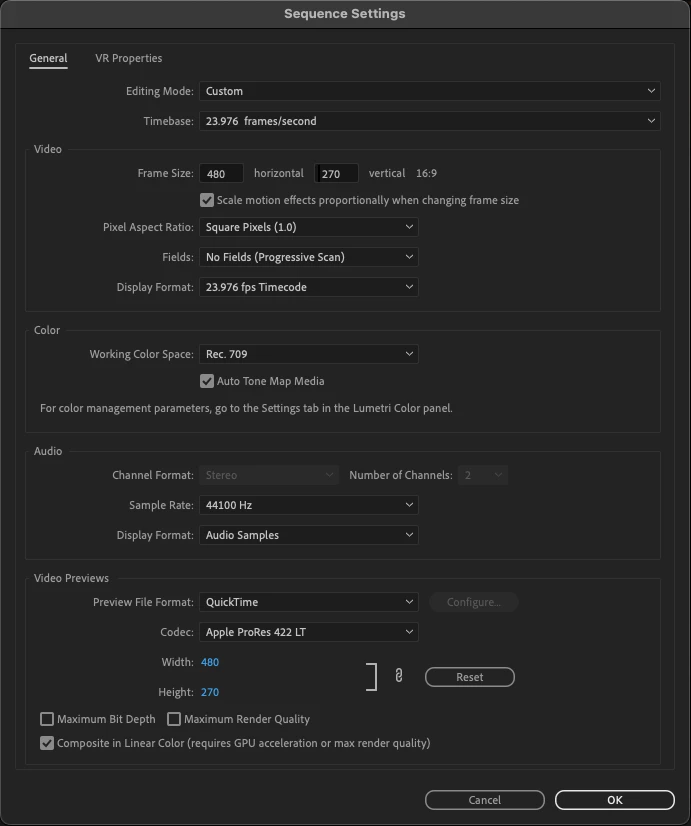
Here are my sequence settings:
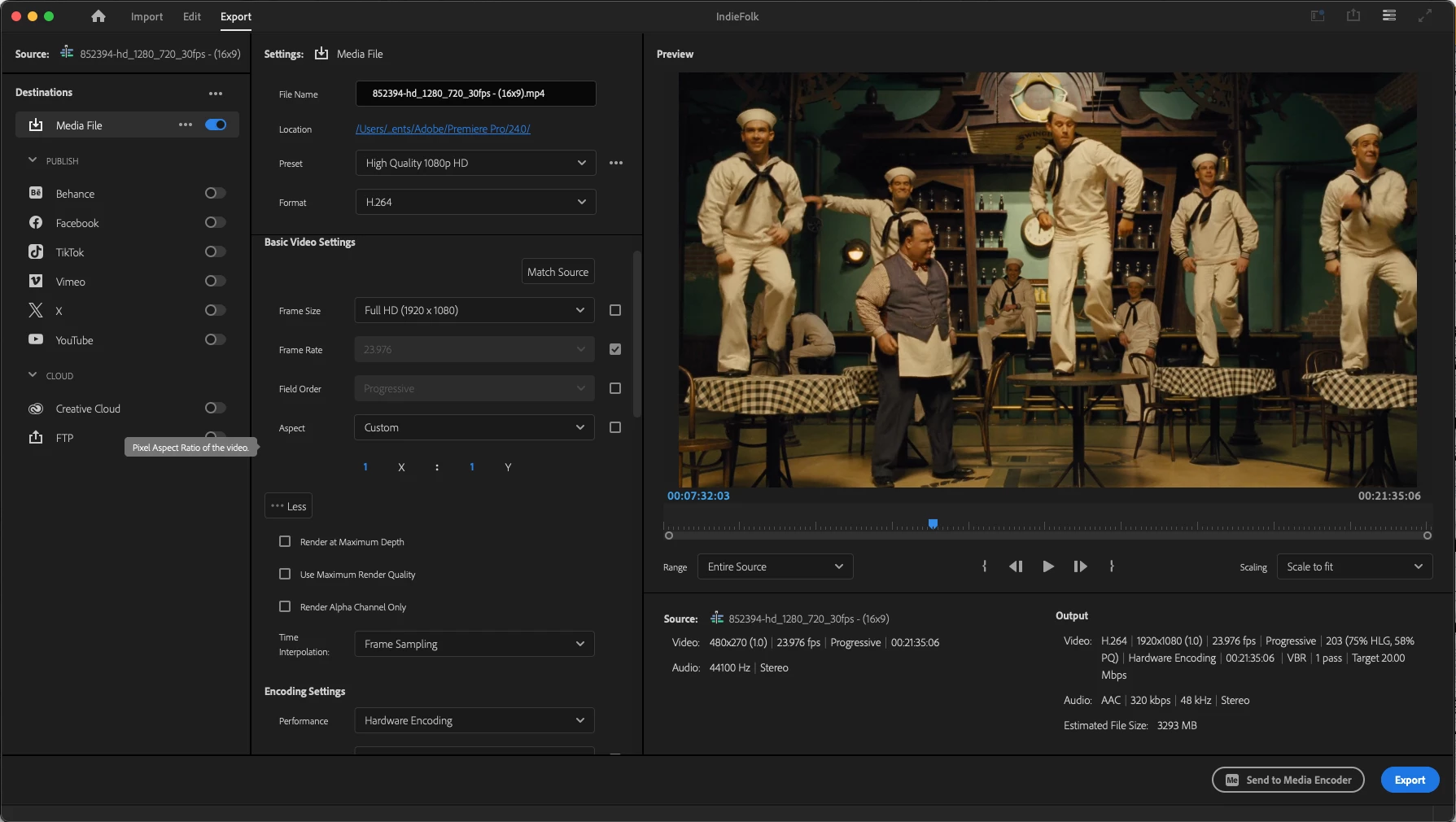
And these are the output settings I'm using.
I need to host the video online so I need it to play back properly, it isn't enough to just use Quicktime. Can anyone help me with this?
Thanks in advnce.
Martin

 AdChoices