Answered
Video stacking on Primer Pro
Hi,
How can I stack photos and videos on Primer Pro?

Hi,
How can I stack photos and videos on Primer Pro?
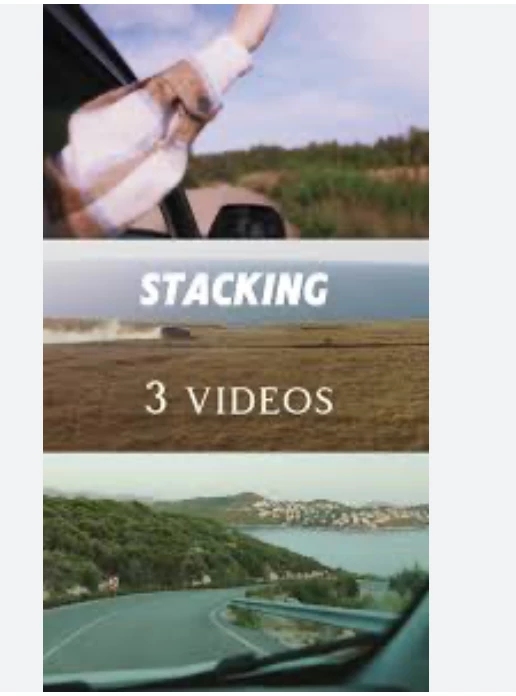
Ahh, thats basicaly a picture in pitcure;
put the videos on top of each other in the timeline, and use the transform effect to scale down, and move the location/position so they line up as you like....
This video will show you the basics of using the feature, which will be applied to each of the video clips that are stacked one on top of each other on the timeline. When you reduce the size, the empty space will reveal whats under it in the timeline line. You can turn off and on the video track so you can work with one clips position at a time.
How to do Picture in Picture Manipulation in Adobe Premiere Pro.
This should be enough to get you started I think.
This youtube short is very quick review of exactly what the sample you provided;
Easy Split Screen Effect in Premiere Pro #tutorial
Already have an account? Login
Enter your E-mail address. We'll send you an e-mail with instructions to reset your password.
 AdChoices