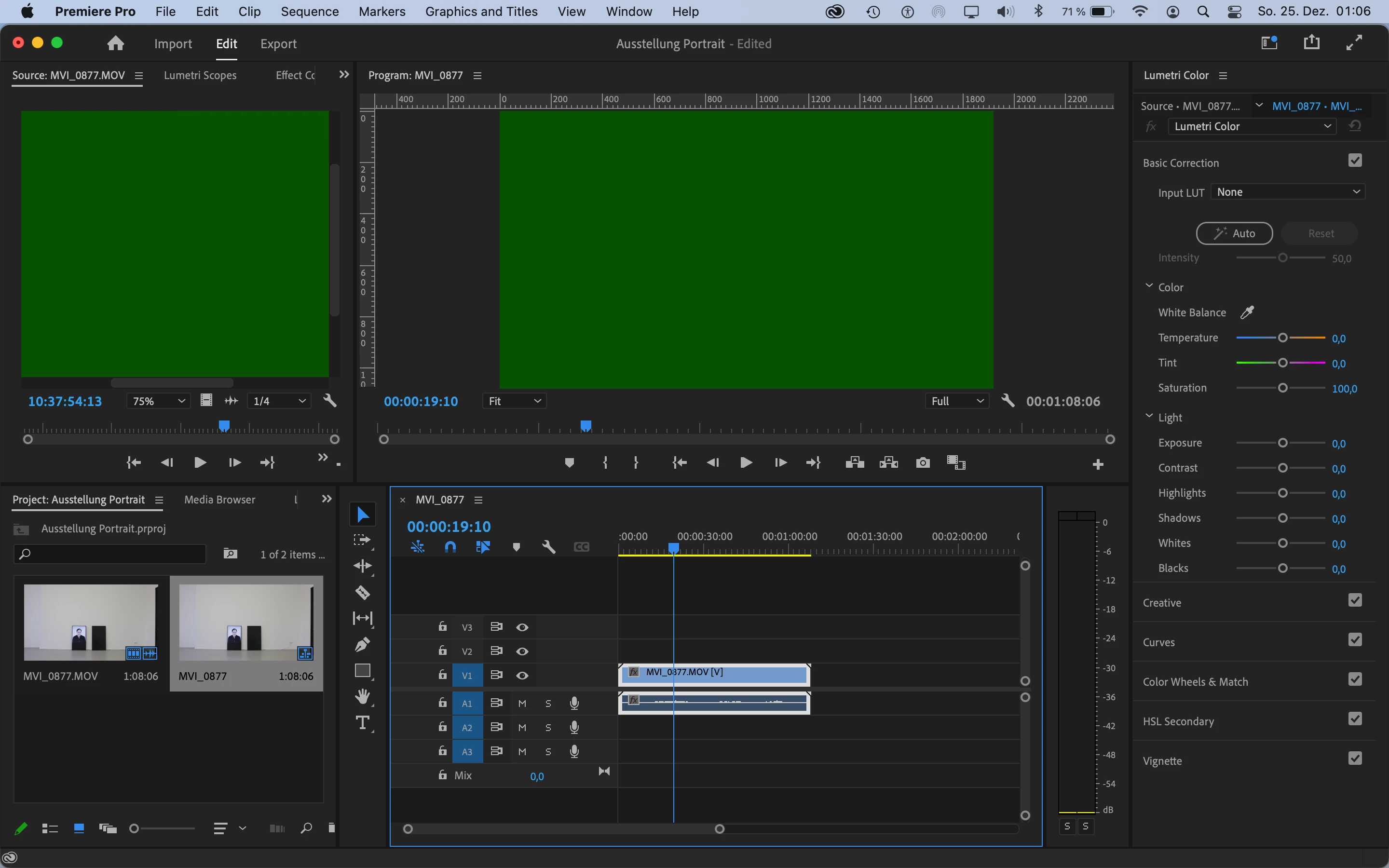
It will not be fixed at all any more. Both Apple and NVIDIA have completely discontinued all driver support for all Kepler-gen mobile CPUs.
In addition, your MacBook Pro is now officially declared "Obsolete" at Apple itself.
So, if nobody (hardware-maker-wise) will ever fix that problem, then why should software companies such as Adobe? Besides, Premiere Pro 23 is (and will be) the very last major version of Premiere Pro that you can install on that MacBook Pro as you officially cannot update its macOS version beyond macOS 11.x (Big Sur). Premiere Pro 2024 (version 24), which will arrive in the Fall of next year, will require macOS 12 (Monterey) or later just to even install at all.
So, if you intend to keep that relic for a while longer, then I would suggest rolling back (or reverting/downgrading) your version of Premiere Pro back to version 22 (2022), and set the Creative Cloud Desktop App in the Preferences to never auto-update the apps (this is set to "always update apps" by default). This way, you'll be running a version of Premiere Pro that was new when your MacBook Pro was still in "Vintage" support status rather than "Obsolete" (remember, Apple declares a product to be "Vintage" at five years after its discontinuation of production/availability, and "Obsolete" at seven years after discontinuation).
Or, if you wish to continue with your current Premiere version, then please turn off all hardware acceleration (this means setting the renderer to "Mercury Playback Engine Software Only", and also in the Preferences > Media menu, then unchecking all "enable hardware decoding" and "enable hardware encoding" boxes completely) every time you start a new project.

 AdChoices