
Participant
June 12, 2023
Question

Videos won't import

  • June 12, 2023
  • 1 reply
  • 1007 views

Suddenly, whenever I try to import a large video mp4 to Premiere Pro 2023, it gives me this message:
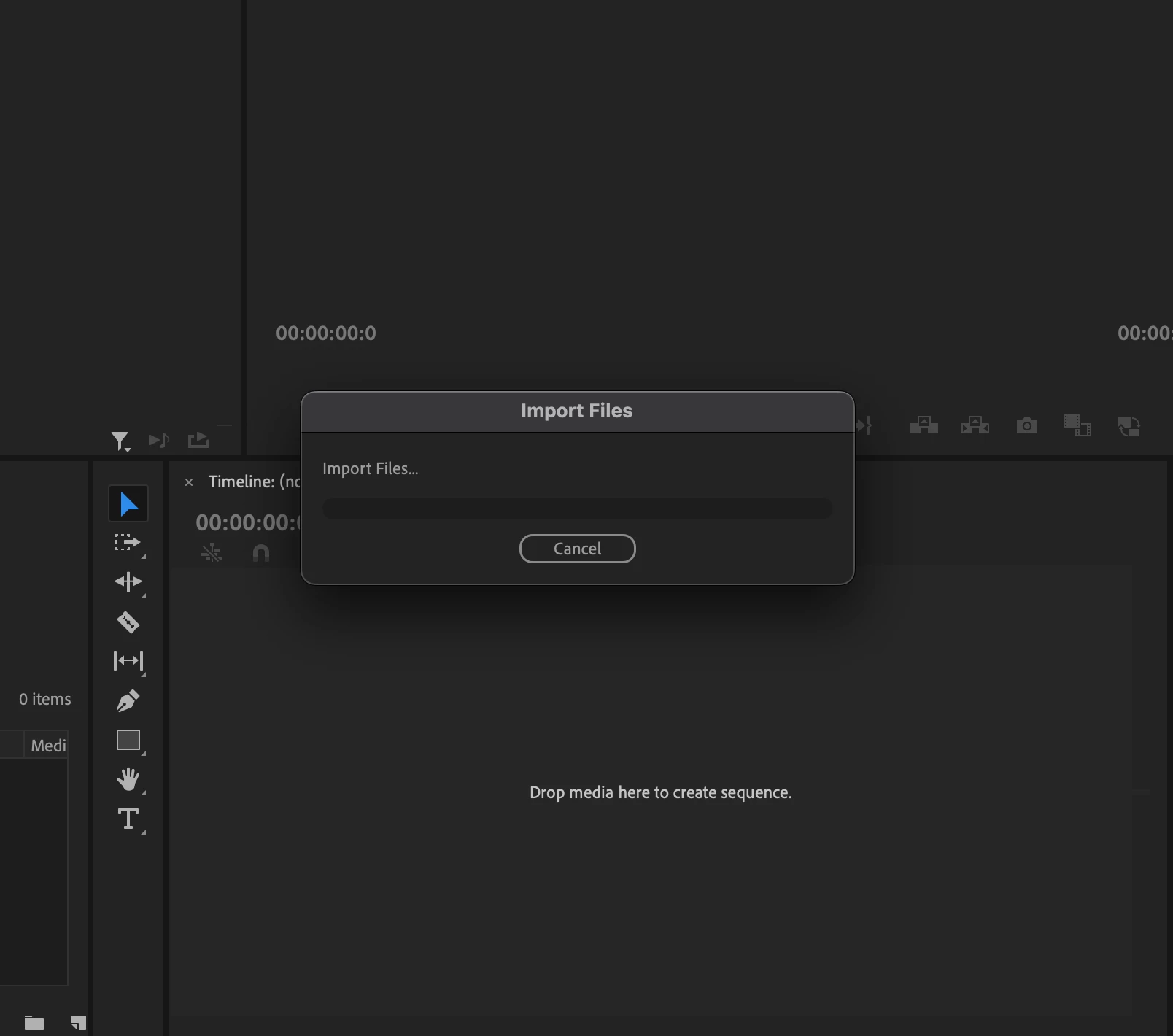
 

I really need to fix this asap. If someone has an answer, that would be great.


I tried importing regular clips from other footage I've used in the past that are significantly smaller in size and the videos will not show up or play:
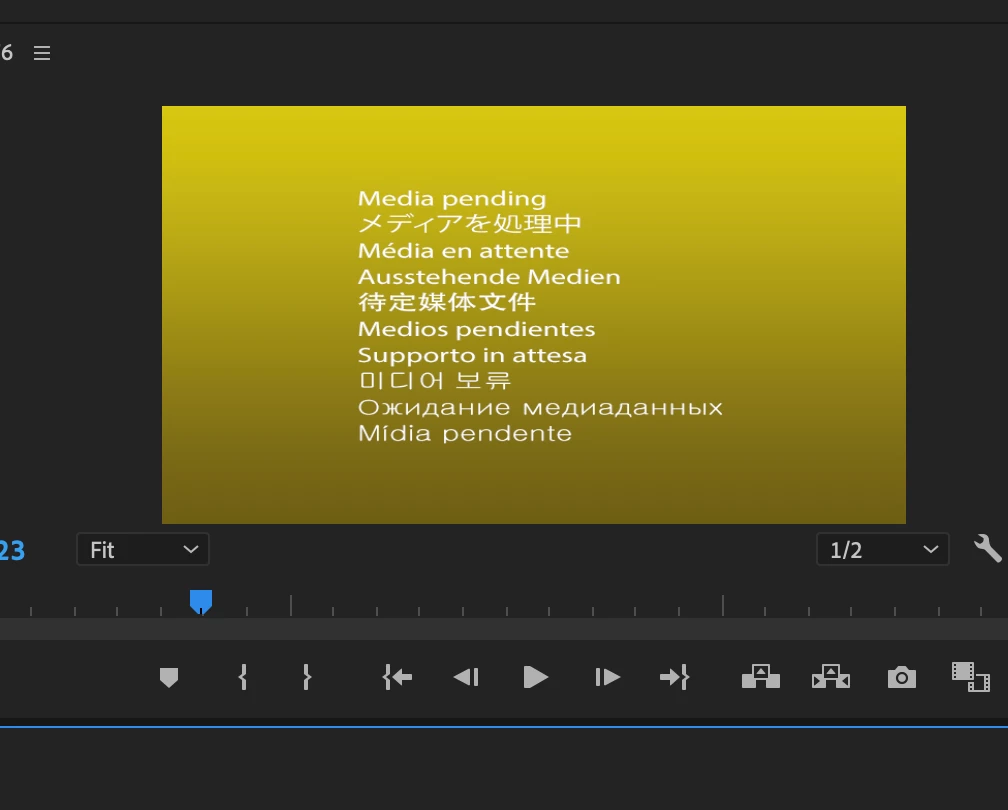
This topic has been closed for replies.

1 reply

Odobe
Known Participant
June 12, 2023

Are the clips stored on an internal or external drive?


Do the clips play at a Finder level from that drive?


Whereabouts are your cache files going?


Have you recently cleaned your Premiere Pro media cache?


Have you opened Premiere Pro in safe mode?


Have you tried reinstalling Premiere Pro?


anonhjAuthor
Participant
June 12, 2023

Hi,

The clips I've tried opening are from both internal and external drives. I can't even open up old premiere projects that I still have the clips and audio for. 

My clips still play at Finder level.
I've organized cache and reinstalled Premiere, also opening in safe mode as well.


Nothing has worked, and it still gives me the same import files message.

Odobe
Known Participant
June 12, 2023

Hmmm,


Do you have Media Encoder installed - you could try making a quicktime file - save it somewhere different like the desktop and then see if you can open that - but instead of using the import function drag it straight into the source window and from there drag into your timeline window to make a new sequence ( in an empty project)