
Question
Warp Stabilizer is changing exposure and color of exported video
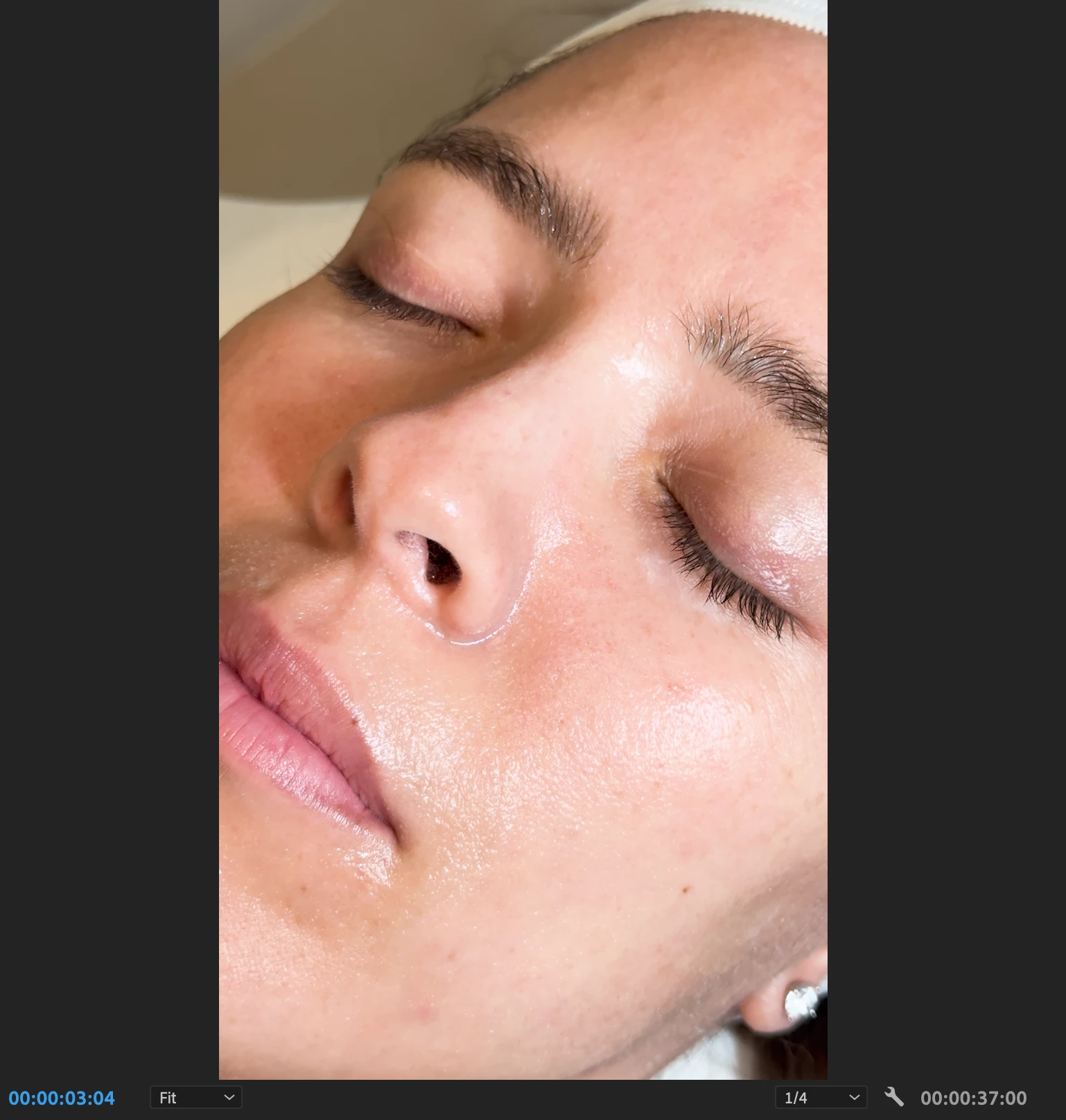
With no warp stabilizer:
With warp stabilizer:
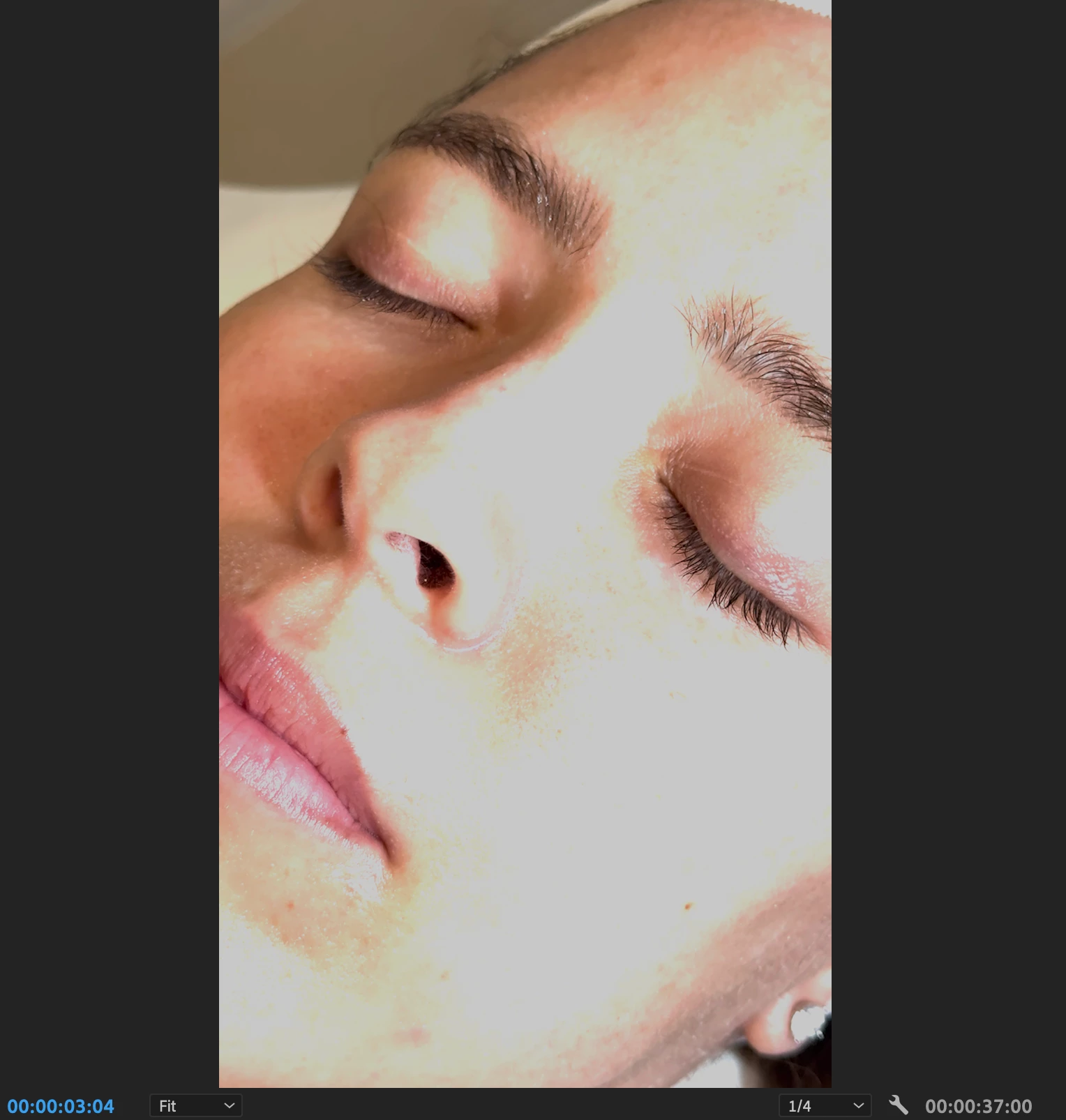
Using most updated version 24.1.0
I've tried exporting through Premiere's exporting screen and I've tried exporting with the Media Encoder but it is still coming out this way. In the Media Encoder I have also tried the HDR Graphics White (Nits) setting to be set at 300 (81% HLG, 62% PQ) for best results but to no avail.
Anyone know what else I could try?
 AdChoices