March 24, 2020
Question

Warped/distorted videos after exporting

  • March 24, 2020
  • 6 replies
  • 11176 views

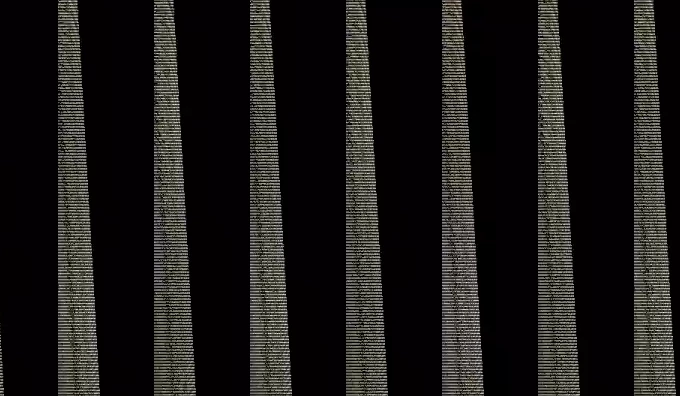
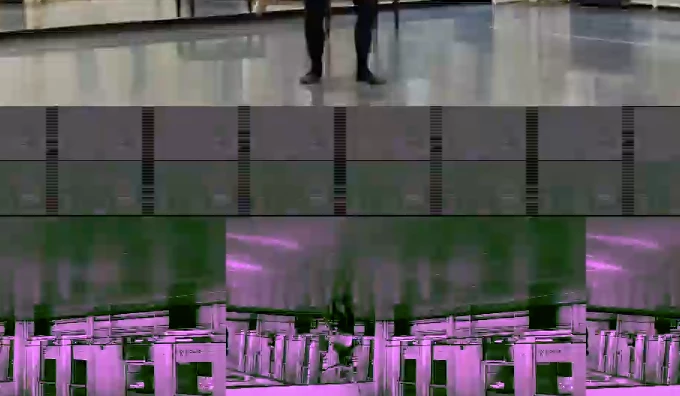
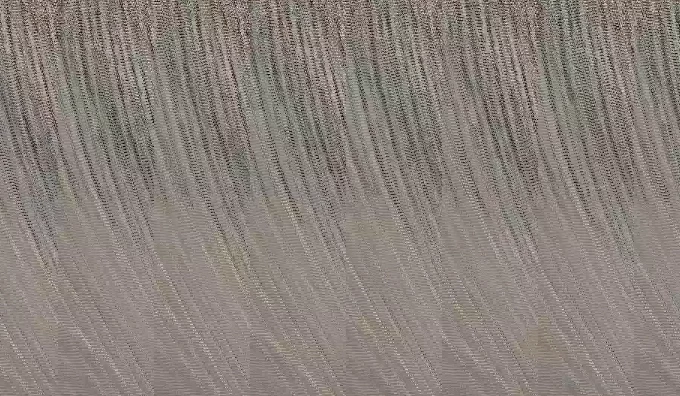
I'm a beginner at Premiere Pro. After I've exported some of my videos, (using the settings that Adobe recommends using in their tutorial (H.264 and "Match Source-Medium bitrate"), my videos keep coming out distorted/warped. I've included screenshots of what some of my videos look like. My videos still play but the picture quality is completely destroyed. Does anyone know why this is happening or how I can fix it?


Thank you!
 

6 replies

Participant
August 3, 2024

I'll put you out of your misery! In the export settings, do you have options for 'VR video'? If so, untick it.

I used premier Pro and it played fine it its preview and through Quickplayer, yet no matter what I did it was distorted in YouTube.

Here's the settings I used in Premier's export settings:

Preset: YouTube 1080p

Format: H.264

Frame size: Full HD (1920x1080)

Aspect: Square pixels (1.0)

Under the section 'VR Video'. Untick the box that says 'Video is VR'

That's it!

lisab62134857
Participant
February 4, 2025

THANK YOU!

Ann Bens
Community Expert
Community Expert
April 1, 2020

This image shows a gpu issue.

Update videodriver.

April 1, 2020

Thank you. Is there a way you recommend updating the video driver?

Ann Bens
Community Expert
Community Expert
April 1, 2020

As this is getting complicated I would start over in a new project with the converted files.

Participant
April 1, 2020

Omg, this is the same problem I have. Is there anything I can do too?

Legend
March 24, 2020

the variable frame rate is probably the cause of the problem.

read this:  

https://community.adobe.com/t5/premiere-pro/faq-issues-with-screen-recorded-footage-in-premiere-pro/td-p/10874355?page=1


Use handbrake to convert to a constant frame rate and replace the footage and see if that fixes things.

https://handbrake.fr


post back with any questions.  

April 1, 2020

Thank you. 

When I used handbrake for the original footage it fixed my issues when I then reassembled my project and I exported it and had no problems. Then I went back to my project to make some changes and exported with the same settings and it has the same issues as the ones I have posted above.

Included in this project are several effects, like crossfades. I'm not sure if those could cause issues like these?


Community Expert
April 1, 2020

did you make sure when going back to your project 

you still had the footage you encoded using handbrake?

if yes, try to update your GPU from the vendor's site

or try to export to QuickTime GoPro Cineform YUV 10 bit.

do you have GPU acceleration in project settings? or software only?

Legend
March 24, 2020

tell us your source properties (select each clip and control click and choose "properties" and your sequence settings.

March 24, 2020

Hi mgrenadier,


The properties are:


Type: MPEG Movie

File Size: 3.69 GB

Image Size: 1920 x 1080

Frame Rate: 29.98

Source Audio Format: 44100 Hz - Compressed - Stereo Project

Audio Format: 44100 Hz - 32 bit floating point - Stereo

Total Duration: 01;06;57;15

Pixel Aspect Ratio: 1.0

Alpha: None

Video Codec Type: HEVC 4:2:0

Variable Frame Rate Detected: