



Welcome to Premiere Pro 14.3.1!
Premiere Pro 14.3.1 is here!
Today marks the release of Premiere Pro 14.3.1.
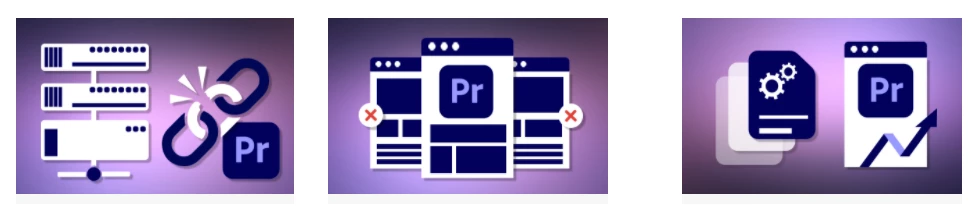
Ability to Detach Proxies in Premiere Pro
You can now remove proxies from your clips. Just right-click on master clips and choose Proxy > Detach Proxies and it returns the master clip to the state it was in before any proxy was created or attached.
See how to detach proxies in Premiere Pro here.
Ability to Close Other Projects
If you are working in a production, or if you have multiple projects open, you can now close all other projects except for the one you are working on via a Menu command.
See how to close all other projects except the one you are working on in Premiere Pro here.
Performance Improvements and New File Format Support
- H264/HEVC playback improvements when using Premiere Pro on Windows running Intel processors
- You can also export ProRes 4444 XQ in QuickTime and MXF on macOS. This feature is already supported on Windows.
For a complete list of supported file formats, see Supported file formats.
Complete documentation
- Complete list of the new features here
- List of Fixed Issues here
- Known issues here
- System Requirements
 Adobe Creative Cloud Video and Audio Blog
Get the latest content here.
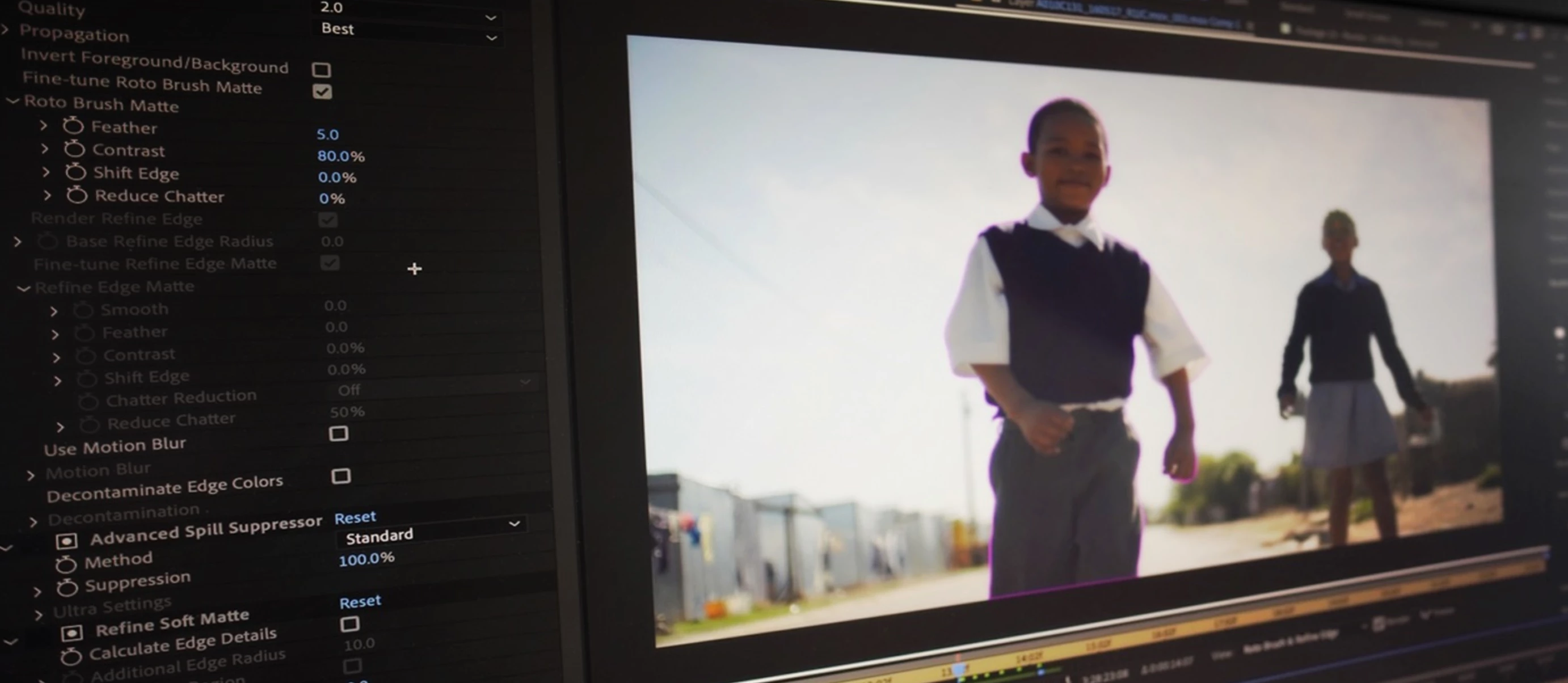 New Blog Post on 14.3.1 peformance here: New in July 2020: Playback Improvements for H.264 and HEVC on Windows
- Collaborating with technology partners to drive quality and performance for our video applications.
Let's now discuss the new features.
If you are having trouble with the new version, please, create a new post with full details of your system, media drive, and source footage.
 AdChoices