


Welcome to Premiere Pro 14.4!
 Premiere Pro 14.4 is now available for download from the Creative Cloud desktop app. This update includes new features, several bug fixes, and performance improvements. It is recommended for all users.
New features & enhancements
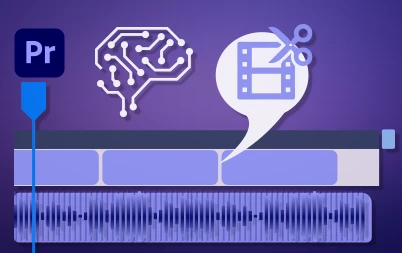 Scene Edit Detection
Use machine learning to automatically detect and add edits where cuts occur in a video.
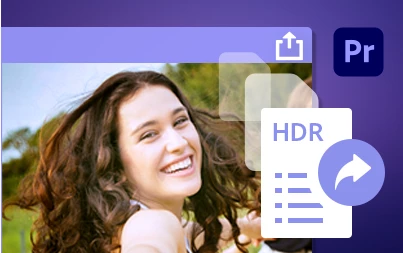 HDR for broadcasters
With the new Rec.2100 HLG color space, broadcasters can work with more vibrant and dynamic content.
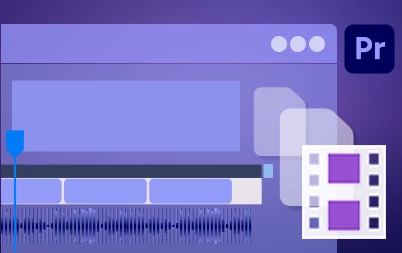
You can now choose to use proxies while exporting if you want a quick export that doesn't require full resolution media.
Premiere Pro now scans VST 3 and AU (Audio Unit) plugins faster. Also, exporting an AAF with Breakout to Mono deselected preserves audio channelization.

Here is what we've fixed in version 14.4
- Playback does not stop when waveforms expanded with smooth scrolling and multicam view enabled
- Improved location of licensing information for Stock Audio
- Improved consistency of contextual menu behavior using search bins
- Deleting an empty Audio track prevents VoiceOver from being recorded
- Hardware encoding not available on Mac when encode height is greater than 2196 pixels
- DNxHR MXF files files exported as non-standard frame size that contain display aspect ratio of 16:9 may play incorrectly in external players
- Some files that play correctly in QuickTime Player import as audio only
- Improved ProRes Multicam Playback Performance
- Twitter 1080p preset now produces higher quality outputs with match source for frame rate and higher bitrate.
- Cannot log in to Vimeo
Complete documentation
 AdChoices