



Welcome to Premiere Pro 25.1!
Welcome to Premiere Pro 25.1!
Hello, and welcome to the December release of Adobe Premiere Pro! Premiere Pro 25.1 is now available from the Creative Cloud desktop app and is recommended for all users.
Learn about best practices for updating Premiere Pro.
New features
The 25.1 release of Premiere Pro features a modern, rounded design for Timeline clips and more. It's the perfect time to update.😊
Rounded corner design for Timeline clips
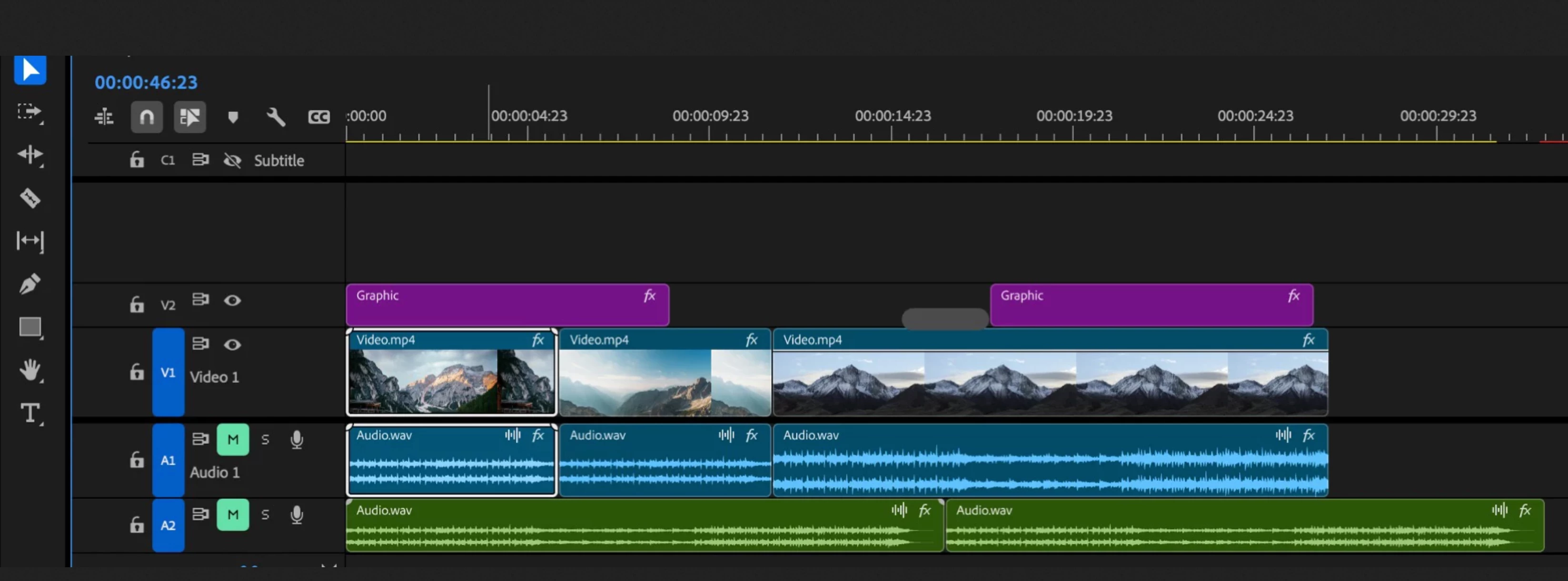
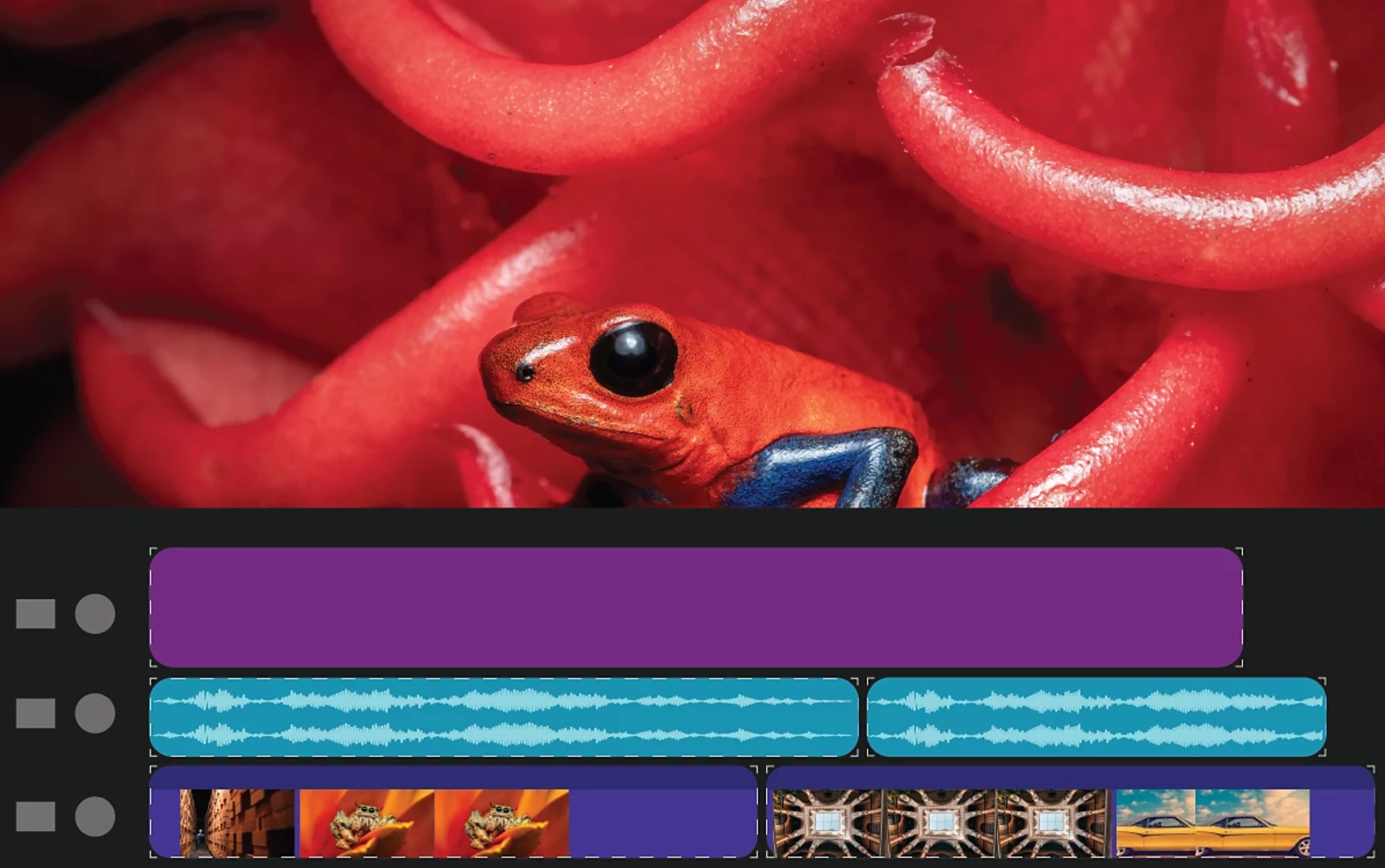 Premiere Pro now features a fresh, new design for Timeline clips that’s modern, consistent, and easier to look at all day long.
Premiere Pro now features a fresh, new design for Timeline clips that’s easier to look at all day long, requires less cognitive load to parse and understand, makes it easier to see the boundaries between clips, and is just plain friendlier.
Enhanced H.264 performance on Apple silicon computers and Windows
 Completely rewritten support for H.264 in MP4 and MOV provides up to a 4x increase in performance on Apple silicon computers and up to a 2x increase in performance on Windows computers.
Fixed issues in 25.1
Audio:
- The audio was not imported for MXF files with 32-bit audio.
- The Progress panel sometimes showed duplicated "Enhancing Speech" processes.
- Newly created Audio Tracks did not respect the Solo state of other tracks.
- Attributes would not be correctly pasted across all audio channels of a clip on the timeline.
- Clicking on a clip badge to open the Effect Controls or Essential Sound panels would open the panels on the mouse down.
- Premiere Pro would sometimes crash when disabling Enhance Speech during processing on nested sequences
Captions and transcriptions:
- When importing a custom caption preset which was previously saved with a certain style, the "Style" option could erroneously be reset to "None".
- Undoing a merge of multiple captions segments would not select all segments.
Editing:
- The Time Ruler Numbers option for Timeline was disabled, and the shortcut did not work.
- Some EDLs would fail to import.
- The Progress Sheet was not docked with other panels when opened from the Windows menu.
- Premiere Pro would hang when exporting some projects to XML.
- Get Media File Properties for > Selection was disabled for Timeline clips.
- Option or Alt + mouse wheel would not zoom the Timeline based on the cursor location.
- Scaling below 50% of a still image in a timeline, when played in non-high quality, half or quarter resolution, could cause the image position to shift.
Effects:
- Applying Morph Cut via an Adjustment Layer could cause a crash.
- Crash observed when opening Old Premiere Pro (22.x) project containing Morph Cut effect.
- Some projects using the Morph Cut transition could crash when using the GPU-accelerated renderer.
Formats:
- Observed artifacts during reverse playback of AVC Long GOP MXF media.
- [Regression 24.4] Adaptive bit rate presets (High/Medium/low) under the video setting were showing the same bit rate during Export.
- Disabling the hardware-accelerated decode preference did not work for ProRes media—playback would still use hardware acceleration with this option disabled.
Team Projects:
- Read-only sequences from Media Browser allowed changes to be made.
Text-Based Editing:
- Clip markers could sometimes not show or be added to audio-only clips in the Transcript tab of the Text panel.
- With a project set to Read Only, it could be possible to drag markers in the Text panel's Transcript.
- Importing a corrected transcript could result in a timecode mismatch.
- When working with English transcripts, the first word of a sentence could erroneously start with a lowercase letter.
 AdChoices