
Inspiring
October 15, 2024
Question

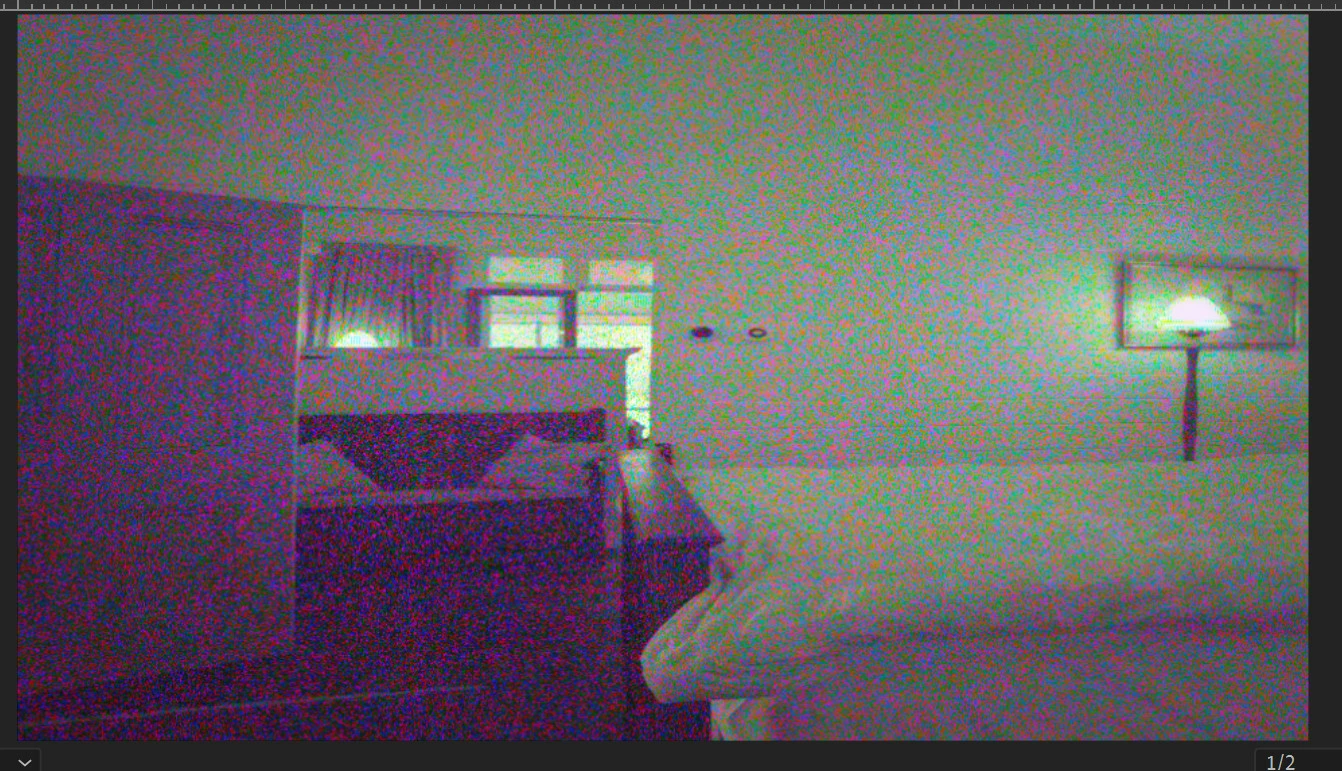
What is going on here?
  • October 15, 2024
  • 2 replies
  • 215 views

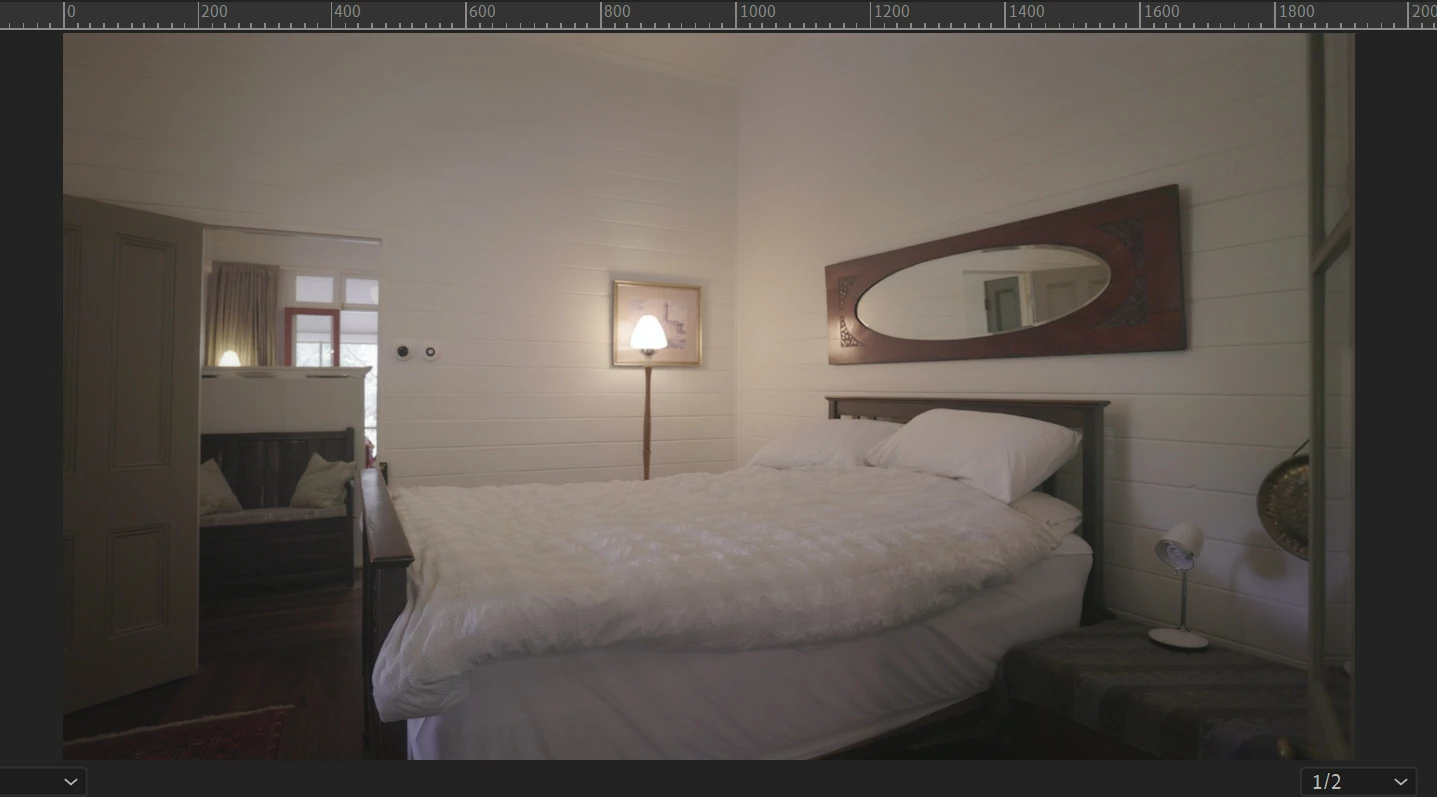
This is randomly happening at the moment.  Its doing it occasionally on clips from different cameras.  This one is only doing it when set to 1/2 res. Full res and 1/4 res play fine.  It is stretching and grainifying the clip.  (what it should look like below).  I think it might have started after a windows update, but I cant be sure.  Display driver version 560.94


This topic has been closed for replies.

2 replies

Adobe Employee
October 15, 2024

Artifacts as such would always make me suspicious of the graphics card driver. Have you ruled that out already?

Ishan Y
Community Manager
Community Manager
October 15, 2024

Hi there,

Sorry for the poor experience. Which version of Premiere Pro are you currently using? Please try launching Premiere Pro with third-party plugins disabled (https://adobe.ly/4eVsViG) and create a new project. If you still see the issue and are on the latest version of Premiere Pro, please let me know if you can share your project with a sample media file. I'll try to replicate the problem on my end. 


Thanks,

Ishan

Please tag me (@) in your replies so that it notifies me and helps me respond promptly.