Participating Frequently
June 9, 2022
Answered

When exporting my video resolution is horrible

  • June 9, 2022
  • 1 reply
  • 722 views

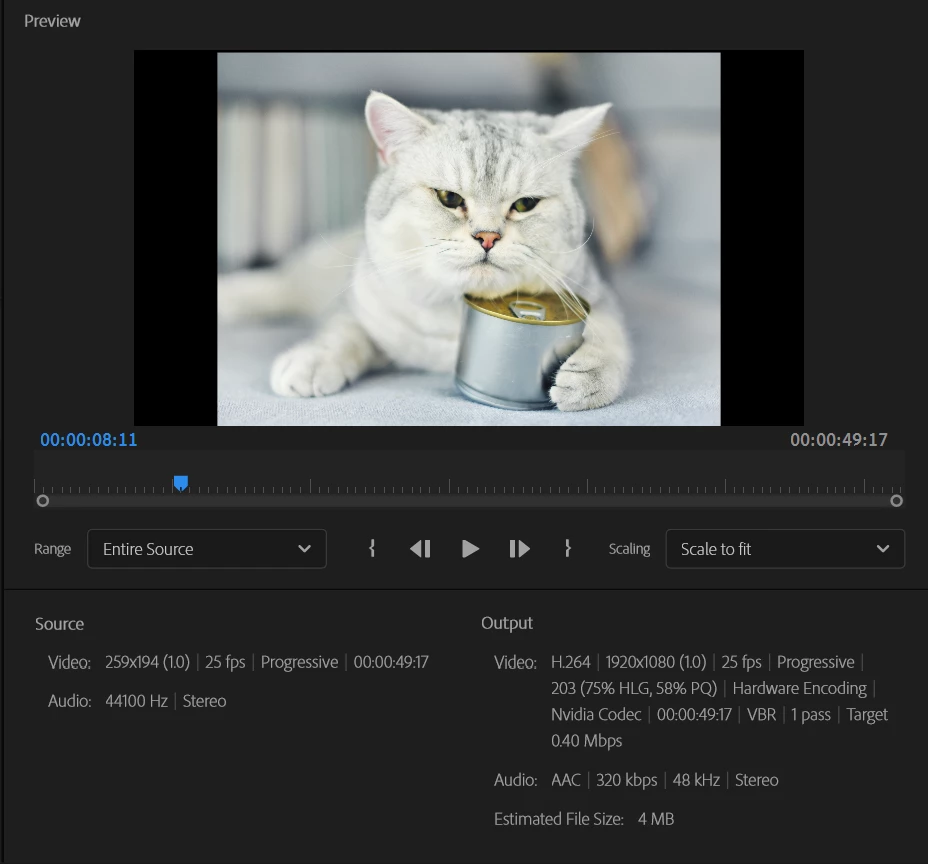
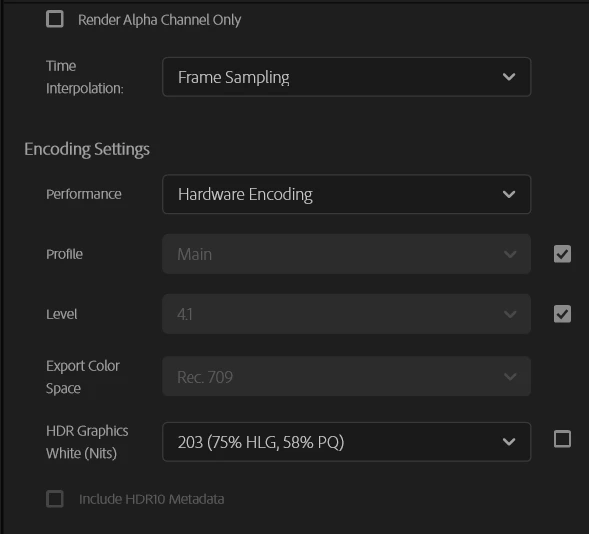
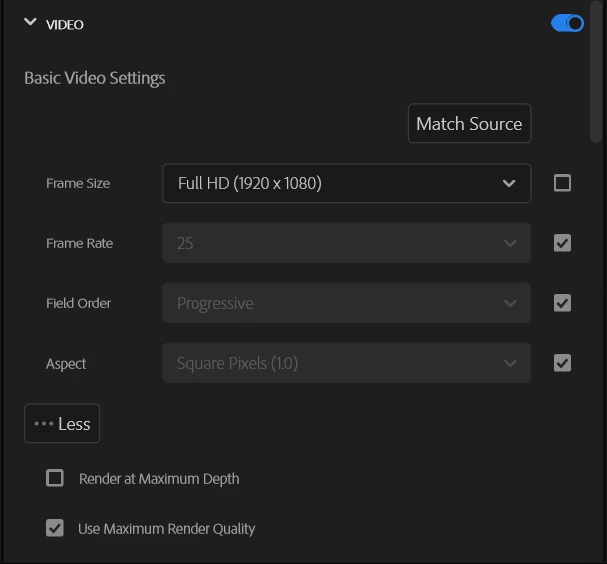
When i try to export my video it nearly instantly happens and when i play it it has terrible graphics, i have a 3050 and use hardware encoding. The estimated file size is also 4mb It also say the resolution of the video is 259x194 but i am sure most of the clips in it are atleast 720p.  PLEASE HELP IT ITS FOR SCHOOL.
    This topic has been closed for replies.
    Correct answer Ann Bens

    THANK YOU ALL, so much this has helped me make an amazing project, it would've taken me days to figure this out and it was due today. You are AMAZING!


    As for the scaling: select all in the timeline > right click > Set to framesize.

    You do need to check each clip if they are in order.

    1 reply

    Ann Bens
    Community Expert
    Community Expert
    June 9, 2022

    Trying to make a billboard out of a stamp is surly to give bad image.

    Sequence settings should match your footage.

    Set Sequence Settings/Editing mode to Custom and adjust the height and width.

    Participating Frequently
    June 9, 2022

    @Ann Bens 

    What do u mean by Billboard, and how do I find the sequence settings. Im new to the new layout of premiere pro and have completely lost myself.

    Ann Bens
    Community Expert
    Community Expert
    June 9, 2022

    The Edit layout has not changed.

    Billboard as in huge resolution compared to the source.

    Select the sequence in the project panel. Go up to sequence and hit sequence settings.

    Set Editing mode to Custom, now change the framesize to match the footage you used.