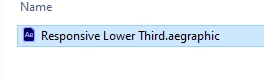
Thank you so much you are amazing. one more question, i download a lower third template like this, it works perfectly in Premire pro, i thought it is a Mogrts file other Mogrts, but after some edits "changed colors, font s ize", it looks like i can't export it to a new customized Mogrts, and i check the file name, it shows "aegraphic" file? it is my first time see this "aegraphic" file other than "Mogrts". should i export it in Mogrts to add it to my own Mograt collections after i customize it? Thank you.
Doing the edits to this template inside of Premiere Pro unfortunately will not work as they need to be done in After Effects. Only Premiere Pro mogrts can be edited in Premiere Pro and re-exported to create new mogrts.
.aegraphics are part of the .mogrt file structure of an After Effects created mogrt. It contains an AEP inside of it. So you should be able to open the .aegraphic in After Effects and apply your changes there and re-export the file.
Go to After Effects, go to File -> Open and select the aegraphic. It will ask where you want to extract the collected AEP. Now in the Essential Graphics panel (EGP), you can find the controls you'd like to change. If you need to find the control in one of the comps, you can double click on the control, and the focus will jump to it.
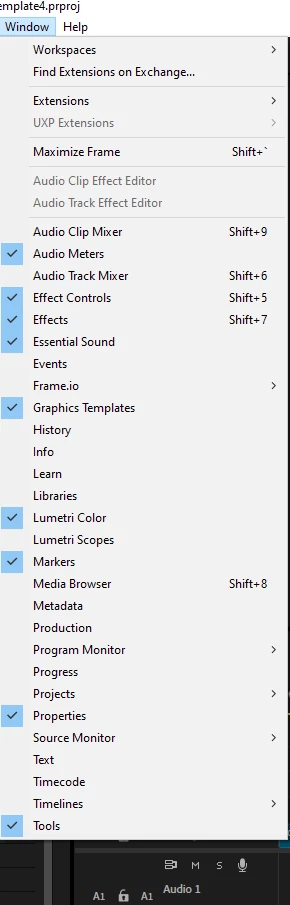
Give your new mogrt a new name in the EGP, click Export Motion Graphics Template... at the bottom, save and send it over to Premiere Pro and check it out. Your new mogrt will be in the Graphics Templates panel.
Cheers,
Theresa

 AdChoices