rachaelwhite212121
Participant
January 9, 2017
Answered

Where is the Opacity in Premiere Pro CC 2017?!

  • January 9, 2017
  • 5 replies
  • 52904 views

Hi all,

Does anyone know how I can get opacity in Premiere Pro CC 2017 please?

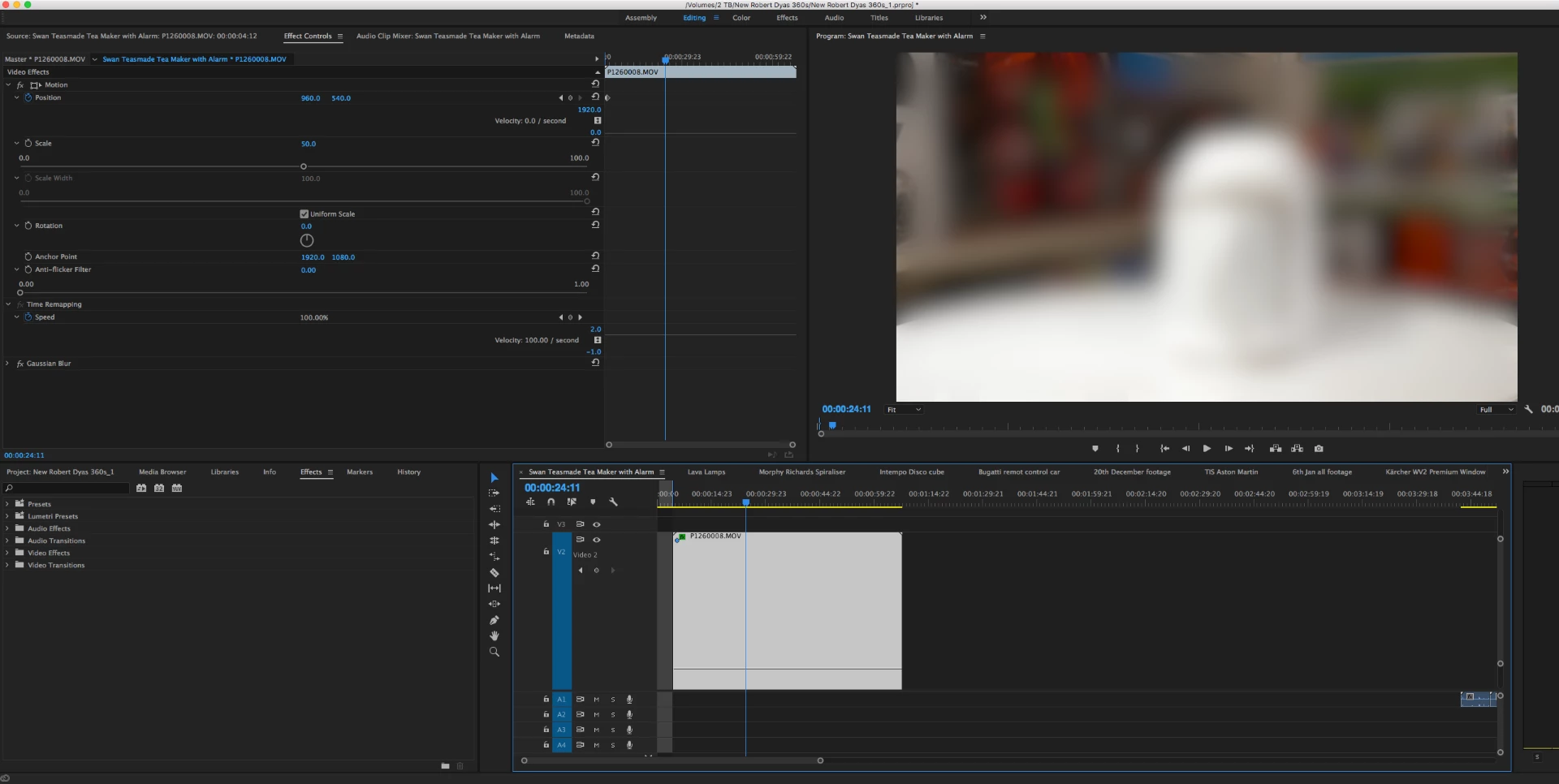
The drag bar on the video doesn't seem to work and on the effect controls I can't see it like it was in the 2015 version.

Please see photo attached of my window.

Any help would be greatly appreciated.

This topic has been closed for replies.
Correct answer kulpreet singh

Hi Rachaelwhite,

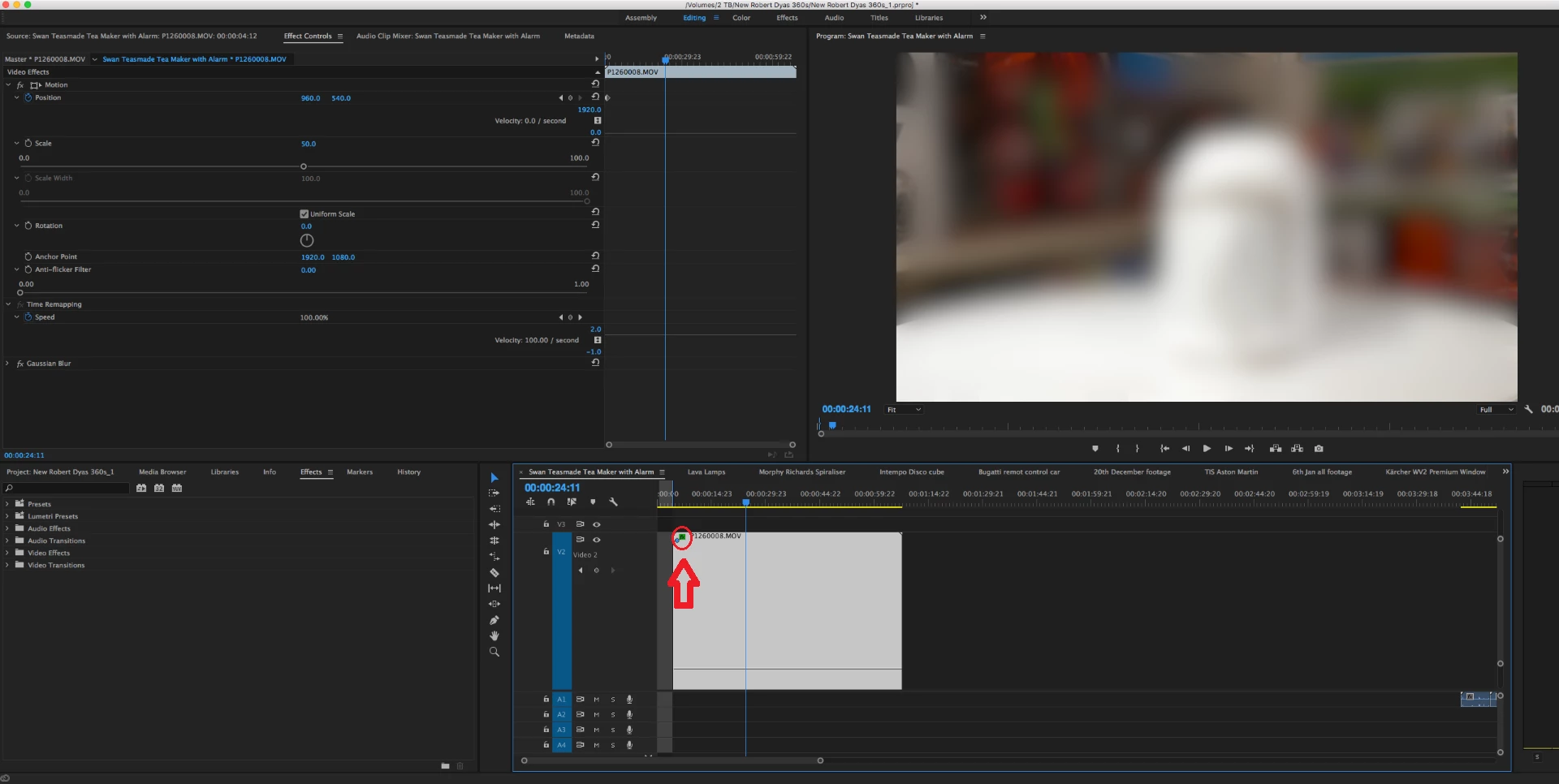
Please check if this option is selected or not.

Or import your clip in a new project/sequence and check if you have the option for opacity there.

Thanks,

Kulpreet Singh

5 replies

R Neil Haugen
Legend
March 13, 2020

I think most people key opacity in the ECP ...

Where you also have the full controls all laid out for separate manipulation. Including Velocity as well as "amount".


I know some like to do audio keyframing directly on clips also, but ... like many, I'd rather do that on the ECP with all the controls available there.


And ... it's certainly not hidden ... right there at the top of the ECP stack ...


Neil

Everyone's mileage always varies ...
Participant
August 12, 2018

I have tried re-installating and doing shift+alt and I can't use the opacity feature at all. It is a feature intrinsic to what I do! I have the 2018 version. Please help!

Ann Bens
Community Expert
Community Expert
August 12, 2018

Go into the wrench on the timeline and check....

Legend
January 9, 2017

Opacity is an intrinsic effect appearing under Motion and above Time Remapping on every video clip.  It's extremely odd that it doesn't show there for your clip.

kulpreet singh
kulpreet singhCorrect answer
Inspiring
January 9, 2017

Hi Rachaelwhite,

Please check if this option is selected or not.

Or import your clip in a new project/sequence and check if you have the option for opacity there.

Thanks,

Kulpreet Singh

rachaelwhite212121
Participant
January 9, 2017

Hi Kulpreet,

Thanks, I did another sequence and seems to be working.

Kind regards,

Rachael

kulpreet singh
Inspiring
January 10, 2017

Hi Rachael,

It's strange that you are unable to see the Opacity effect under the effects controls panel, but I am glad that it is working now.

Thanks, I did another sequence and seems to be working.

You are most welcome. That could be an issue/glitch with the sequence.

Please observe & let us know if you come across any trouble.

Thanks,

Kulpreet Singh

Inspiring
January 9, 2017

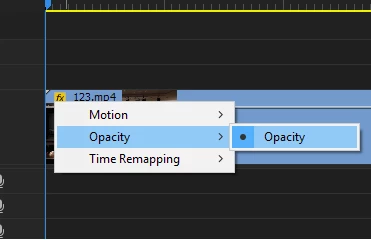
If you right click on your clip in the top left of it where the little box says "FX" you should see an opacity option, just click that and it should enable it in the effects control

rachaelwhite212121
Participant
January 9, 2017

Hi,

Thanks for your reply - I just tried that but I still can't see opacity :/ can you see it in your 2017 version if you have it?