Participant
June 17, 2022
Answered

White images are imported grey

  • June 17, 2022
  • 1 reply
  • 16739 views

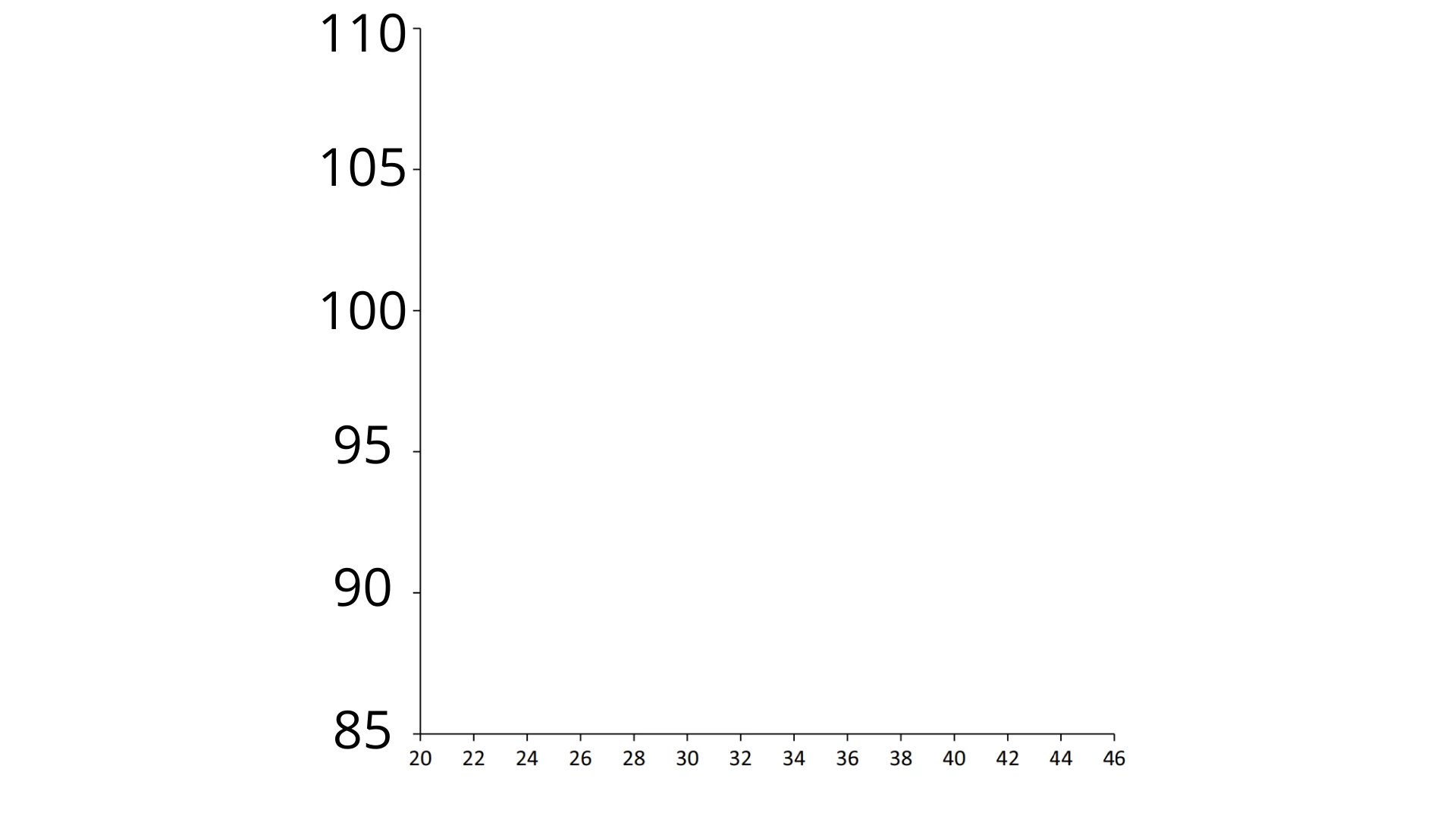
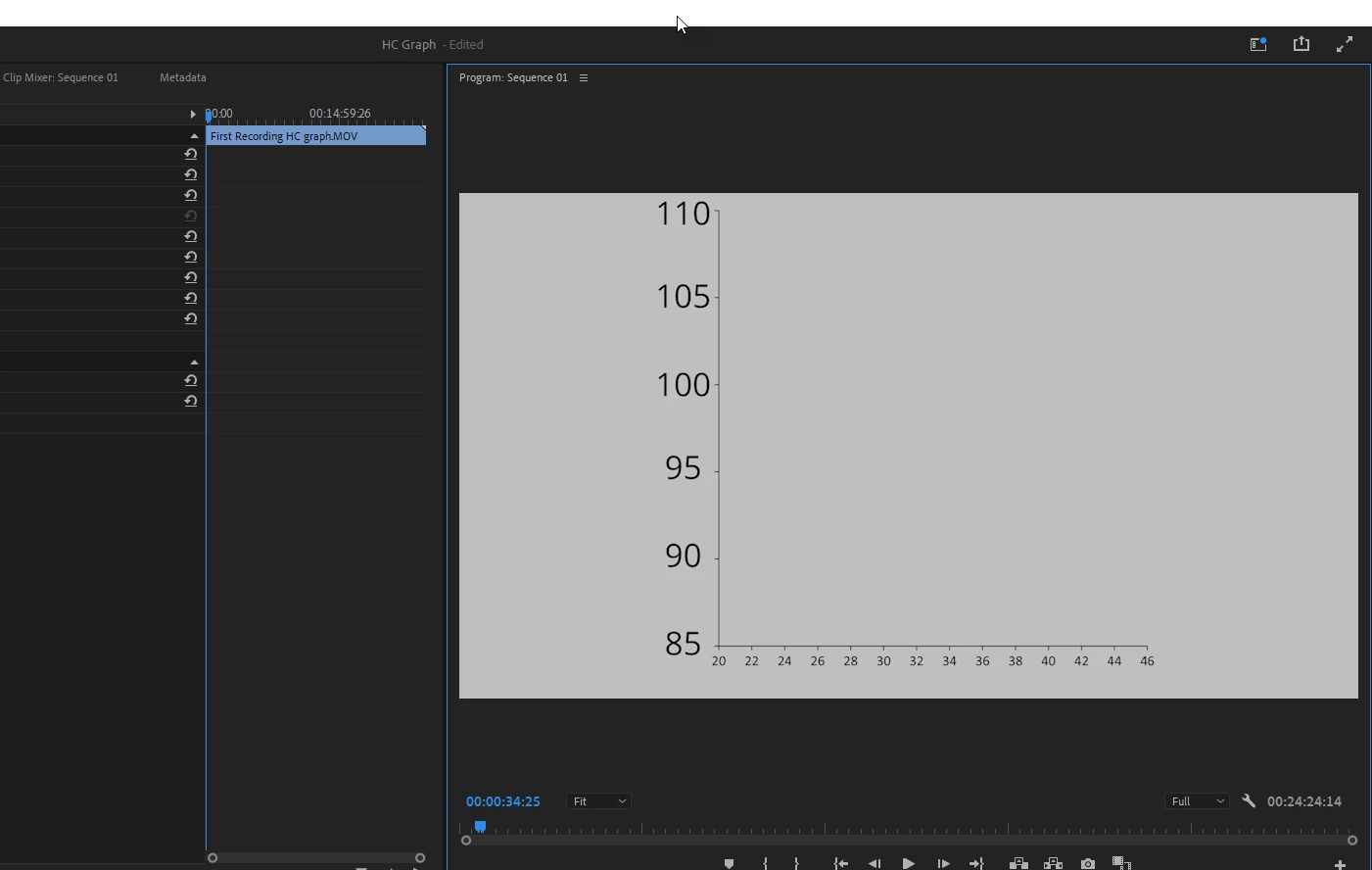
So, I simply want to import a graph with a white background. But Premiere converts it to grey and I don't know why. I tried just creating a white image with paint and even that one is created grey. 
What do I do?
Correct answer Ann Bens

Is this a still or clip?

If it's a still, make sure its RGB and 8 bit.

If its a clip: Premiere Pro V22 - Understanding Color Spaces, HDR, and what that might mean to you - YouTube 

1 reply

Ann Bens
Community Expert
Ann BensCommunity ExpertCorrect answer
Community Expert
June 17, 2022

Is this a still or clip?

If it's a still, make sure its RGB and 8 bit.

If its a clip: Premiere Pro V22 - Understanding Color Spaces, HDR, and what that might mean to you - YouTube 

Participant
June 17, 2022

How do I change it to RGB and 8-bit? It's a Still.

Jeff Bellune
Legend
June 17, 2022

@Riversight wrote:

How do I change it to RGB and 8-bit? It's a Still.


That's done in an image editor like Photoshop.