New Participant
November 18, 2021
Answered

Why does exported file look different?
  • November 18, 2021
  • 2 replies
  • 35244 views


-

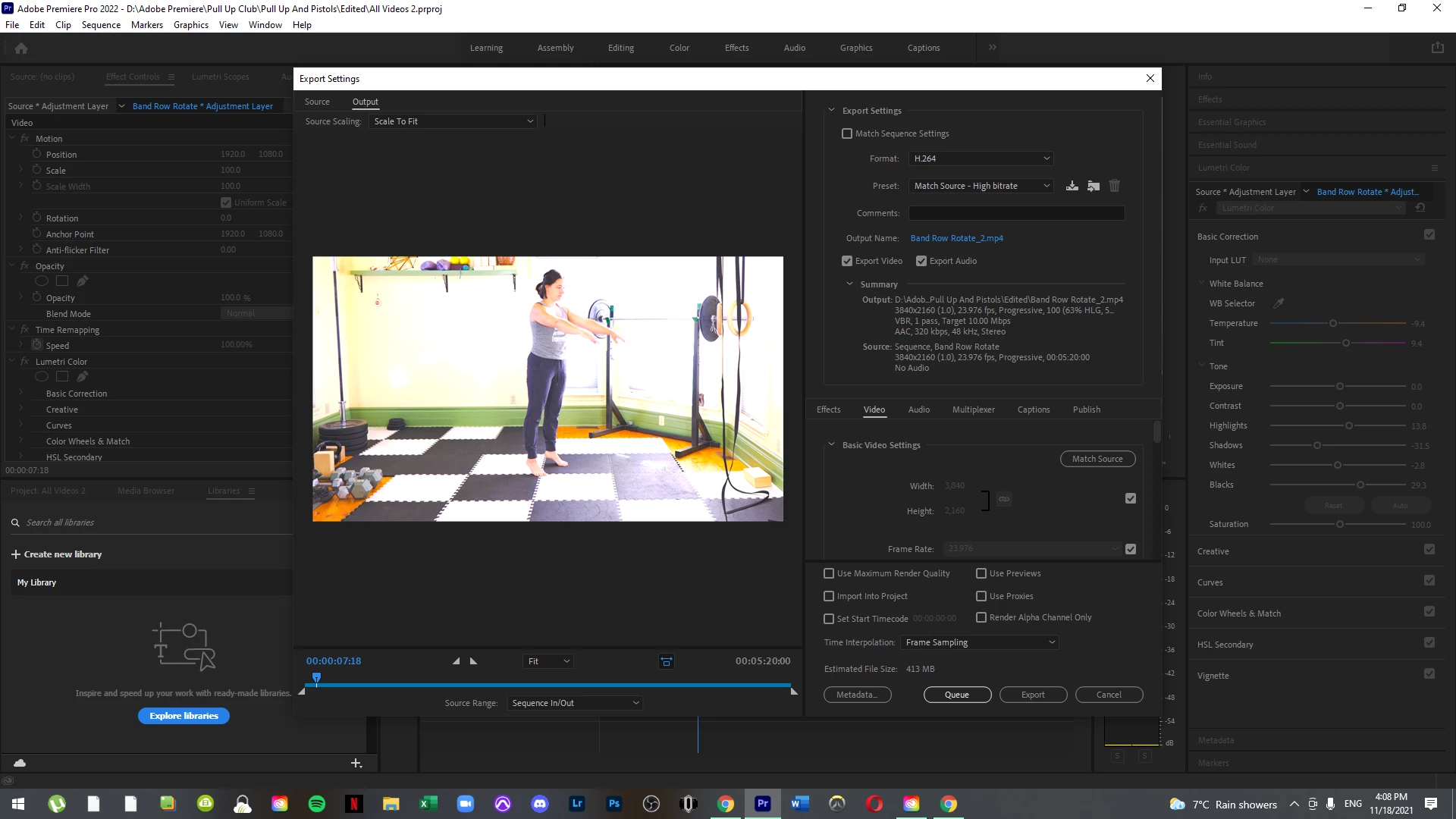
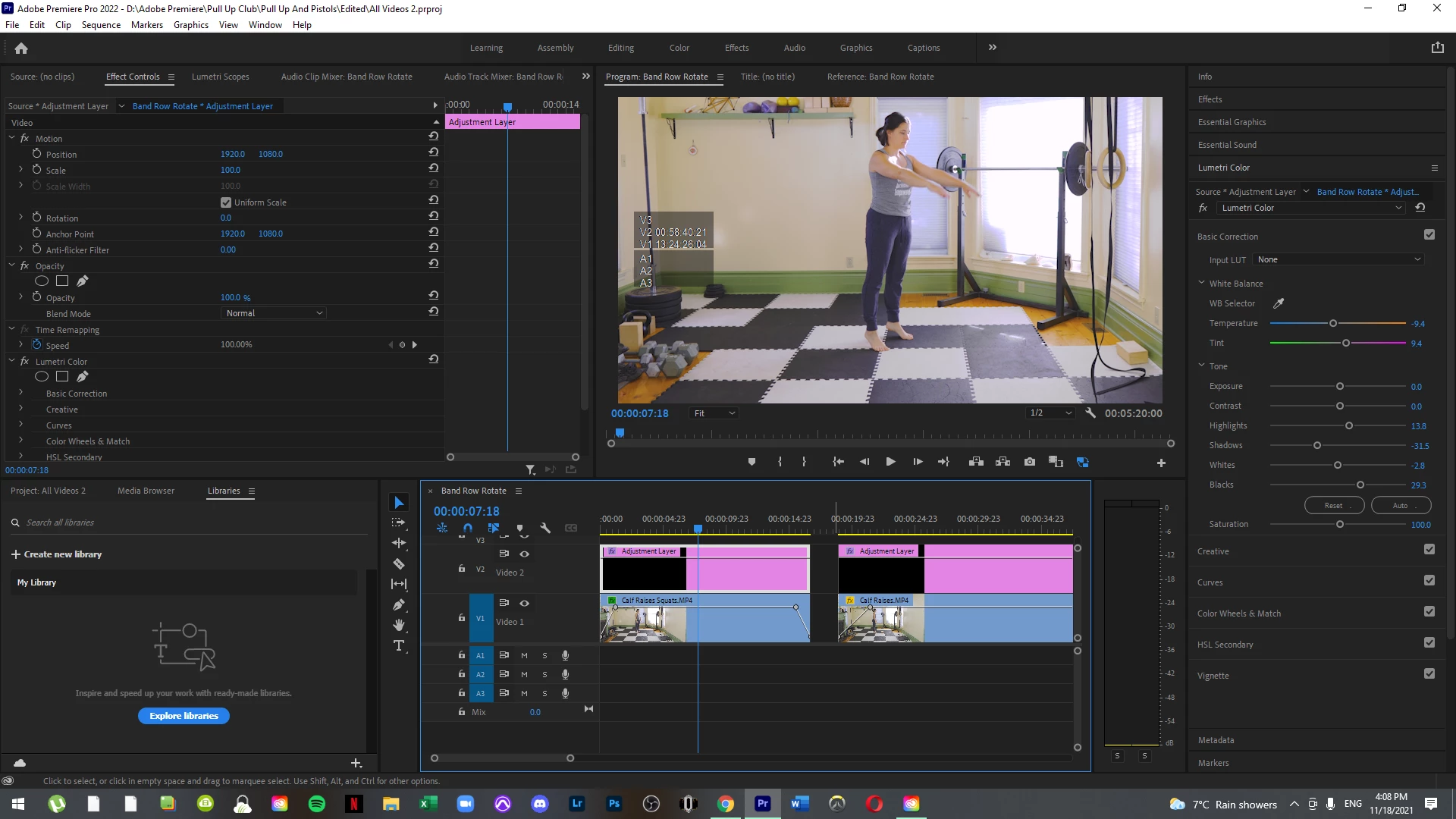
After exporting, the video looks exactly like the over exposed version without me being able to correct the matter it seems. Help? I;ve updated adobe, creative cloude, updated my drivers, restarted my computer 3 times. What is happening?


Correct answer R Neil Haugen

In the 2022 version, the developers gave us users more color management setting options and some different default CM behaviors. Which is tripping up many users.


There's a thread here on fixing over-exposed HLG media ... how-to-fix-saturated-over-exposed-hlg-clips ... and you should take a look there.


Short version, check the file properties in the bin (Modify/Interpret footage) for file color space, check the sequence settings for sequence color space, and make sure you're exporting to the space you want to.


Neil

2 replies

New Participant
March 14, 2024

Try to find some lut to solve it

, i use gamma fix, you can find easily. But instill not undersanding why adobe make the s***#&#*.

R Neil Haugen
Brainiac
March 15, 2024

Adobe did not make a problem here. They have to allow users to set color management as there's a number of things you might want to do. They have given you options you didn't used to have!


But you need to set the settings to what you need to use.


Go to the Lumetri panel, the Settings tab, where all the color management settings now 'live'.


Tell us how they are set, and what you want to do. It's very easy to setup what you want to do.


As long as  you don't expect to 'fix' Apple's mess by not following proper Rec.709/SDR standards as everyone else does, that is. None of my pro colorist buds can fix that either, and they're mostly Mac geeks, and really ticked off at Apple.

Everyone's mileage always varies ...
New Participant
October 10, 2024

In some ways, Adobe did make it more complicated. If editors have edited Lumtri adjustments to clips, then the default export should allow for this as in, include the Lumetri LUT in the export by default!

Just seems like common sense.

Thanks All.

R Neil Haugen
R Neil HaugenCorrect answer
Brainiac
November 18, 2021

In the 2022 version, the developers gave us users more color management setting options and some different default CM behaviors. Which is tripping up many users.


There's a thread here on fixing over-exposed HLG media ... how-to-fix-saturated-over-exposed-hlg-clips ... and you should take a look there.


Short version, check the file properties in the bin (Modify/Interpret footage) for file color space, check the sequence settings for sequence color space, and make sure you're exporting to the space you want to.


Neil

Everyone's mileage always varies ...
New Participant
November 18, 2021

Hey Neil,


I appreciate the quick reply and this was the issue. I'll have to figure out how I'm going to need to record/save videos now so this doesn't continue to happen.

R Neil Haugen
Brainiac
November 18, 2021

Some cameras and some phones basically default to HLG for color space now. Which is actually unfortunate. I know a lot of colorists, and very few of them have actually ever graded a single HDR show yet. Most are looking to test/try the process out.


HDR in any form is still pretty much Wild Wild West. The gear it's shot on, graded on, and viewed on is such a nightmare yet. So many different ideas of how to do it. So little agreement.


And good solid kit for working video post in HDR is spendier than my car. Seriously. Less expensive can sort of work, but ... that stuff  is shifting values on you "to help the viewing experience" ... and so you can never be certain what values you're setting are going to be like on other kit.


Neil

Everyone's mileage always varies ...