
Participant
June 17, 2024
Question

Why is my video brighter and sideways after exporting?

  • June 17, 2024
  • 4 replies
  • 337 views

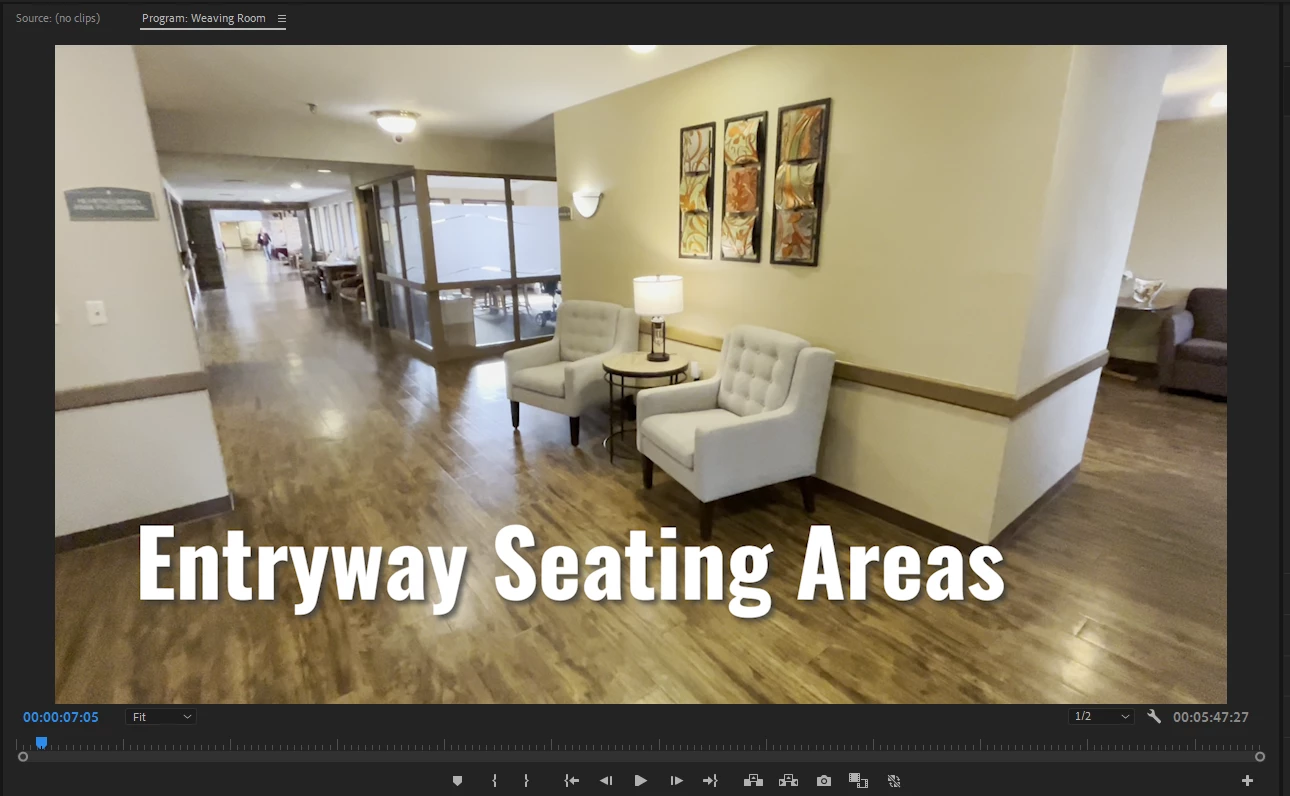
I am newer to Premier Pro. I created a simple video tour, but when I export the video to my desktop, it showed up much brighter and also sideways. The difference can be seen in the two photos below:

Prem Pro:
Exported:
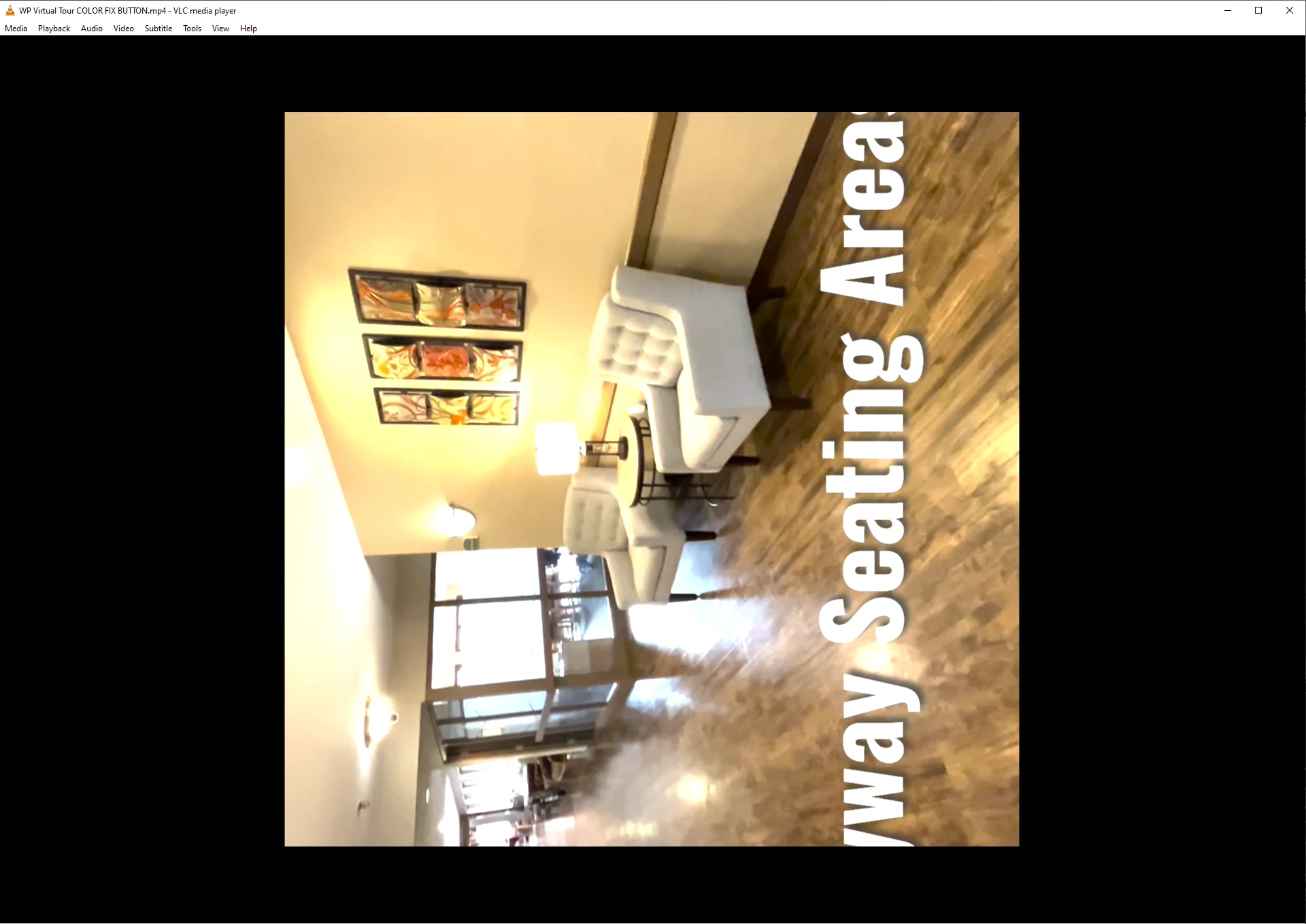
Just as a note, I have tried clicking "Display Color Management" and that did not help. Any advice?

This topic has been closed for replies.

4 replies

R Neil Haugen
Legend
June 18, 2024

You appear to have HLG media, on a Rec.709 sequence. If you don't have consistent and appropriate color management settings in Premiere, that will happen.


As to the rotation, that's bizarre. 


Either way, we would need screen grabs of your color management and export dialog panels. Make the screengrabs, drag/drop them directily into the text reply area of your reply, so the images simply appear here with the text.

Everyone's mileage always varies ...
Participating Frequently
June 18, 2024

Have you reviewed in another video playback program? Are there other users who use your machine? Your file might be fine and it is VLC applying filters on playback.


Please share a screenshot of your export settings, not really possible to diagnose without that.

Ann Bens
Community Expert
Community Expert
June 17, 2024

Please post comp specs, Premiere version and build.
Also screenshots of MediaInfo info in Treeview on footage used, sequence settings and export settings.

https://mediaarea.net/en/MediaInfo

Karem Darwesh
Participant
June 17, 2024

looks wierd! but are you sure you're using the right settings ? try render it in H264 and use Match source - High Bit rate for example and make sure you're not using any video effects in render settings
i guess this can fix it if everything else is okay.

VMPcaresAuthor
Participant
June 18, 2024

I just tried that and it looked great in the preview but exported the same - different coloration and sideways.