

Beantwortet
Why is the context menu changing every time I right click on a clip in the timeline?
This is driving me nuts for a very long time. What logic does Adobe use for Premiere Pro to show two different context menus when right-clicking on a clip in the timeline? What conditions does this software meet to show either one or the other?
When I right click on a clip, Premiere Pro always shows this menu first:
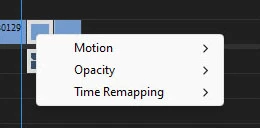
Then after trying sometimes 3, sometimes 20 times, finally the desired context menu shows:
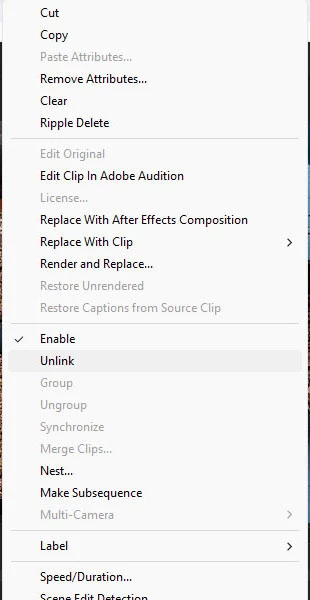
I want the second context menu to show immediately when right-clicking on a clip in my timeline. I tried selecting different tools but either way the same stuff happens. What do I do to show the second context menu, always? Is this a bug?
 AdChoices