julianm19
Participant
August 2, 2021
Question

Why isn't my linked footage being seen on my timeline?

  • August 2, 2021
  • 2 replies
  • 515 views

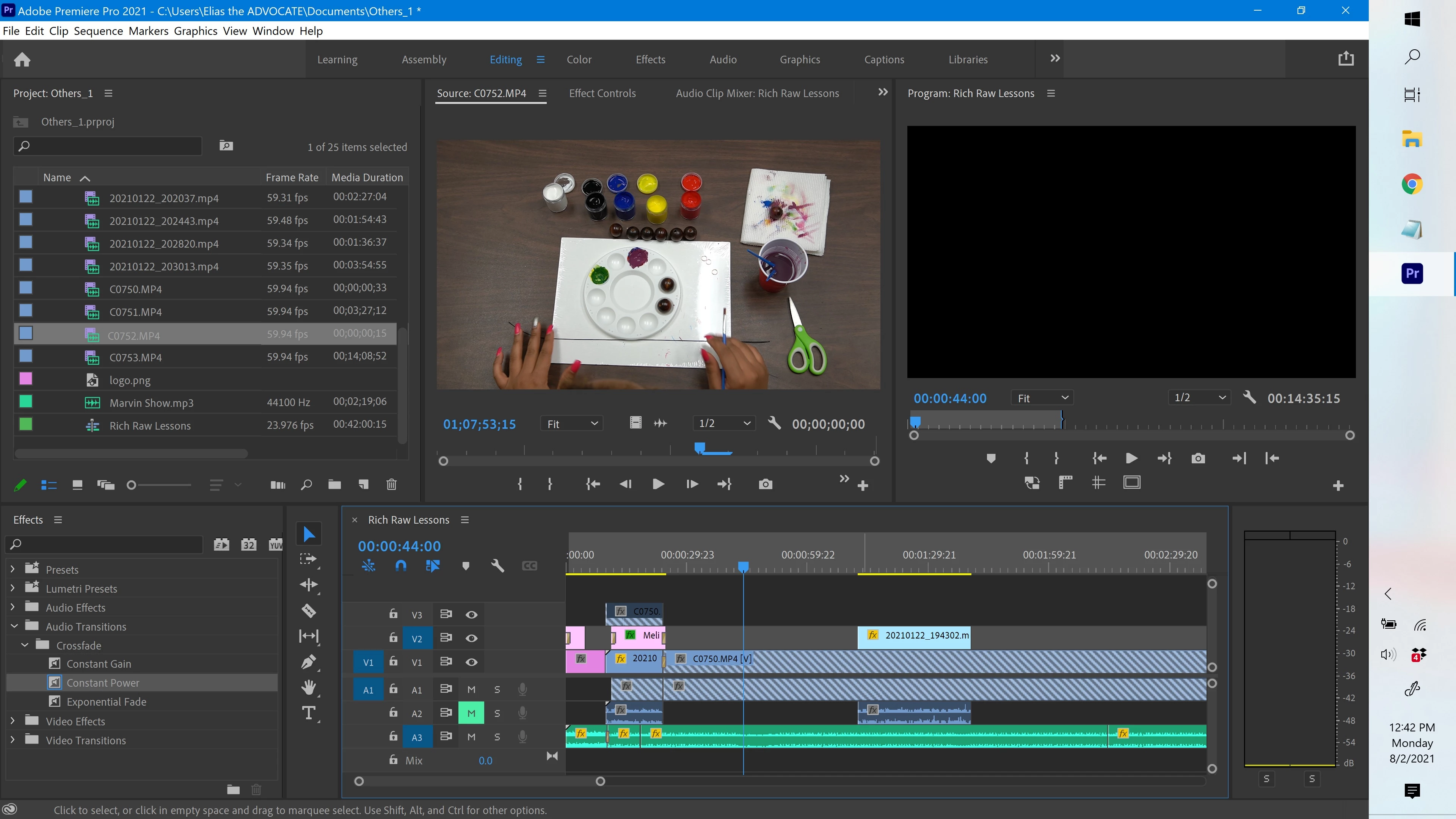
I'm trying to edit a project and for some reason I can't see my footage on the timeline - even though there appears to be no issue with linkage. Can anyone help with this?

 

This topic has been closed for replies.

2 replies

Kartika Rawat
Community Manager
Community Manager
August 5, 2021

Hi julianm19!

Let us know if the link provided by Ann Bens helps.


Happy to assist.

Thanks,

Kartika

Ann Bens
Community Expert
Community Expert
August 2, 2021
julianm19
julianm19Author
Participant
August 11, 2021

That is a good method, however I discovered there are still issues due to how Premiere interprets the file.
After I choose File > Make Offline then > Link Media and navigate it to the correct file I see that the duration of the file has one runtime, while the duration of that same file in Premiere is a fraction of that. Very peculiar!

Jeff Bellune
Legend
August 13, 2021

Select a clip in the project panel and go to Clip>Modify>Interpret Footage. Make sure everything is set the way you want it.