Participant
July 28, 2022
Question

Why mask not aligning anymore? Help me please.
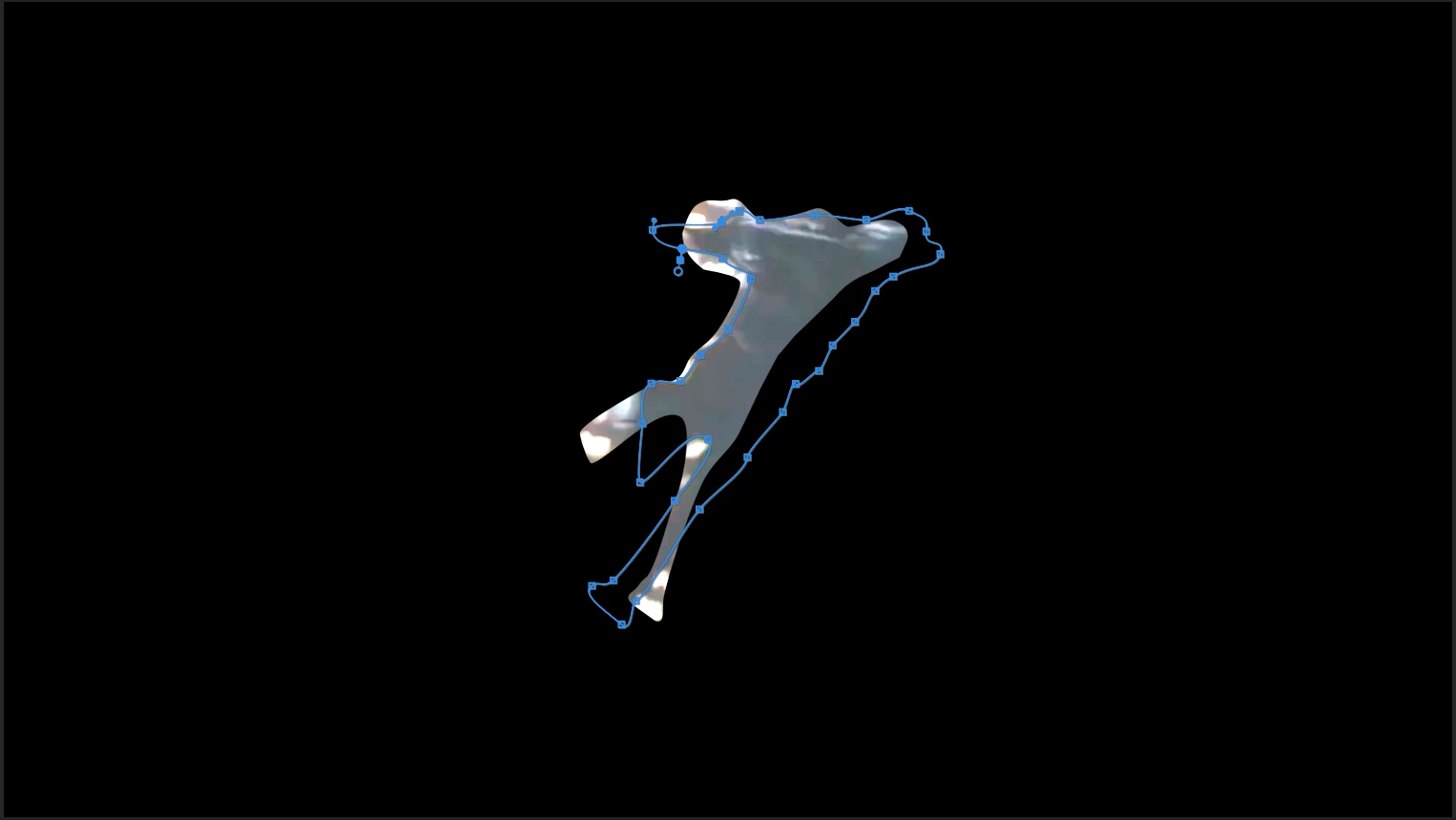
  • July 28, 2022
  • 1 reply
  • 333 views

I'm using Premiere Pro 15.0 on Mac Mini. Sometimes, the mask works perfectly, and sometimes it just doesn't align. Please Help me.

This topic has been closed for replies.

1 reply

Ann Bens
Community Expert
Community Expert
July 28, 2022

If you are tracking manually do not add or delete nodes.

Make sure footage matches sequence settings.

Participant
July 29, 2022

But how to view the settings of the footage? (Sorry, I'm a beginner at Premiere Pro)

Kevin-Monahan
Community Manager
Community Manager
August 5, 2022

Will it happen when the FPS is different but everything else is the same?


Hi Jerry,

Sorry. Are you saying the source footage is at a different frame rate than the sequence? That should not matter. I tried it myself and had no trouble. That said, it is always a good idea if your source footage matches your sequence settings if at all possible. Handling files in any way, like rendering and playback, works better with matching settings.


Back to masking, controls are found in the Effect Controls panel. You might try experimenting with simpler masks to get the hang of the workflow. Creating a single complicated mask is not a beginner-friendly technique to start with, unfortunately. 

Are you masking a human figure? It looks like you are. That may take multiple masks to control appropriately. While possible in Premiere Pro, multiple mask handling and masking (rotoscoping) human beings are more in motion design, and After Effects would be the better tool for that.

I hope we can help you achieve what you want, though.


Thanks,
Kevin

Kevin Monahan - Sr. Community and Engagement Strategist – Adobe Pro Video and Audio