
Known Participant
January 8, 2022
Question

why my vertical videos become horizontal in Premier Pro?

  • January 8, 2022
  • 2 replies
  • 6991 views

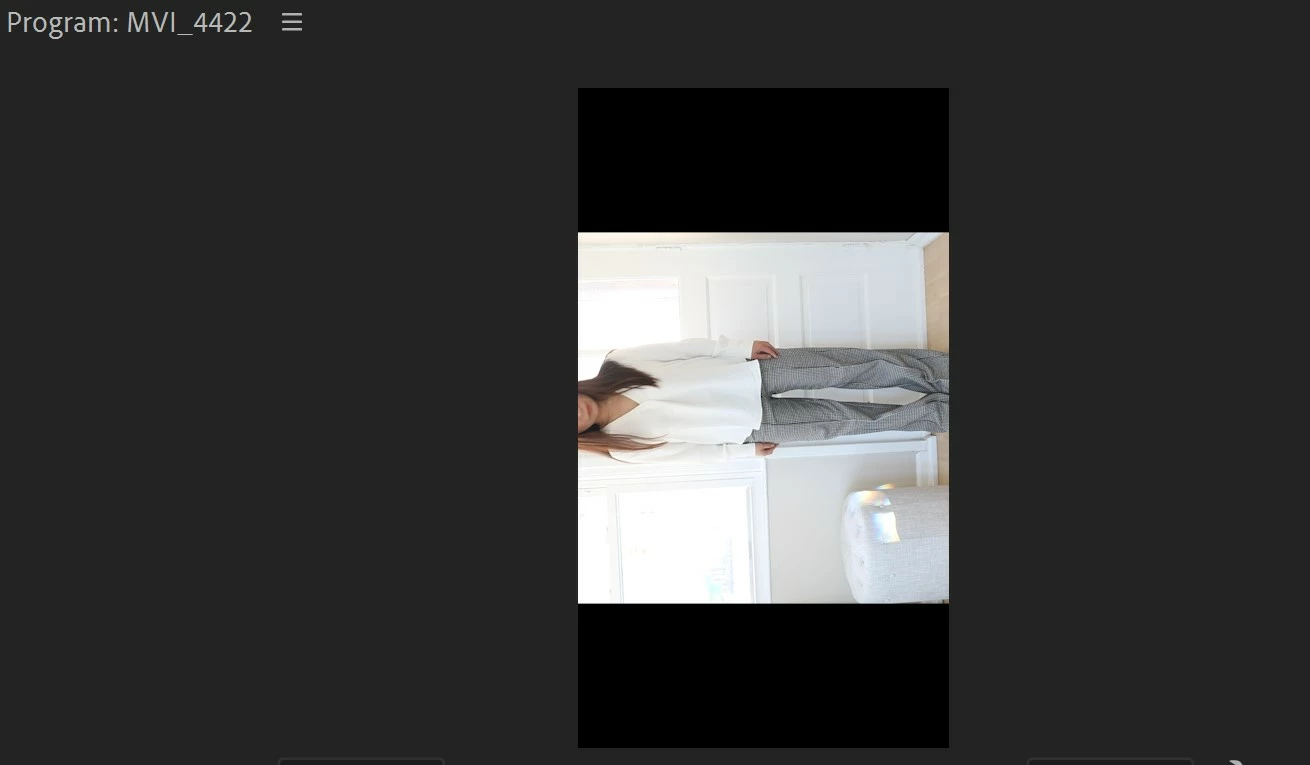
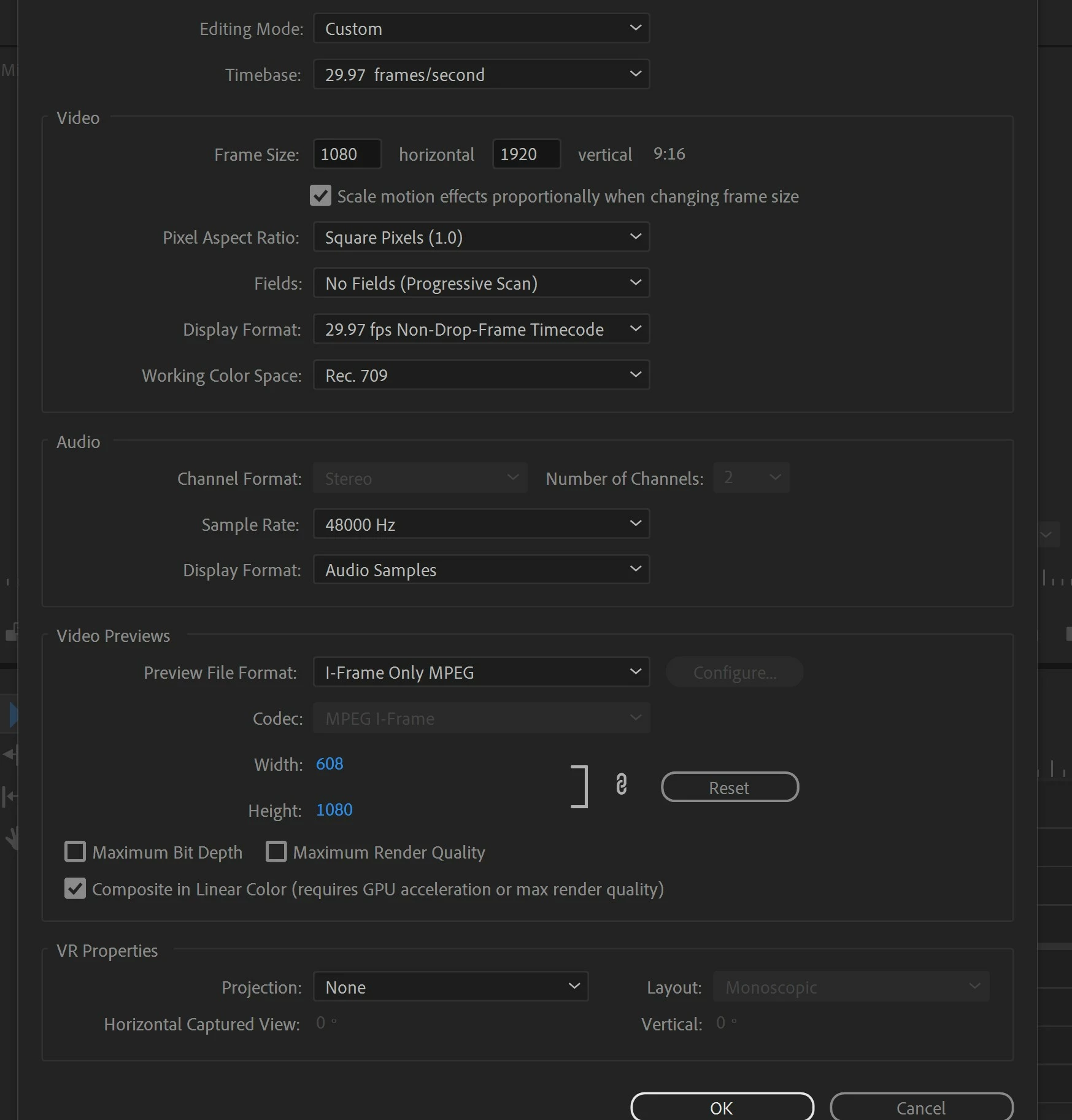
Help! So I've shot my footage in vertical using my camera, and then I imported them to Premier Pro, and then changed the sequence settings to vertical 1080 by 1920. Now it looks like premier is trying to edit vertically but my clip is the wrong orientation!
2 replies

Participant
March 18, 2024

I'm having this same exact problem, and the thing is, if I pass it to another editor, the footage comes out correct. So if I do rotate it 90 degrees in my timeline and another editor takes the edit over, the video is rotated wrong for them. I just can't figure this out. 

Community Expert
January 8, 2022

Ahora intenta rotar el clip, ve al panel Effect Controls, en la pestaña Motion está la opción Rotation.

Byron.
Participant
August 23, 2022

Ayuda, tengo ese problema. Mi secuencia es de 9:16 y los videos estan grabados en 9:16 pero premiere al importarlos los toma como 16:9, hay forma de rotar los videos desde la fuente en vez de rotar todos los videos 1 por 1 en la secuencia? Gracias 

Ann Bens
Community Expert
Community Expert
August 23, 2022

Add Transform Effect (rotate 90 degrees) as Clip Source Effect (former Master Clip).


Apply Source Clip effects in Premiere Pro