
Question
Workspace (Projects panel) not saving to the correct position.
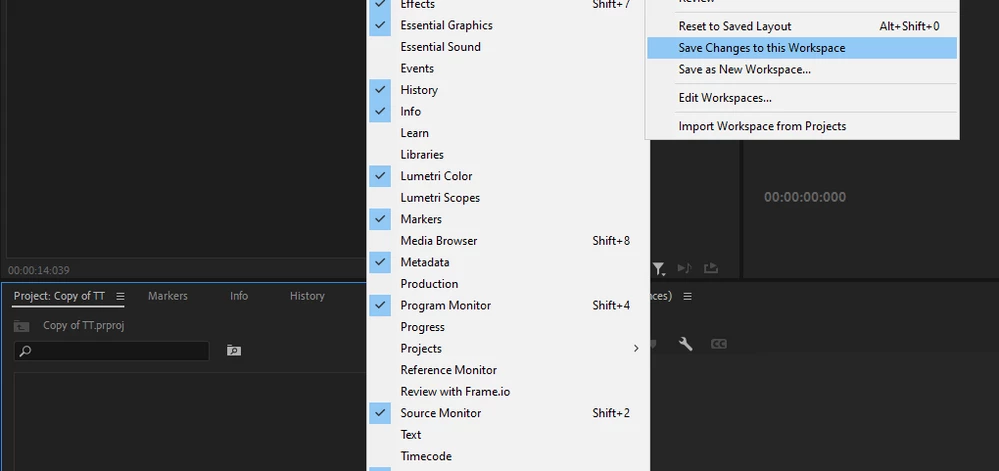
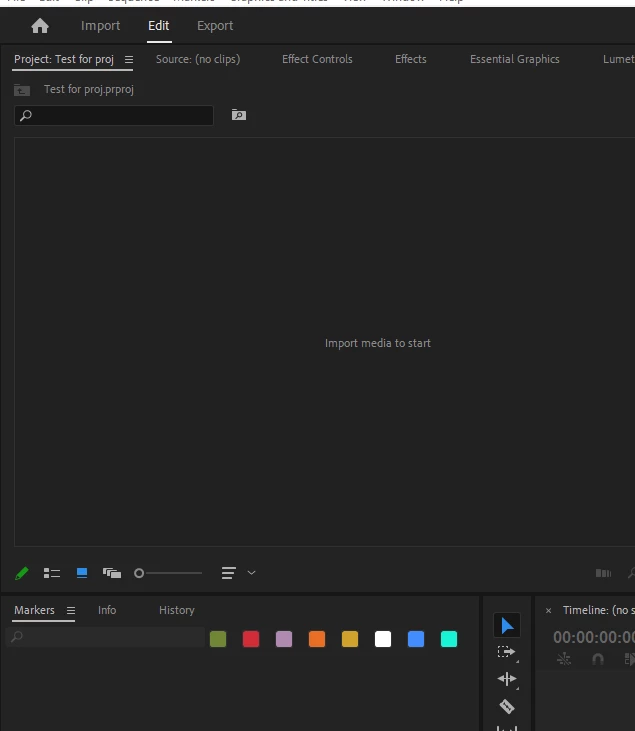
So I'm trying to save my projects panel in a specific area and everytime I click save changes to worspace to you know... save its position, if I open a new project it reverts to being in a different place (It's not even the default place, where I want is is default funny enough). Is there any solution to keep everything in the position I save it to as everything else seems to work fine? (Copy of TT is me saving it, the test proj is me showing how it resets)
 AdChoices