
Wrong HEX colours in Premiere
Hello, guys.
I have been experiencing a problem in Premiere Pro where creating a new color mat (for example) using a HEX code creates a mat of a completely wrong color.
I know that it is wrong because using the same color code in Photoshop gives different results. The same mat created in Premiere and Photoshop will look different even after I have imported the exported mat from Photoshop nto Premiere.
I dont think this is a sequence color space issue, since the colors look the swame in the source panel. All my seqences are in REC 709 btw, as have always been.
Also, the problem is the same inside the premiere project and in the exported videos, so it's not about a video player or image viewer.
The problem is the same with creating text, shapes etc inside Premiere, I just used mats as an example.
I'm including an example which is a png file exported from Premiere.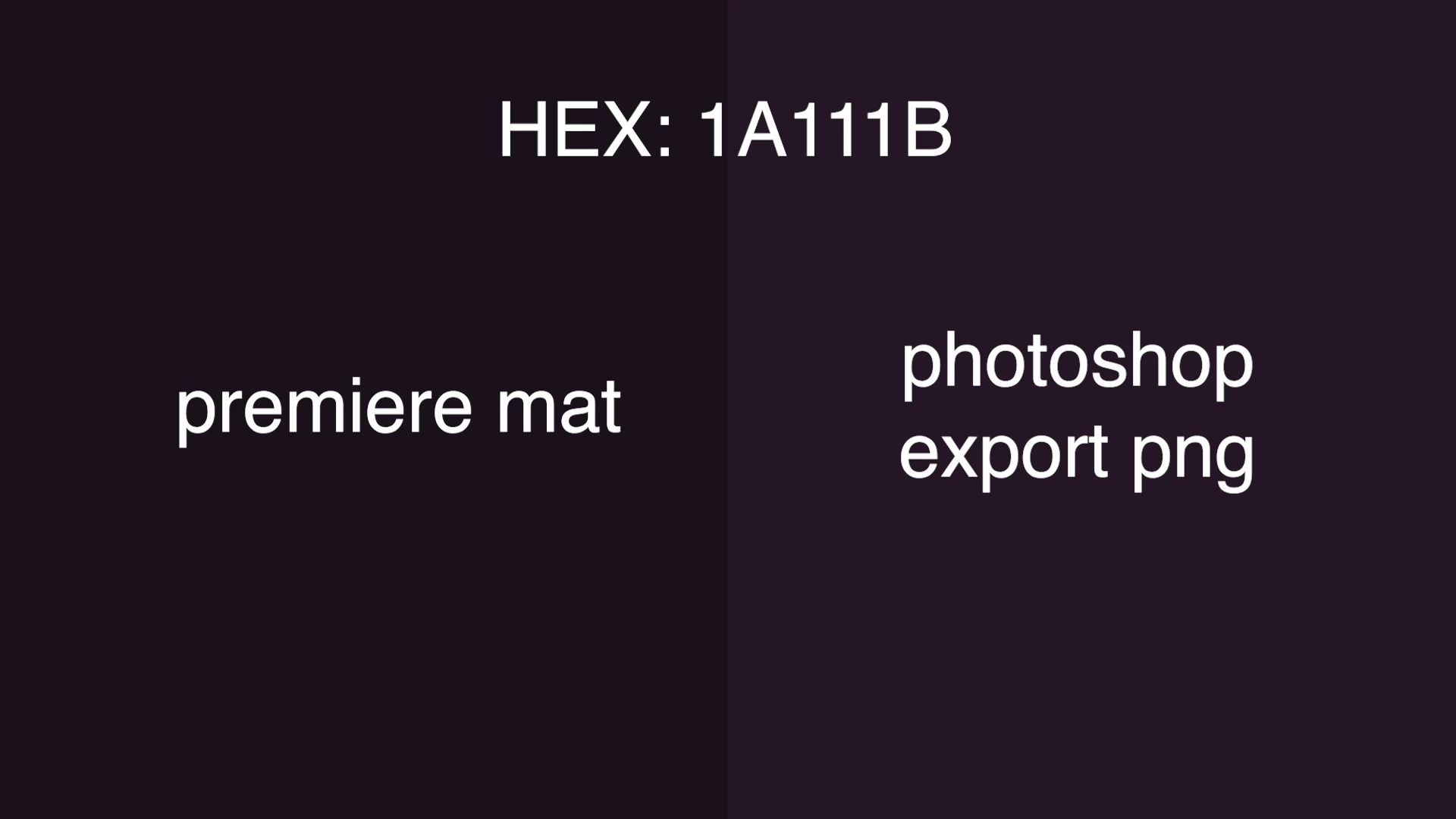
This problem has started occuring in the last year or so.
I'm not sure with what version of Premiere it began, but I am currently on 24.0.0.
Does anyone have suggestion on what I could do to resolve this issue?
Thank you in advance
 AdChoices