

XMF Files Only Playing in Mono...
Hi Guys
My PC is Win10Pro and my graphics card is Gigabyte GeForce GTX 1080. My audio is Realtek High Definition Audio.
I have a Sony PXW Z150 camera and film a lot of soccer matches and related interviews for upload to the League and the club. I record in XAVCHD (1925x1080, 25 fps) and use two mics into the two xlr ports. The camera had an accident recently and had to go in for repairs at Sony.
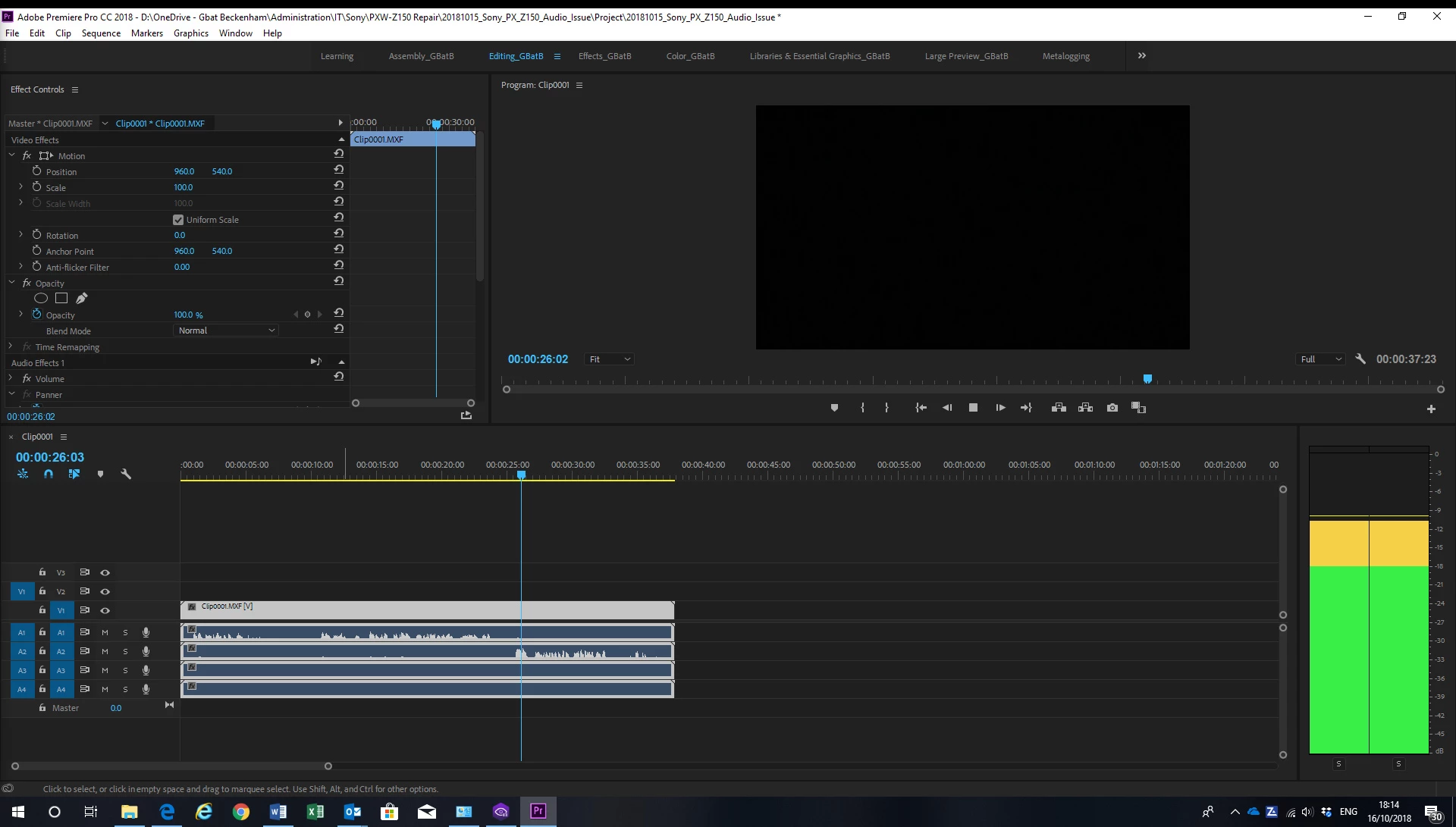
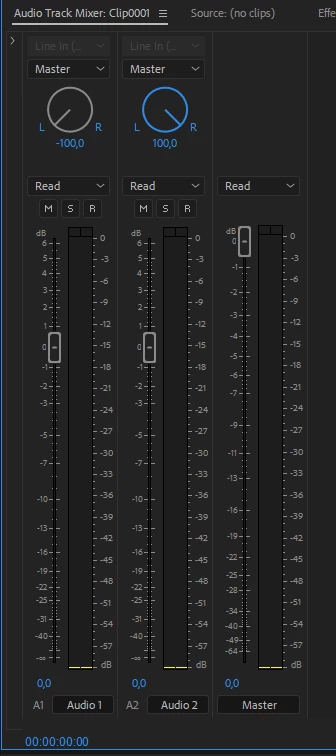
It is now back. All is fine, except the MXF files the camera creates only playback mono in PPr (v12.1) - although any file I captured before the accident plays back the audio independently through two channels. I thought it was an issue with the camera. The recording levels were showing both channels modulating independently to each microphone, but when I downloaded from the card and add the file to the project timeline, the result is both channels playback as one, creating a mono effect. See the first screenshot below of the levels.
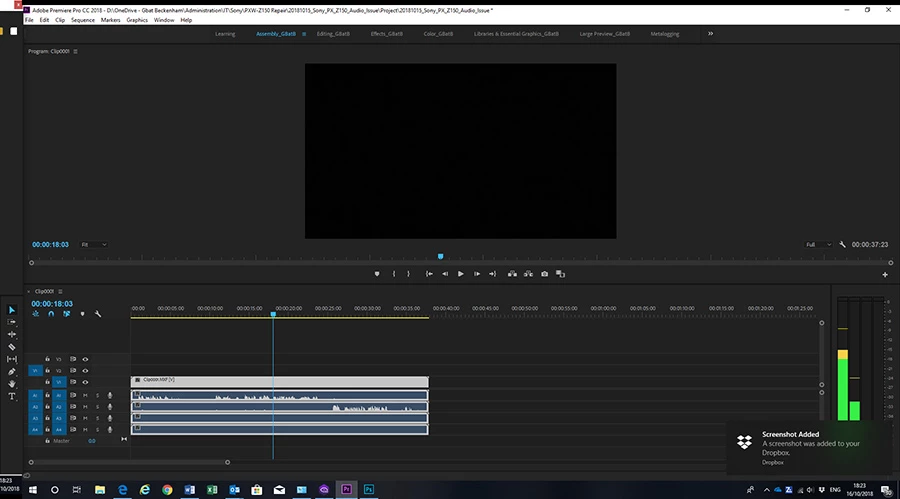
However, if I open the file in the source monitor, the levels modulate independently on each channel as stereo, but the output in my headphones is (bizarrely) mono... See screenshot 2, below.
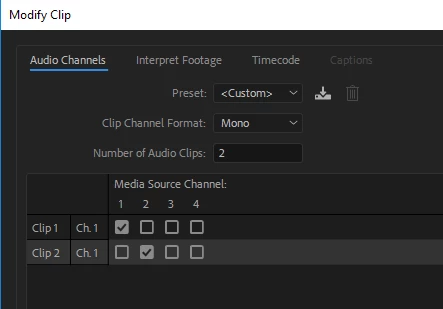
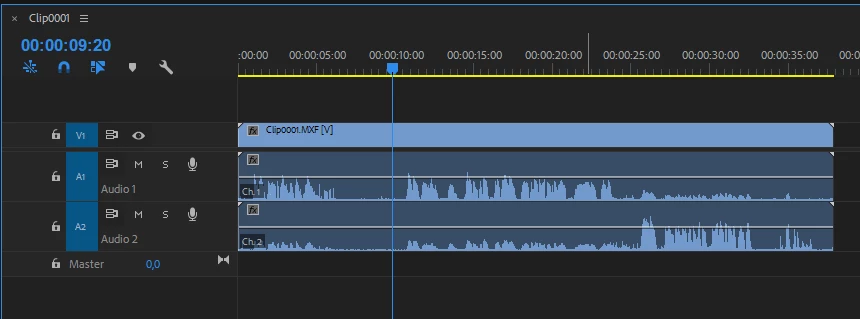
I spoke with Sony and after several tests, they suggested I open the files in Sony Catalyst and voila, the files playback in stereo as they should. I've tried transcoding and the resulting file opens as stereo in PPr. But this is causing me a headache. Having to transcode the files is an unwelcome additional step I didn't face before. It adds time to editing the match footage and interviews, which are time specific for upload to the league.
Can anyone help with any suggestions on why this is suddenly happening to these MXF files in PPr or what I could try and do so the files playback as stereo, not mono?
It's really causing me a lot of lost time (and that's before I go anywhere near PPr v 13...)
Regards,
Gra

 AdChoices