
Answered
Yellow into Red
In some cases this yellow line turns into red. What is the reason? video is attached.
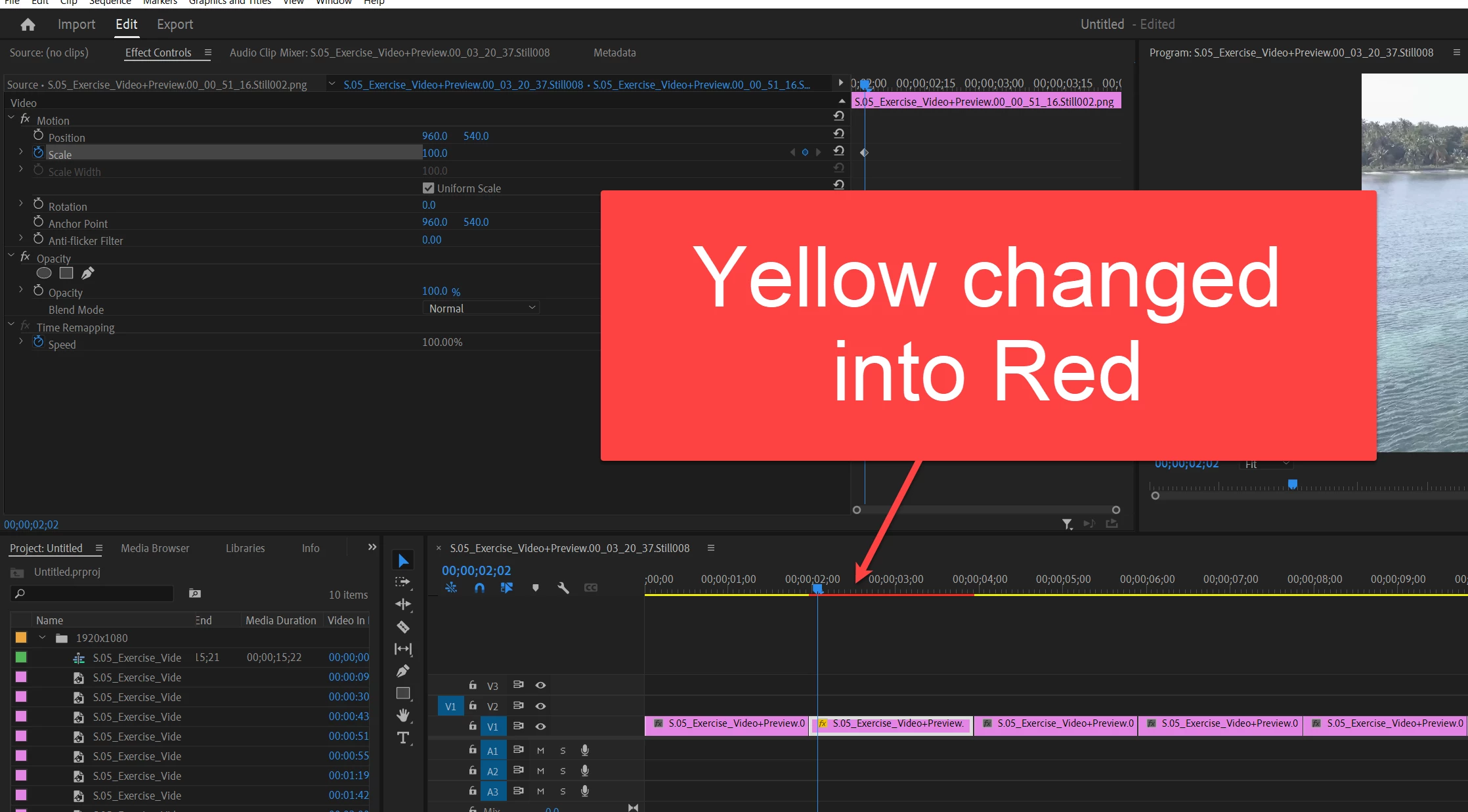

In some cases this yellow line turns into red. What is the reason? video is attached.
That line is a way of Premiere saying what kind of playback might be likely. Green means it expects no problems. Yellow means it might have problems. Red means it probably will have problems in playing back that section without dropped frames or stuttering.
So ... typically hitting the "enter" key will cause Premiere to make quick previews of any red sections of the timeline.
Or you might choose to make proxies, do a render & replace to bake the effects into a new clip, several other things.
Neil
Already have an account? Login
Enter your E-mail address. We'll send you an e-mail with instructions to reset your password.
 AdChoices