

Your system has run out of application memory 64gb ram computer freezing and crashing during export
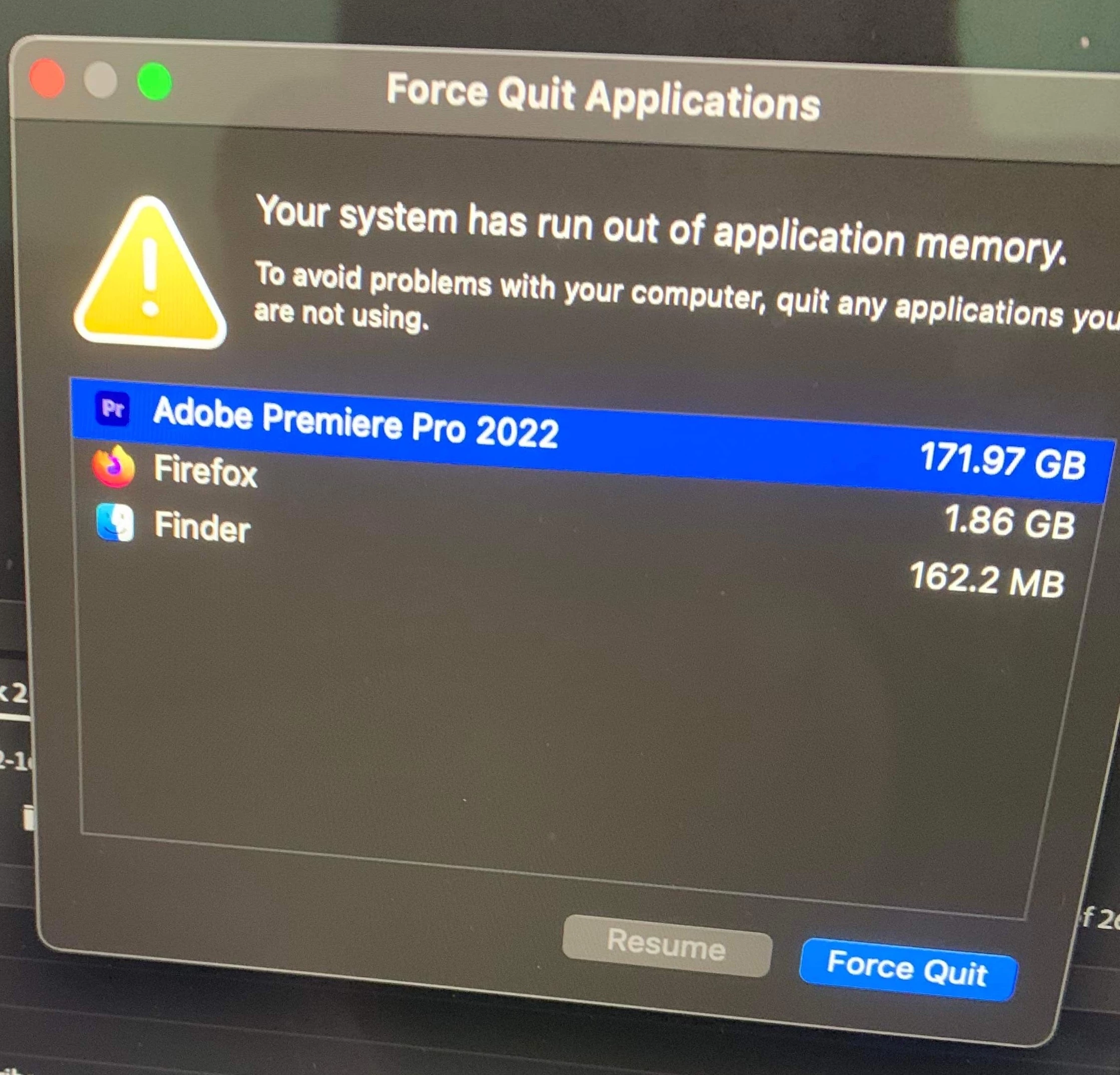
I'm cutting a 22 min show right now in Premiere. Using 4k footage (cutting with proxies but i dont checkmark the "use proxies" button in the export dialogue window). And I often run into the issue of a dialogue box popping up during export saying I've run out of application memory (see attached pic below). Theres a really short limited window, time wise, to force quit out of this applications in that pop up dialogue before the whole system locks up and freezes. Sometimes I'll queue the project in Encoder. then quit premiere and let encoder do it's thing and then it's usually not an issue. (keyword: usually). but doing the normal export out of premiere can cause this to happen a lot. I barely have any applications open. Last night, I quit out of every application. then hit export in premiere and walked away. And when the screensaver started up, around that time, that's when the computer froze (see picture of pink screen on my computer below). As I've seen it happen many times before, the computer locks up. then shuts itself down. I can't remember if it turns itself back on. But I'm really surprised this happens as often as it does because I bought this iMac in 2021. I souped it up and maxed out the ram. here are the specs:
iMac (Retina 5K, 27-inch, 2020)
Processor: 3.6 GHz 10-Core Intel Core i9
Memory: 64 GB 2667 MHz DDR4
Graphics: AMD Radeon Pro 5700 XT 16 GB
Can my 64gb ram apple computer not handle 4k exports? I'm working off of a 20 TB Graid (usb c connection i think). That's where the project is stored.
Is this normal? does anyone else have this issue when exporting 4k footage? Maybe this is a question for apple and not premiere forums but I thought I'd ask anyway. A buddy asked me today what other stuff was showing in activity monitor when I export. I've never had activity monitor open during the export process because I like to have as few applications open as possible to avoid a crash but I'll try this experiment and report back in the comments. I'd like to see if anyone else has this issue or a solution....

 AdChoices