

Change Track Effect on/off indicator icon
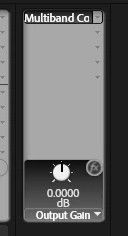
When using Track Effects, it's hard to see, on a 4K screen, whether the effect is on or off. The icon is just a small grey thing, and a silly little faint grey line appears through it when it's off.
Effect on:
Effect off, apparently:
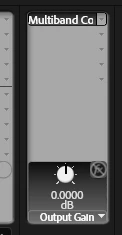
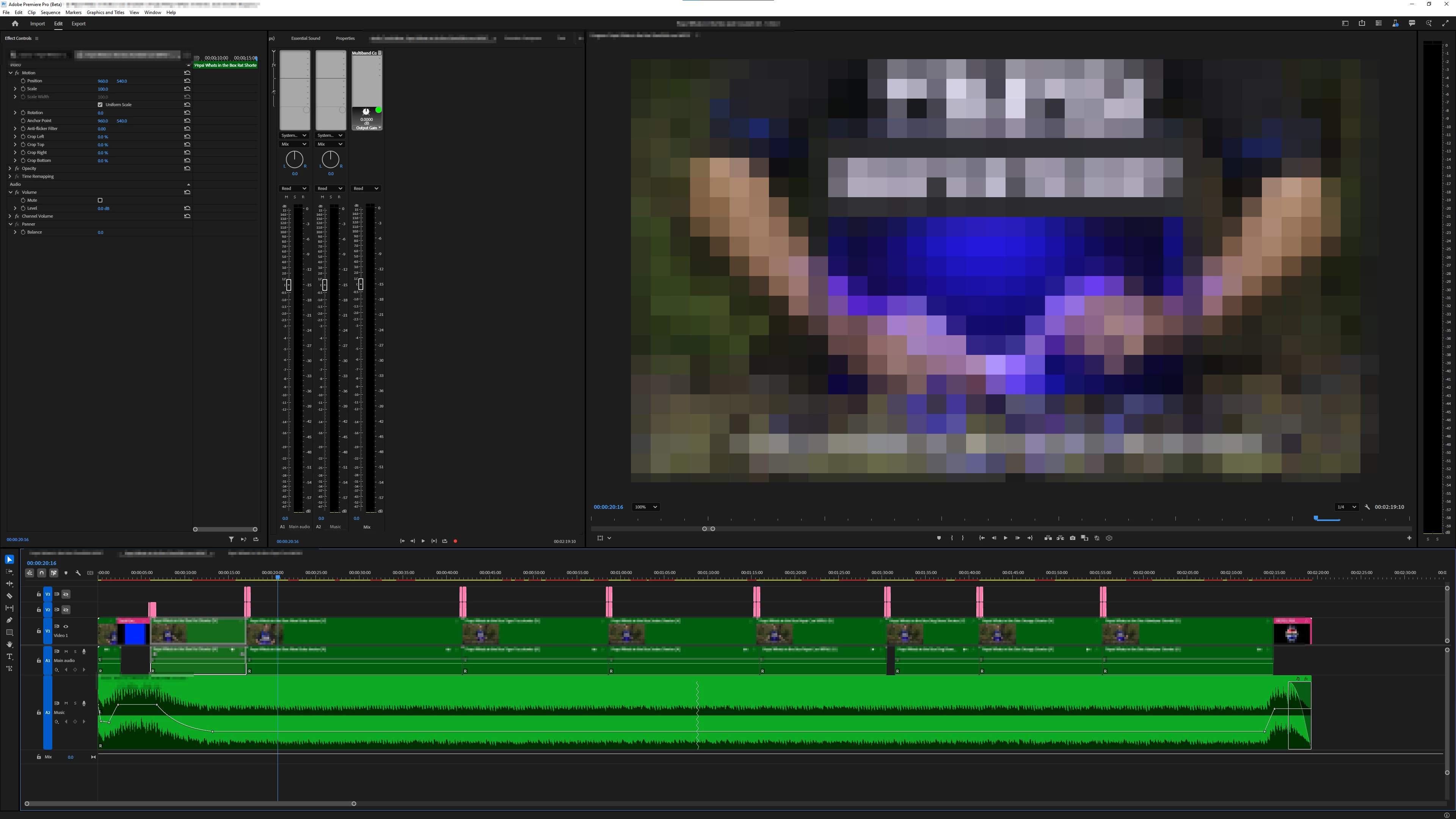
Could this please be changed to something more obvious; green for on and red for off would be the clearest. I know it might not fit in with the "design aesthetic" or whatever, but absolutely nobody cares. Making the software more efficient to use should be the number one priority, rather than making us have to press our noses to the screen to make out these unfriendly UI features.
This is how tiny that icon is in the "grand scheme of things". Is that effect off or on??
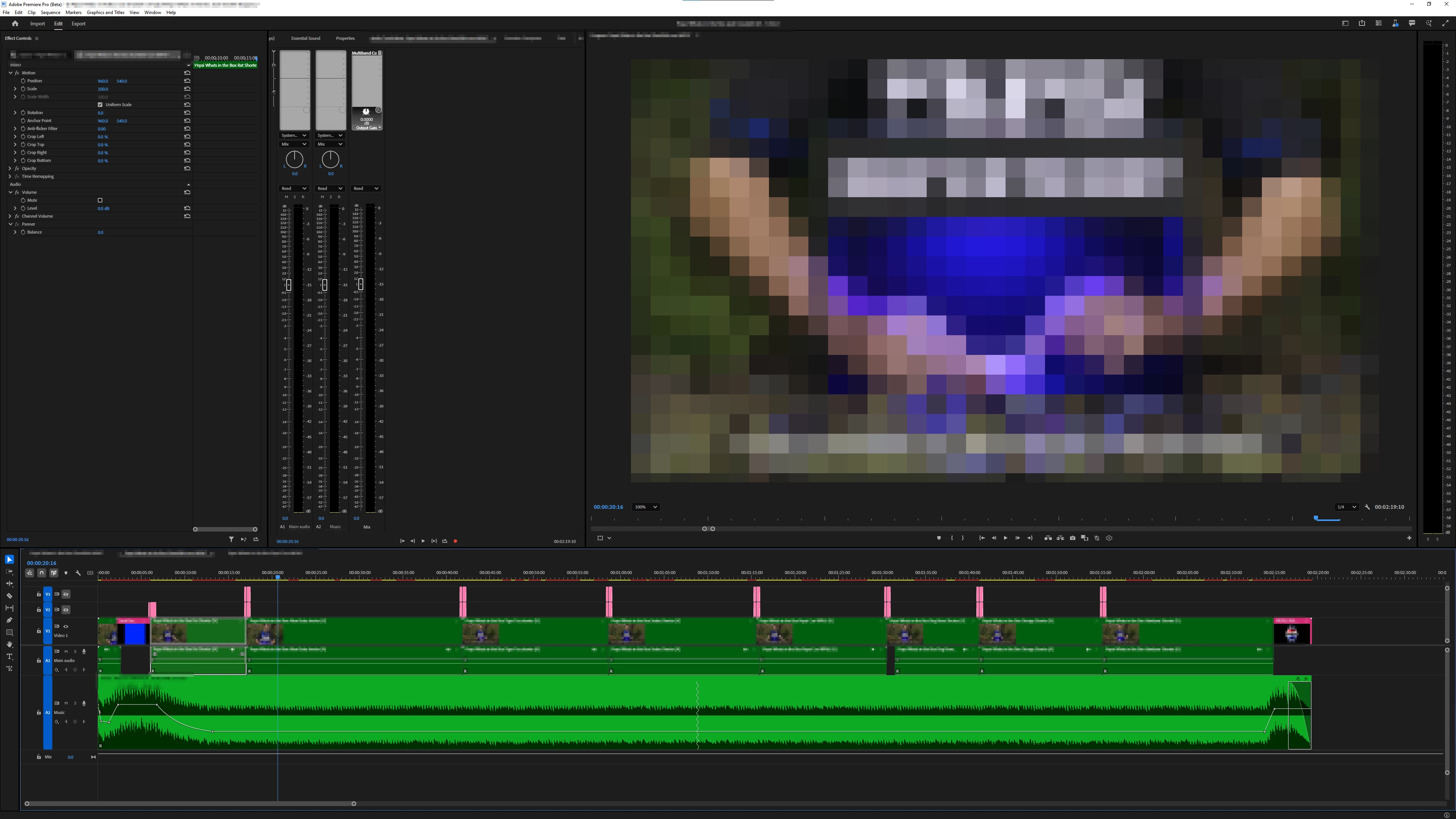
...but if it had a colour-code, it'd be possible to see its state even from miles away:
 AdChoices