

JuzMaintain
Participant
December 31, 2022
Open for Voting

Left / Right arrows

  • December 31, 2022
  • 3 replies
  • 288 views

When double clicking footage / pics into the Source monitor, it would be uber helpful if devs could code in left / right arrows to sit at opposite ends of the viewer window in said monitor (like Facebook has when you pull up a pic) so that users could use either the corresponding left / right arrow keys on the keyboard or the mouse to scroll through and view multiple clips / pics in succession without having to leave and return to the bin and double click the next clip / pic to load.


It's a major pain in the ass when you want to quickly scan several clips but you have to leave the Source monitor to load the next one. Just about every social media platform and website has these tools in place for quickly scanning through several pics. Not an engineer but, if the tech already exists...
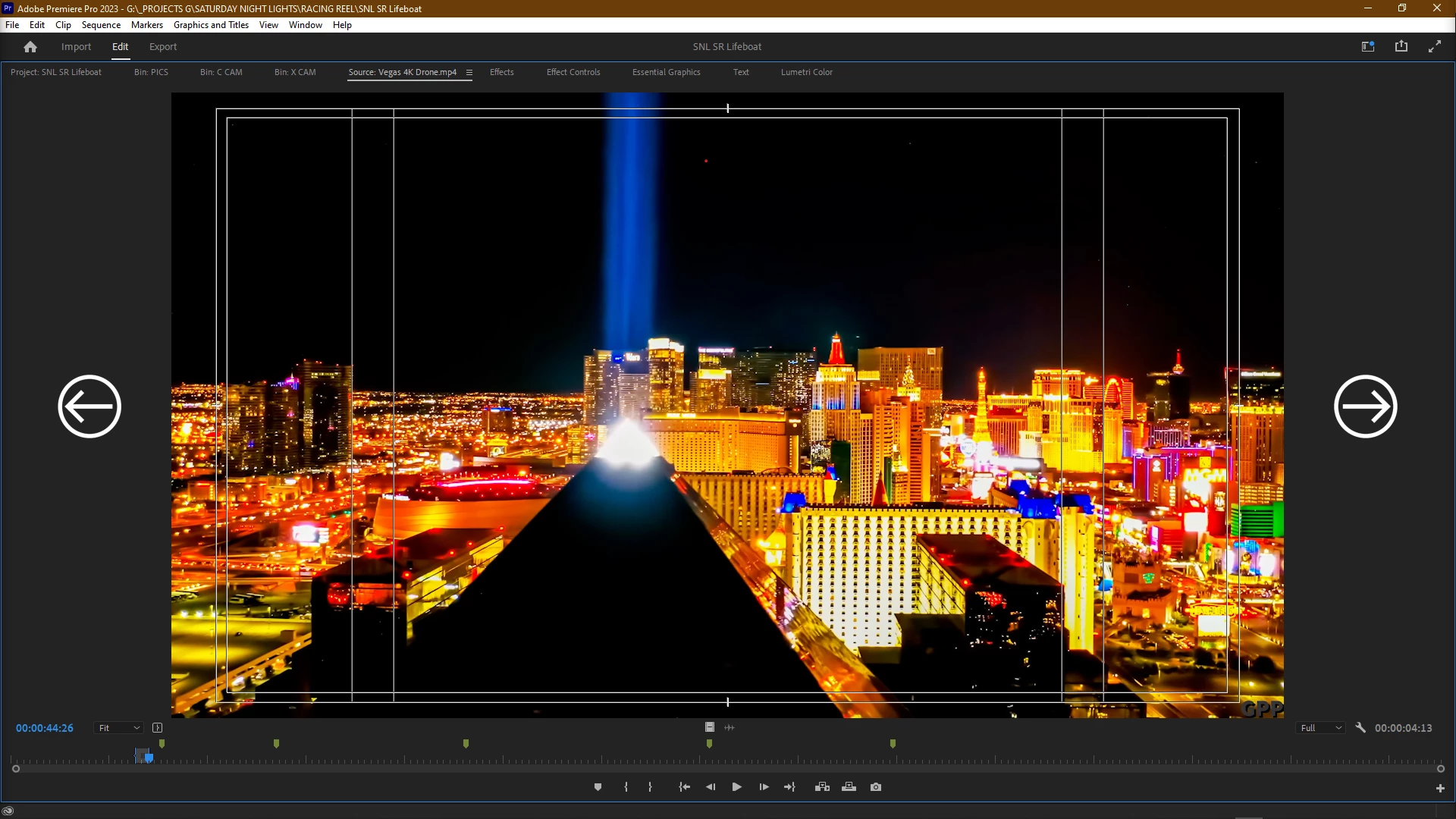
 

Also, get rid of the Save a Copy... function. Redundant and unecessary.


Thanks!


Stan

Chatsworth, CA

3 replies

Kevin-Monahan
Community Manager
Community Manager
January 3, 2023

Yes, Ann. You can also set up a custom keyboard to load the next and previous clips that you load into the Source Monitor. You can load up a bin of clips all at once, then use shortcuts to go to the next and previous clips. The only difference is that there are no left and right arrows on the UI. I find this quite handy!

Thanks,
Kevin

Kevin Monahan - Sr. Community and Engagement Strategist – Adobe Pro Video and Audio
MyerPj
Community Expert
Community Expert
December 31, 2022

A quick search found this:

Save A Copy: saves the document under a new name, but the original stays open for editing, not the new one. Save As: You save the document under a new name, and the new file stays open for editing.

Ann Bens
Community Expert
Community Expert
December 31, 2022

The main difference is Premiere is not social media or Facebook, its a Non linear editor.

You can load up a whole bunch of clips in one go into the source monitor.

then you can select a clip from the hamburger menu.


Save a Copy might save your but someday especially if project file is corrupt included auto save.


I will move the thread to the Idea section so users can vote on this.