Participant
March 7, 2021
Resuelto

4K 60fps footage becomes 30fps when I export it

  • March 7, 2021
  • 2 respuestas
  • 3870 visualizaciones

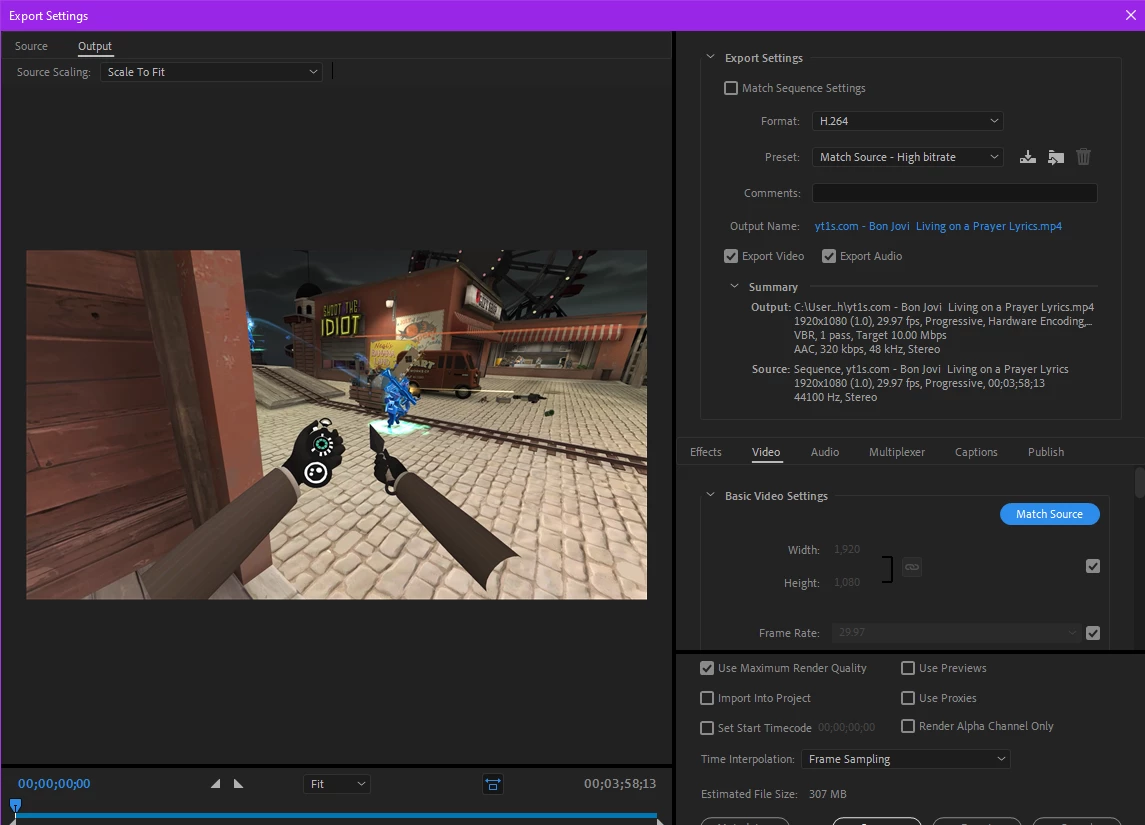
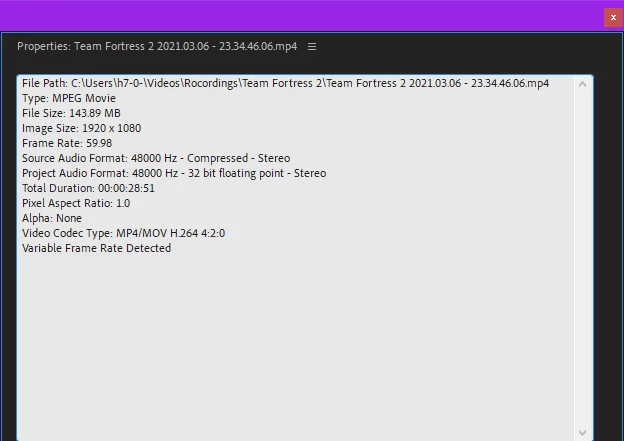
I've been using premiere pro for a while now and recently started with new 4K 60fps footage instead of 1080p 30 fps, today for whatever reason when I put my footage into my sequence it becomes 30fps, and even tho when pre-loaded it's 60 and says it's 60 when I got into the [modify clip/interpret footage/frame rate] but as soon as it's in the sequence or I go to export it shows up as 30 and says the source footage is 30 which it isn't.
Este tema ha sido cerrado para respuestas.
Mejor respuesta de Ann Bens

Your screenshot does show 29,97.

Post screenshot sequence settings and

Please post screenshot of clip in MediaInfo in treeview.


You can go into the sequence settings and change the framerate.


2 respuestas

Participant
March 7, 2021

Haha nvm I just figured it out, my sequence had magically become 30fps instead of 60fps so it's all good now

Legend
March 7, 2021

unless your end use is on a platform that supports 60fps, you might be smarter to just set your sequence settings to 30fps.


Ann Bens
Community Expert
Ann BensCommunity ExpertRespuesta
Community Expert
March 7, 2021

Your screenshot does show 29,97.

Post screenshot sequence settings and

Please post screenshot of clip in MediaInfo in treeview.


You can go into the sequence settings and change the framerate.