
Inspiring
January 21, 2019
Beantwortet

adjusting circle mask while maintaining a perfect circle

  • January 21, 2019
  • 1 Antwort
  • 1344 Ansichten

Hi all!

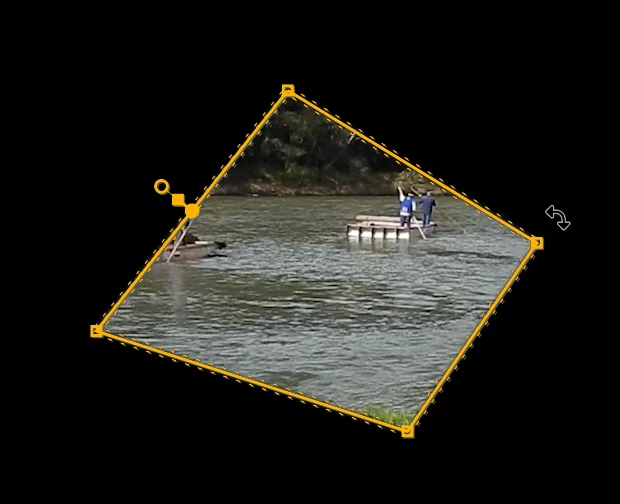
Is there some magic key I'm missing that allows adjusting the size of the circular or the rectangular mask while keeping it in its perfect original shape, just bigger or smaller? (other than 'mask expansion')
    Dieses Thema wurde für Antworten geschlossen.
    Beste Antwort von Ann Bens

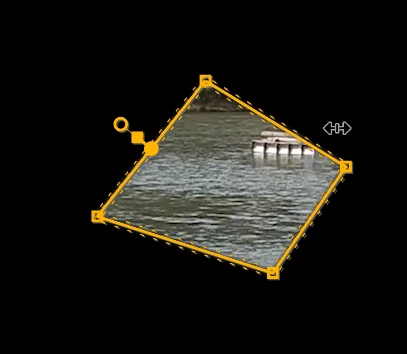
    Hover your mouse near a point so it becomes the rotate shape.

    Now hit the shift button and drag in or outwards.

    1 Antwort

    Ann Bens
    Community Expert
    Ann BensCommunity ExpertAntwort
    Community Expert
    January 21, 2019

    Hover your mouse near a point so it becomes the rotate shape.

    Now hit the shift button and drag in or outwards.

    Inspiring
    January 21, 2019

    Brilliant!

    Thank you so much Ann Bens, I was looking for this solution for ages!

    you saved me tons of time, cheers