Participant
April 28, 2020
Question

Adjustment Layer isn't properly affecting the layer underneath it.
  • April 28, 2020
  • 5 replies
  • 3285 views

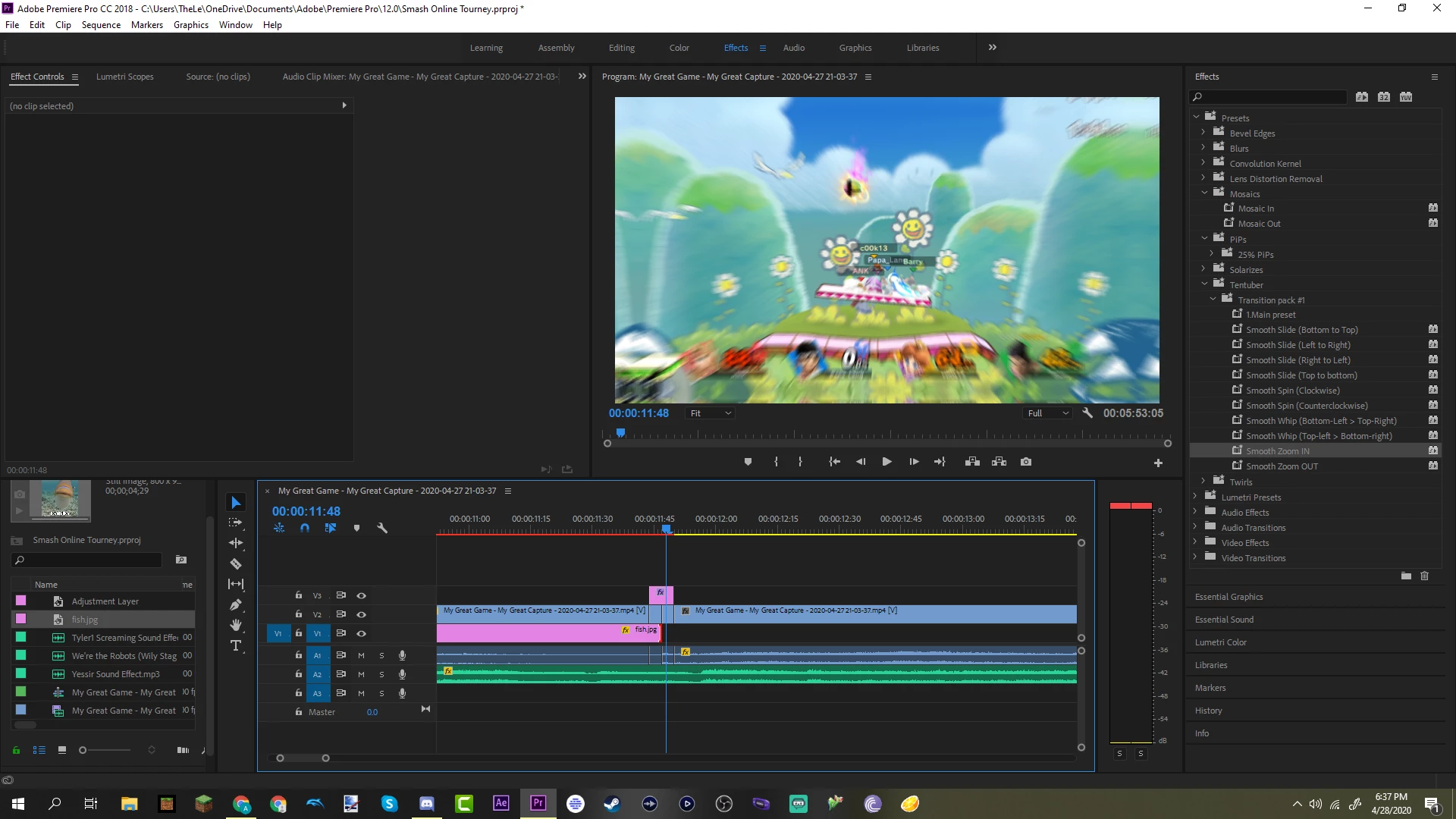
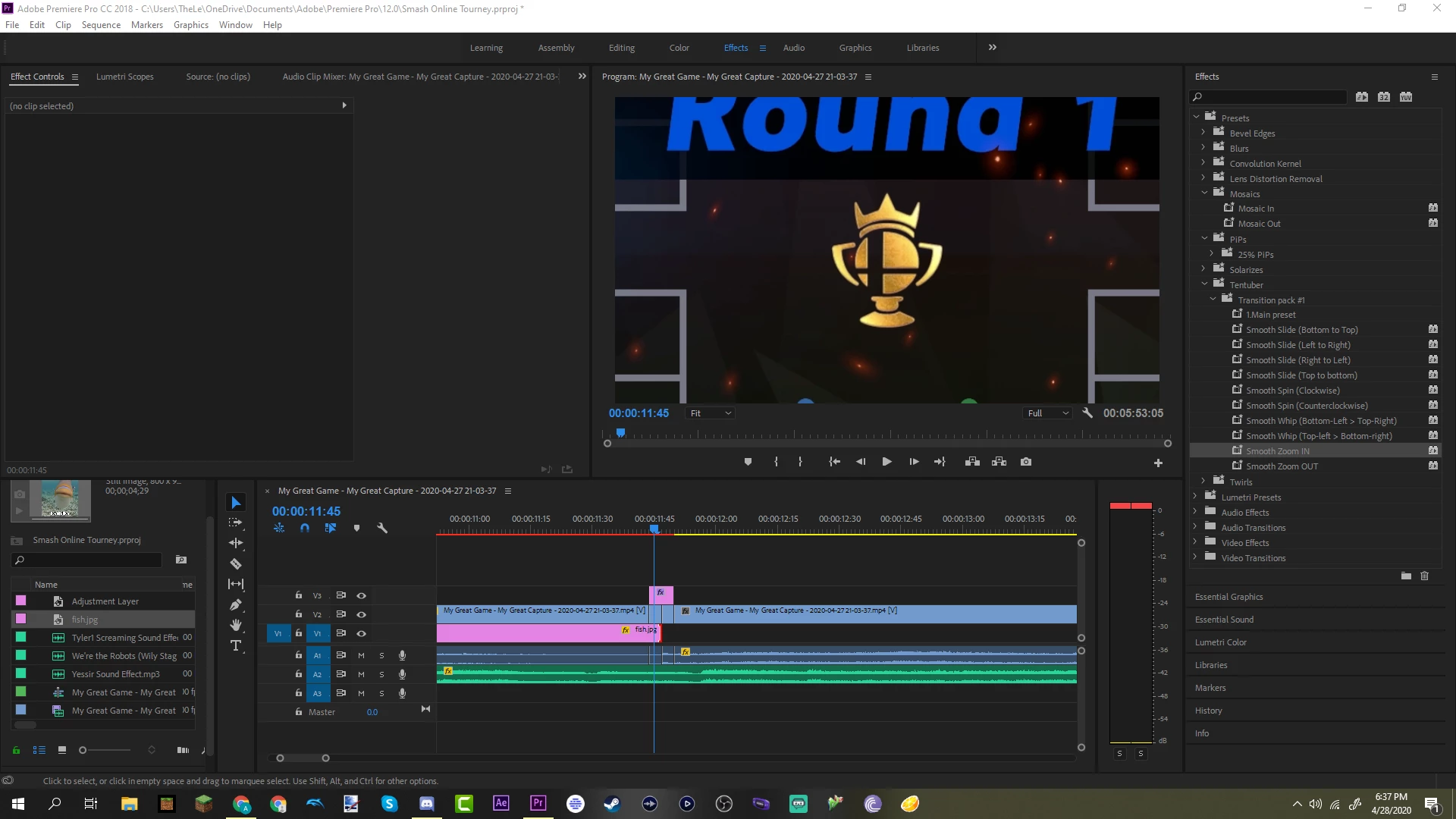
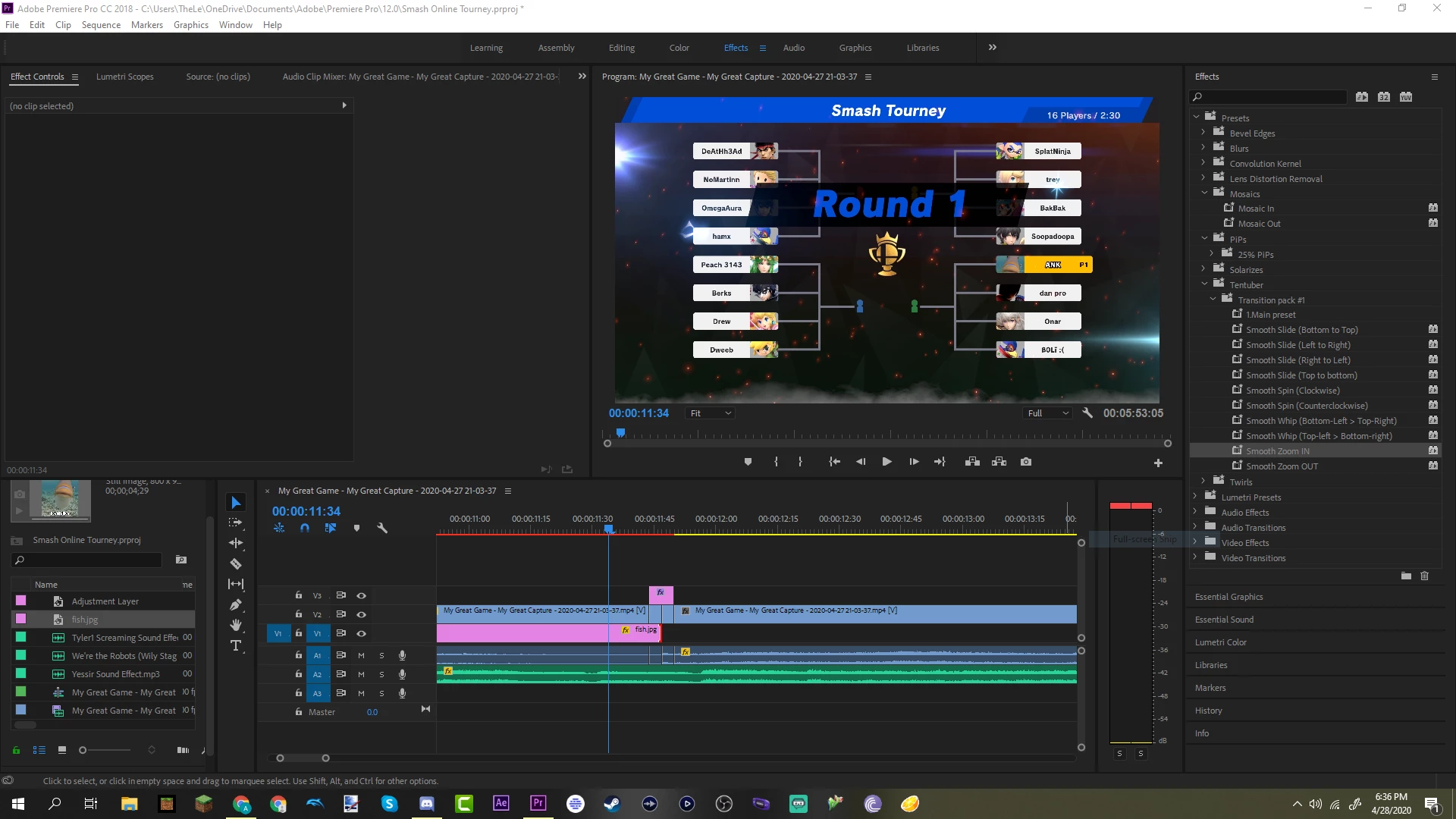
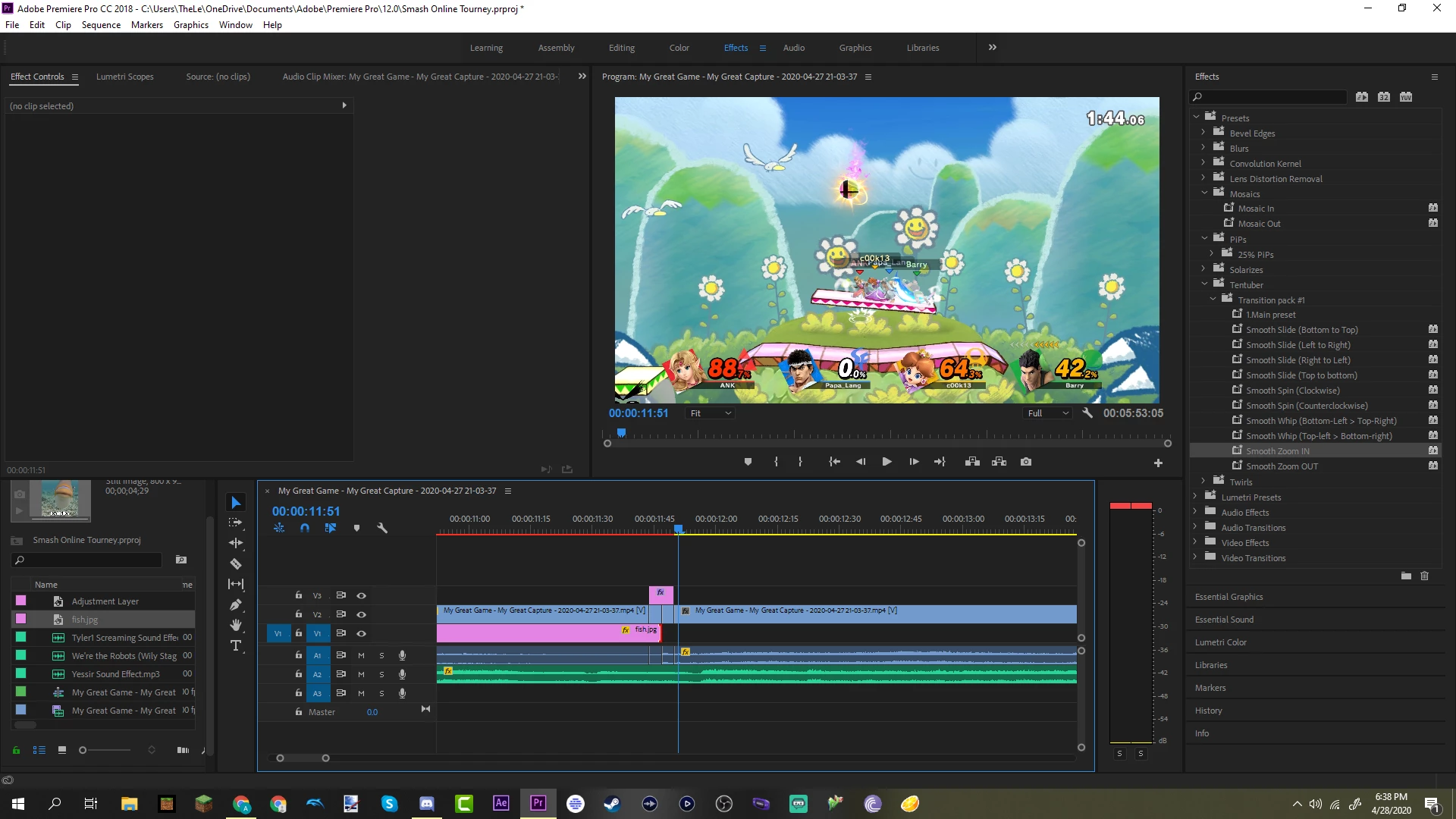
I'm using an adjustment layer for a smooth zoom in transition, and what usually happens is after applying the smooth zoom in to the adjustment layer, the effect would apply to both the left and right clip underneath it. Instead, the clip on the right is working, but the one on the left just is a still image close up before cutting away. The transition works on other clips in my timeline, but this specific clip is being difficult. The only thing I did to the clip beforehand was put a mask on it. Thanks in advance. (pictures are in backward order sorry)

This topic has been closed for replies.

5 replies

Participant
January 23, 2021

I'm having this exact same problem. Did you end up finding a solution? It seems to me that the "adjustment layer transition" doesnt work over layers that have graphics or text or something. 

Participant
September 26, 2022

same issue here


Ann Bens
Community Expert
Community Expert
April 29, 2020

Post screenshot of effect controls of the adjustment layer with the keyframes

Dont you need to use the main preset?


Go to the vendors website and look for tutorials.

Peru Bob
Community Expert
Community Expert
April 29, 2020

Try resetting the preferences:
https://community.adobe.com/t5/Premiere-Pro/FAQ-How-to-reset-trash-preferences-in-Premiere-Pro/td-p/8236158

If that doesn't work, try resetting the Workspaces:
Reset a workspace
Reset the current workspace to return to its original, saved layout of panels.
1. Do one of the following:
• Click the Workspace menu icon and select Reset to Saved Layout.
• Choose Window > Workspace > Reset to Saved Layout.
from here:
https://helpx.adobe.com/premiere-pro/using/workspaces.html

If that doesn’t work, try updating or rolling back your graphics driver directly from the video card manufacturer’s site.

Also, 
Delete the Media Cache and Media Cache files:
https://community.adobe.com/t5/premiere-pro/faq-how-to-clean-delete-or-trash-media-cache-files/td-p/...

Peru Bob
Community Expert
Community Expert
April 28, 2020

Try rendering the timeline by pressing Enter so that the red line turns green.

The red indicates that it needs to be rendered to play properly in real time.

ank29Author
Participant
April 29, 2020

It still does the same thing.

Peru Bob
Community Expert
Community Expert
April 28, 2020

The photo attachment feature of the forum no longer works.  Please use the insert photos icon.

ank29Author
Participant
April 28, 2020

I added them, thank you