Kevin-Monahan
Community Manager
Community Manager
April 14, 2020
質問

Adobe Offers Team Projects to Creative Cloud Individual Users Free

  • April 14, 2020
  • 返信数 2.
  • 2127 ビュー


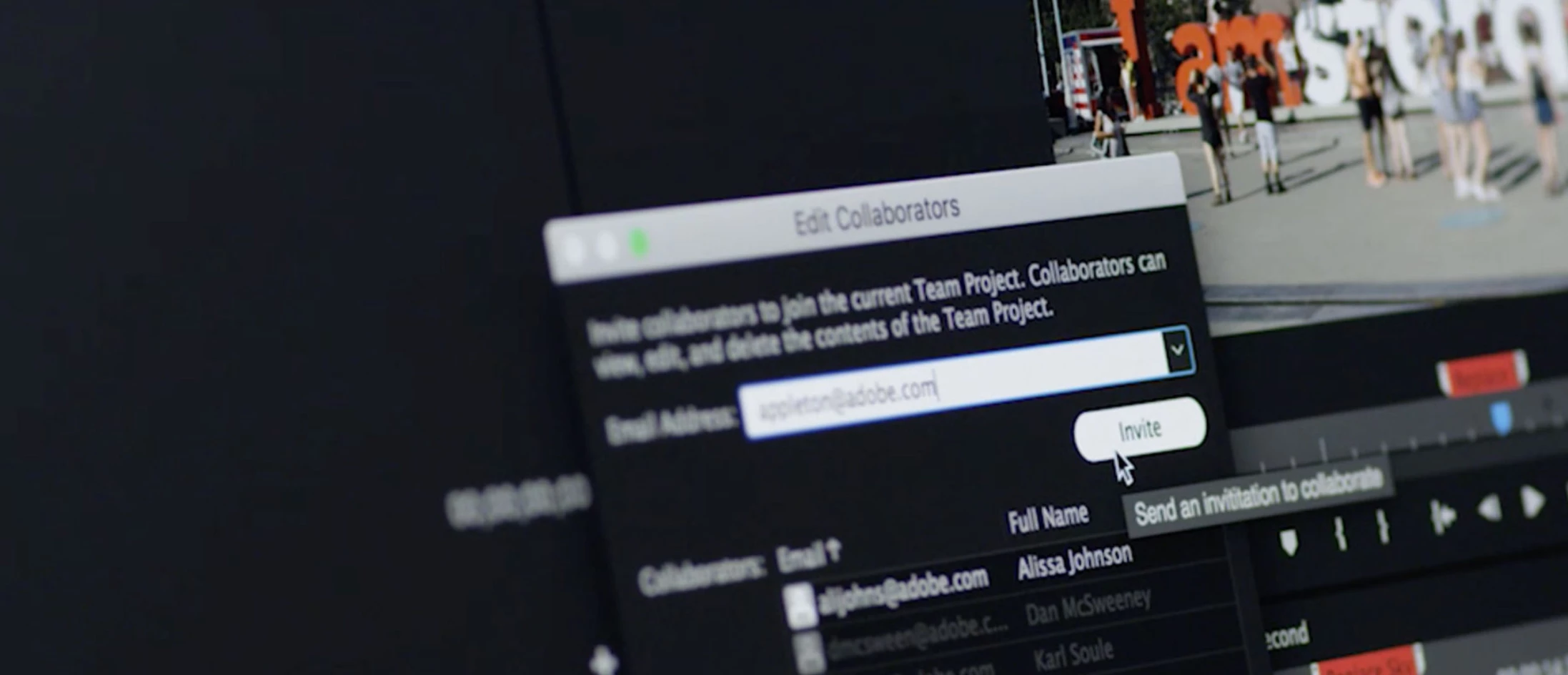
Working Remotely? Adobe Offers Team Projects to Premiere Pro and After Effects Users with a Creative Cloud Individual License Through August 17, 2020.

Info 
here.

このトピックへの返信は締め切られました。

返信数 2

Kevin-Monahan
Community Manager
Kevin-MonahanCommunity Manager作成者
Community Manager
April 14, 2020

What is "Team Projects" and who is it for?


Please check out these resources, especially the excellent PDF, which will completely explain everything in detail:


Productions PDF: https://helpx.adobe.com/content/dam/help/en/premiere-pro/using/production-panel/jcr_content/main-pars/download_section/download-1/premiere-pro-productions-workflow-guide.pdf


Productions helpx article: https://helpx.adobe.com/premiere-pro/using/production-panel.html


My take on Team Projects vs. Productions


Team Projects

  • Your team works with a single project file that lives in the cloud.
    • No one owns the file.
    • You just log in to the project.
    • Internet access is required to save and upload changes to the project.
  • Useful for large teams of remote collaborators
  • Typically, collaborators are working from the same media in remote locations
    • You can also use local high speed storage.
  • Good for working on many small projects, like branded social media, episodic, or corporate video.

,

Would a Single Project or "Productions" workflow be more suitable than a Team Project?

  • For a solo editor in a single location working on small and large projects alike, better choices would be:
    • A standard Premiere Pro project: smaller projects
    • A "Productions" workflow: when smaller projects grow too large.
  • For a lead editor (for example, of a feature film), in a post-production house or enterprise. a better choice would be a "Productions" workflow
  • Productions also works well for any other lead editor in a collaborative environment that has the following:
    • other editors collaborating with the editor
    • works in a complex single large project
    • needs to track many pieces of media
    • media is typically shared via an internal network, such as a SAN


You could also give it a try and see if you can find some benefit for your particular situation, especially if you are in a remote collaborative work environment. 

Kevin Monahan - Sr. Community & Engagement Strategist – Pro Video and Audio
Kevin-Monahan
Community Manager
Kevin-MonahanCommunity Manager作成者
Community Manager
April 14, 2020

Check out this video for some great info on Team Projects:

Adobe Video: Livestream Series with Bob Lindeman and Jason Levine

Kevin Monahan - Sr. Community & Engagement Strategist – Pro Video and Audio