
Adobe Premiere Pro Cannot Link Familiar File with 2/1 Audio Channels
Hi there. I'm re-editing a video project in Adobe Premiere Pro that I haven't touched since 2018. Premiere has undergone some updates since then.
All my files are exactly where and how I left them, on this project has its own secure external drive.
However, two of my video files will not load correctly.
When I open the project, it says for each of these two video files, "The selected file cannot be linked because it has 1 audio channel(s) and the clip was created with 2 audio channel(s) with a different channel type."
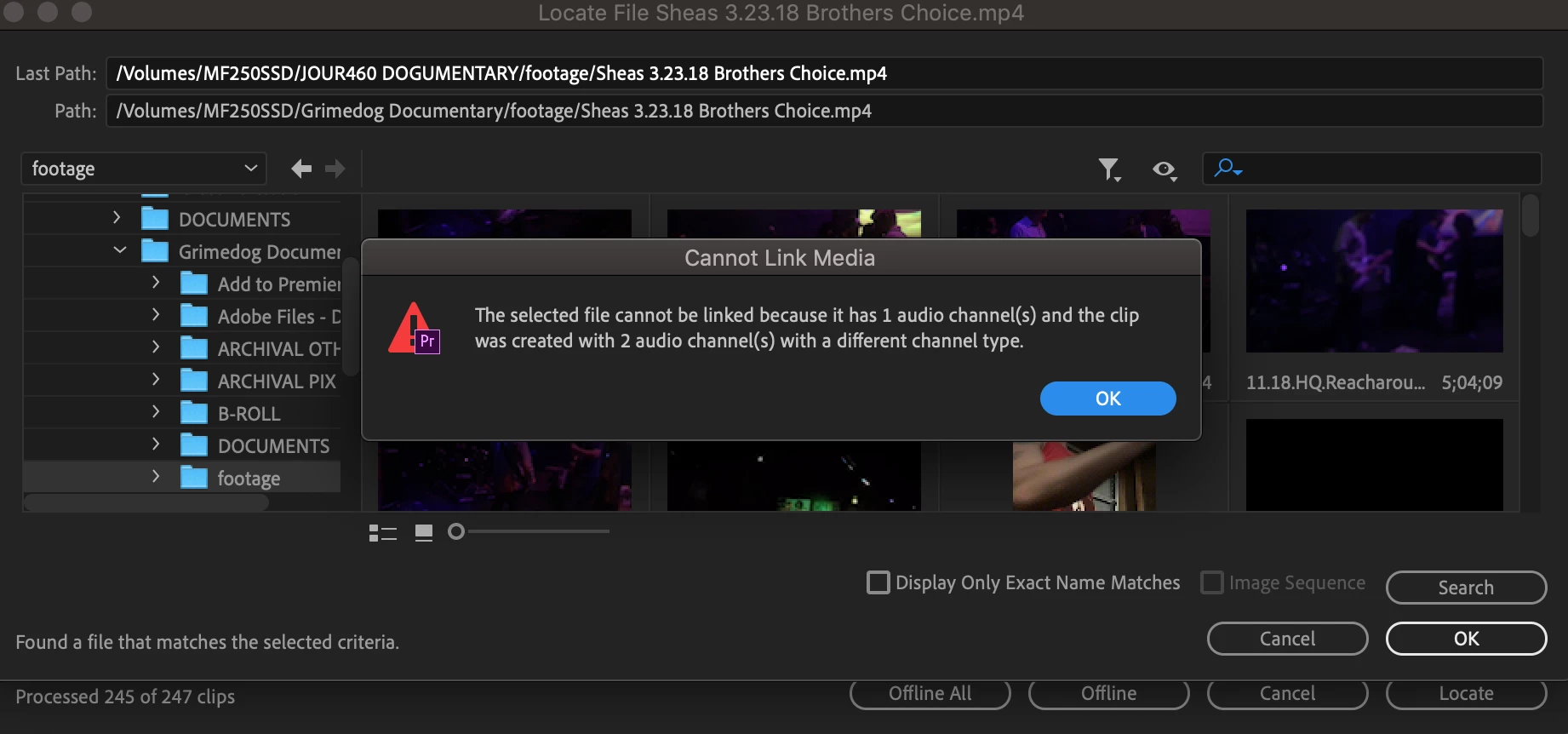
Please help me. I have no idea why it's doing this or how to fix it. Every file is the same as it was before.
[To find a forum for your program please start at https://community.adobe.com/]
[Moving from generic Start/Help forum to the specific Program forum... Mod]
 AdChoices