
Participating Frequently
June 18, 2017
Question

audio plays but video is blank

  • June 18, 2017
  • 1 reply
  • 2196 views

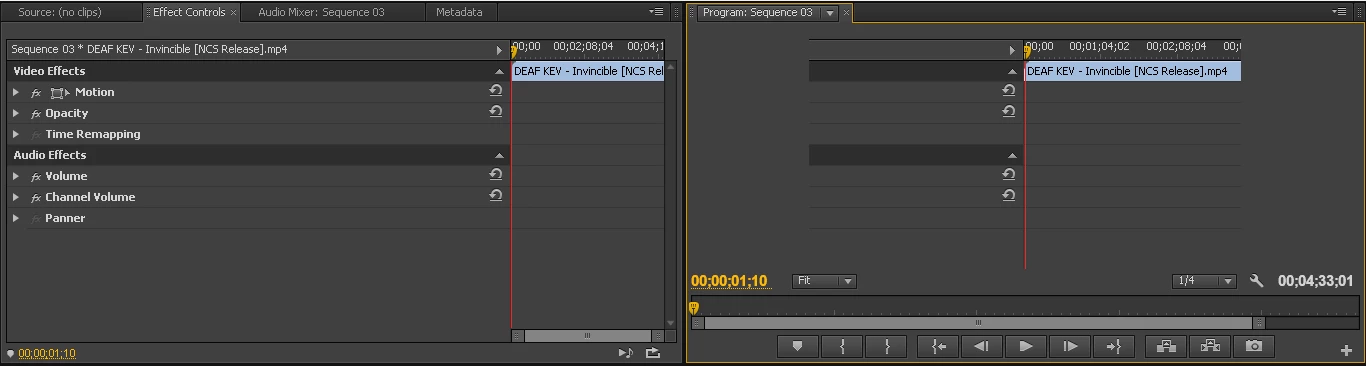
So, im trying to edit a video, but when i put the video to the timeline the video is not playing but the sound is there. rendering the sequence doesnt do anything, closing and opening the program manager doesnt do anything either,

closing and opening the program manager did this
This topic has been closed for replies.

1 reply

John T Smith
Community Expert
Community Expert
June 18, 2017

More information needed for someone to help... please click below and provide the requested information

-Troubleshooting https://forums.adobe.com/thread/2261475

-Premiere Pro Video Editing Information FAQ http://forums.adobe.com/message/4200840

-WITH Exactly which version of Premiere Pro

-WITH exactly what are the codec details of what you are editing?

-WITH what effects are you using with the video?

-WITH exactly what export settings did you use for your output?

-WITH the brand/model graphics adapter (ATI or nVidia or ???) and exact driver version

-Do not count on Windows to be fully up to date when it comes to device drivers

-Go to the vendor site to be sure you have an updated driver for your graphic adapter

•nVidia Driver Downloads http://www.nvidia.com/Download/index.aspx?lang=en-us

•ATI Driver Autodetect http://support.amd.com/en-us/download/auto-detect-tool

Participating Frequently
June 19, 2017

Adobe premiere pro cs6

Version 6.0.p (319 (mc: 264587)

video previews:

Preview file format: microsoft avi

Codec:DV NTSC

Width x height:720x480

Maximum bit depth and maximum render quality are disabled

No effects

H.264

Youtube hd 1080p 25 preset

Intel(R) HD Graphics

Provider: Intel Corporation

Date: 12/21/2015

Version:10.18.10.4358

Digital signer: microsoft windows hardware compatibility publisher

Participating Frequently
June 19, 2017

I updated the driver to version 10.18.10.4425 using intel driver update utility the video preview is still not there